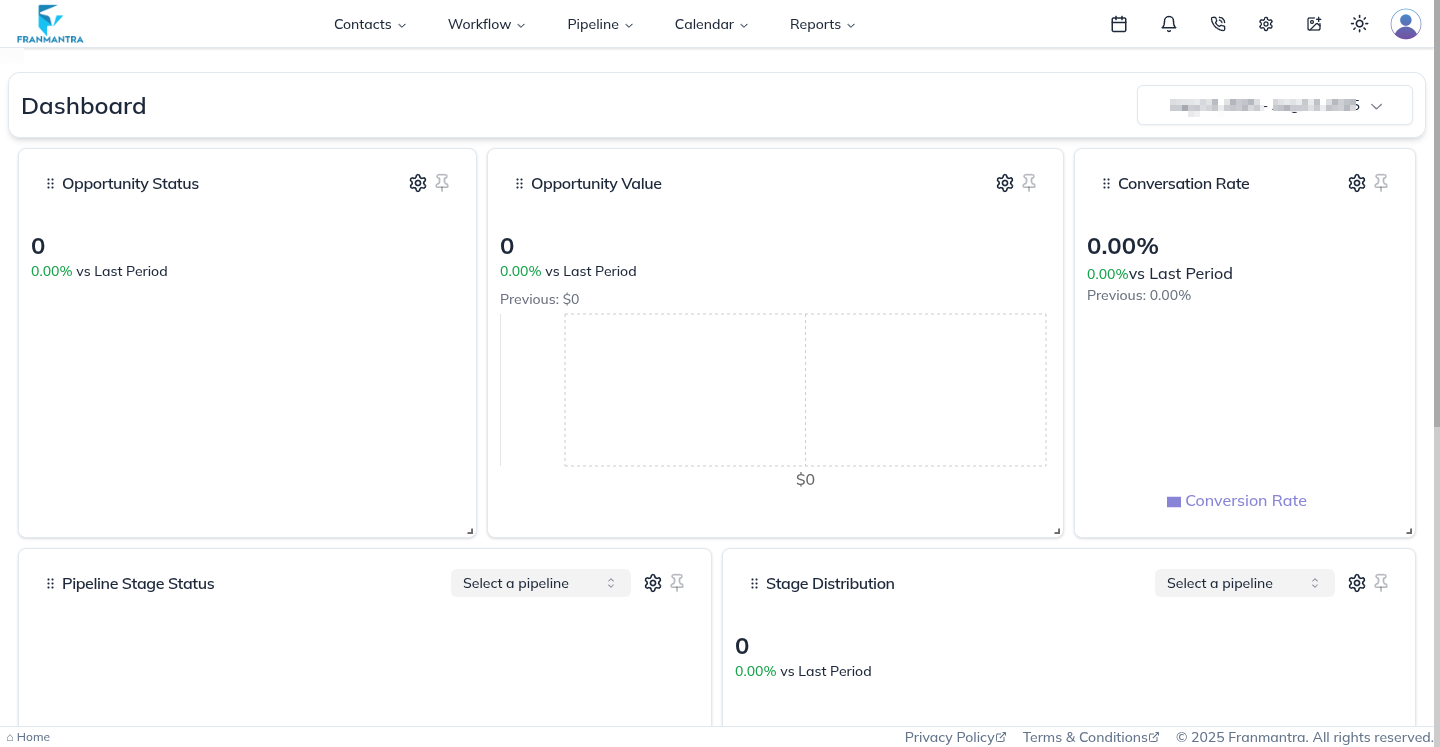
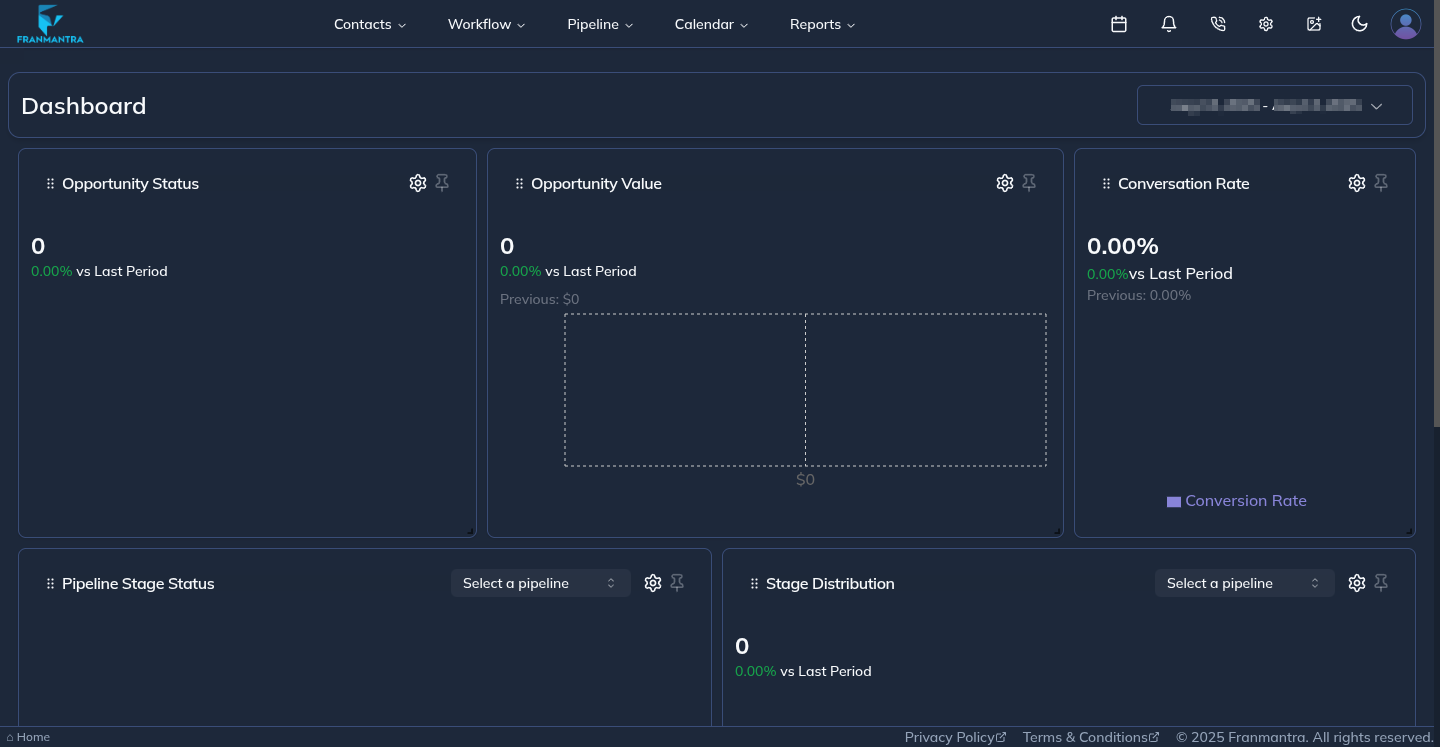
Login to Franmantra
Franmantra CRM is a comprehensive customer relationship management solution designed to streamline business processes and enhance customer engagement. Experience seamless management of contacts, sales pipelines, and customer support all in one platform.
Welcome to Franmantra CRM! We are thrilled to have you on board.
Getting your Credentials
You will receive your login credentials via email shortly after registration. Please check your inbox and follow the instructions to proceed with your login.
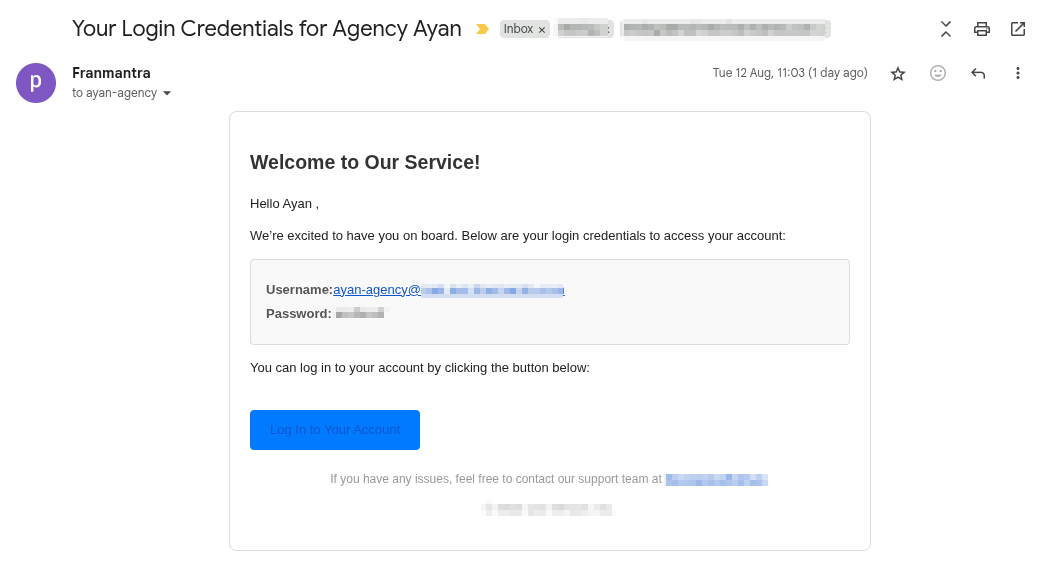
Upon receiving your login credentials via email, please proceed to the Franmantra CRM
Once the app loads, you'll be greeted with a page that looks like this 👇
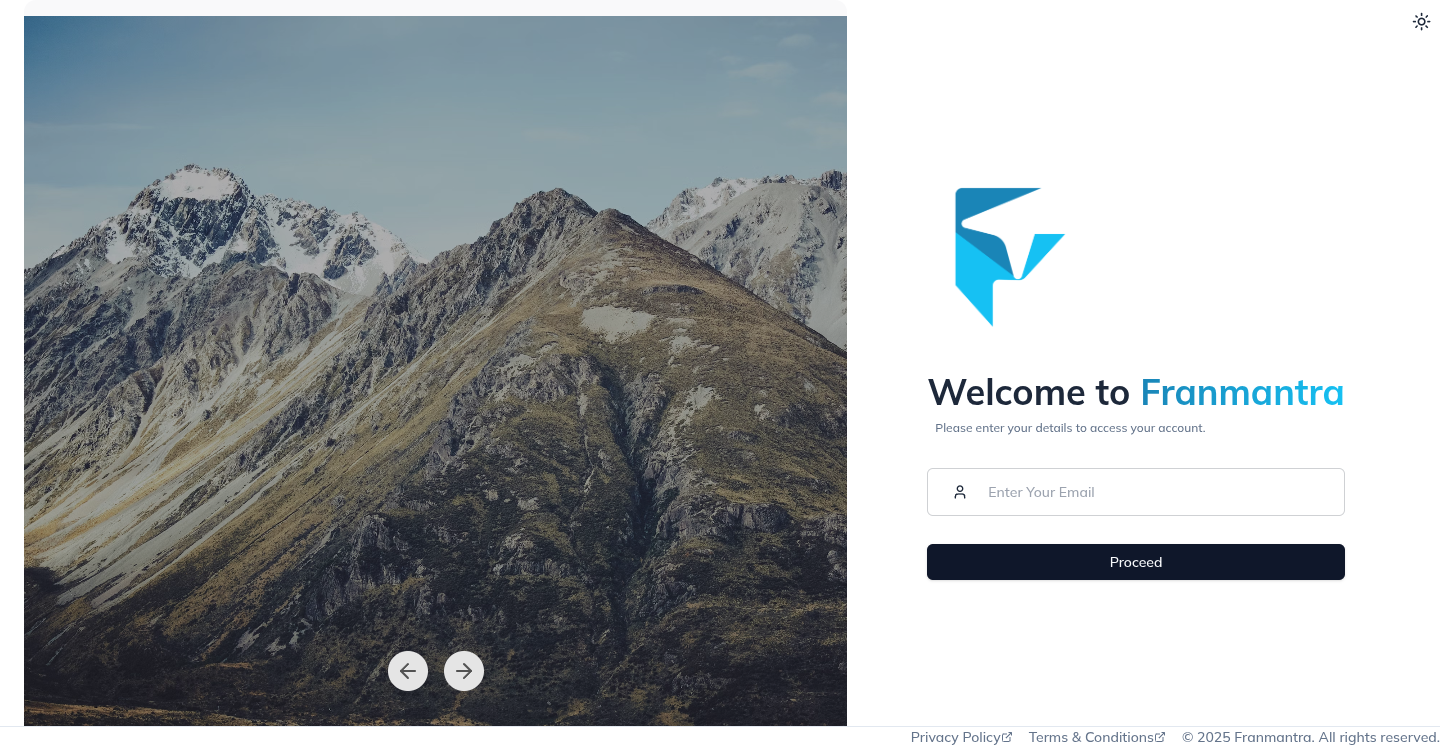
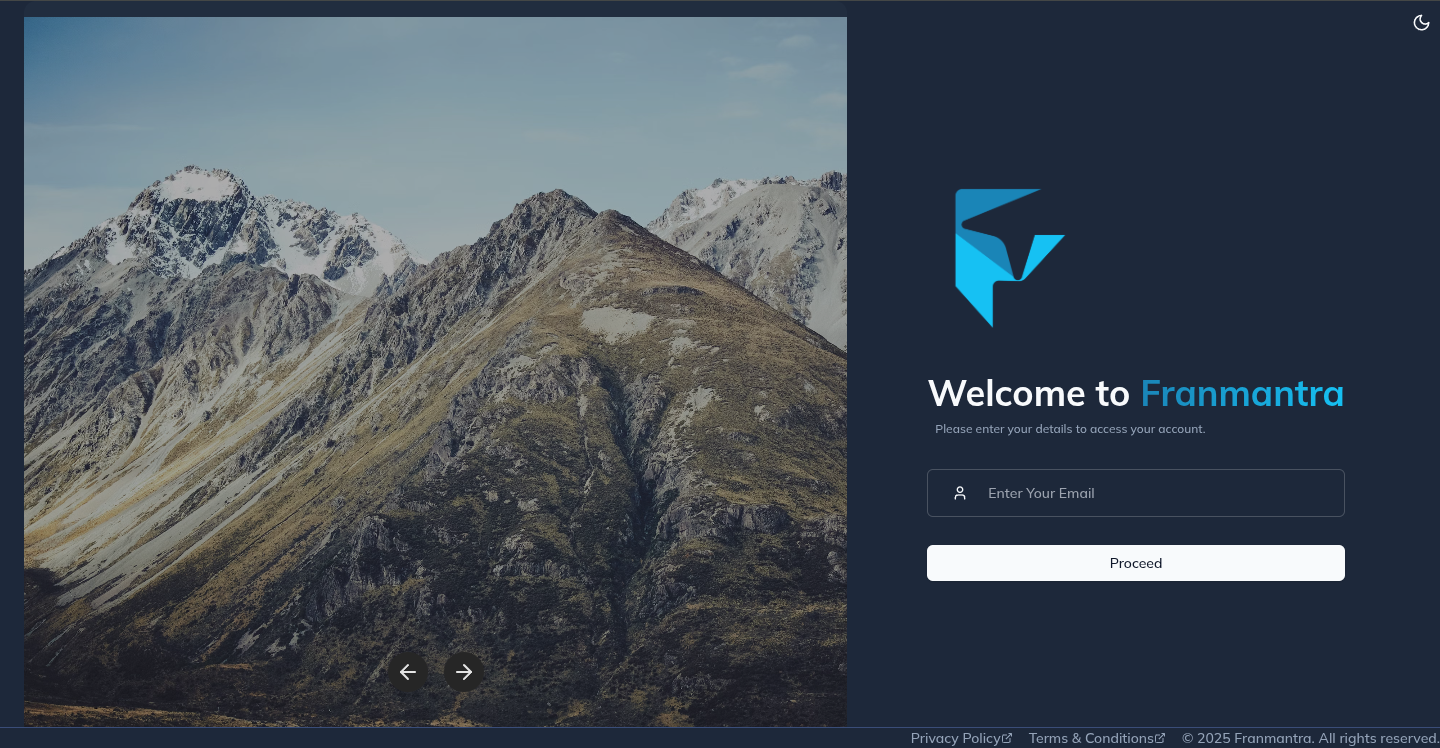
Signing In to the System
Once the application has successfully loaded, you should enter the username that was provided to you in the email. This username is essential for accessing your Franmantra CRM account. Ensure that you type it accurately to avoid any login issues.
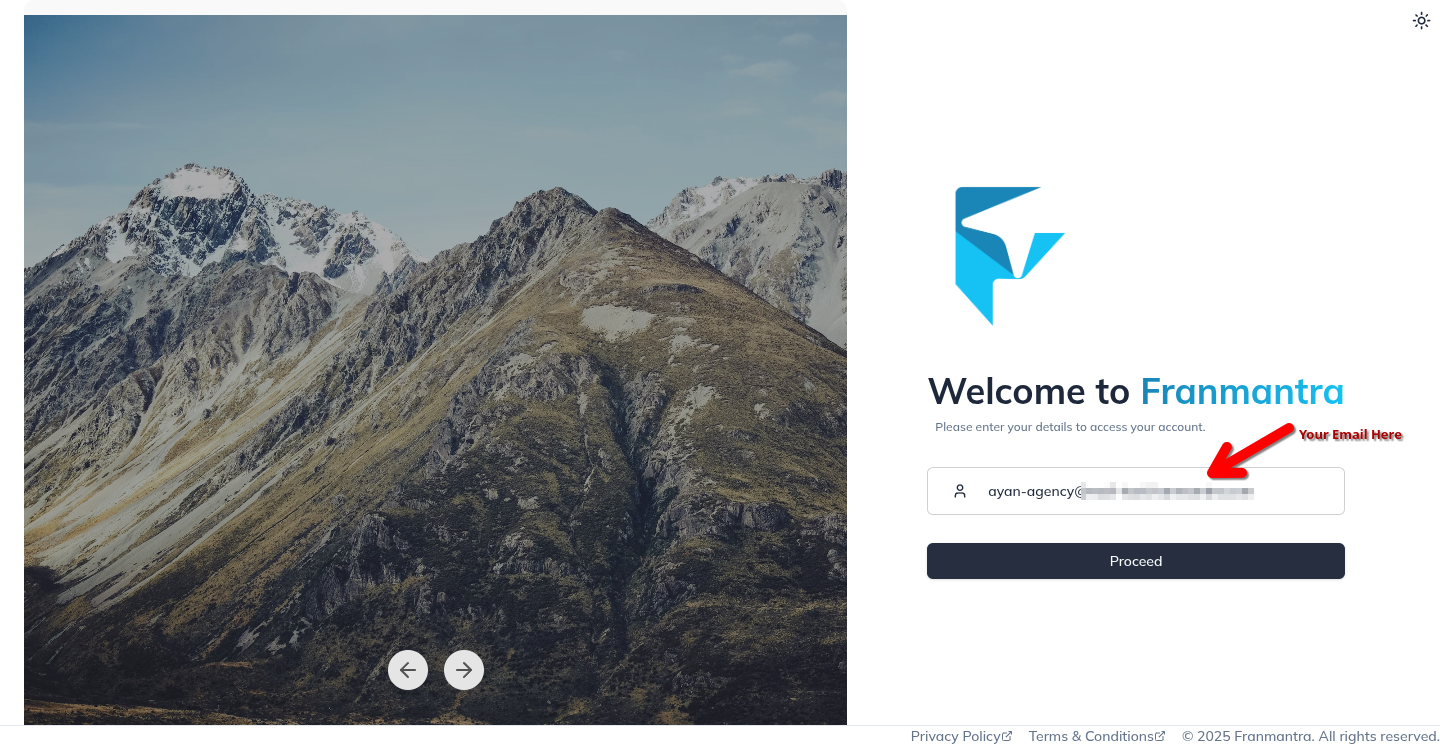
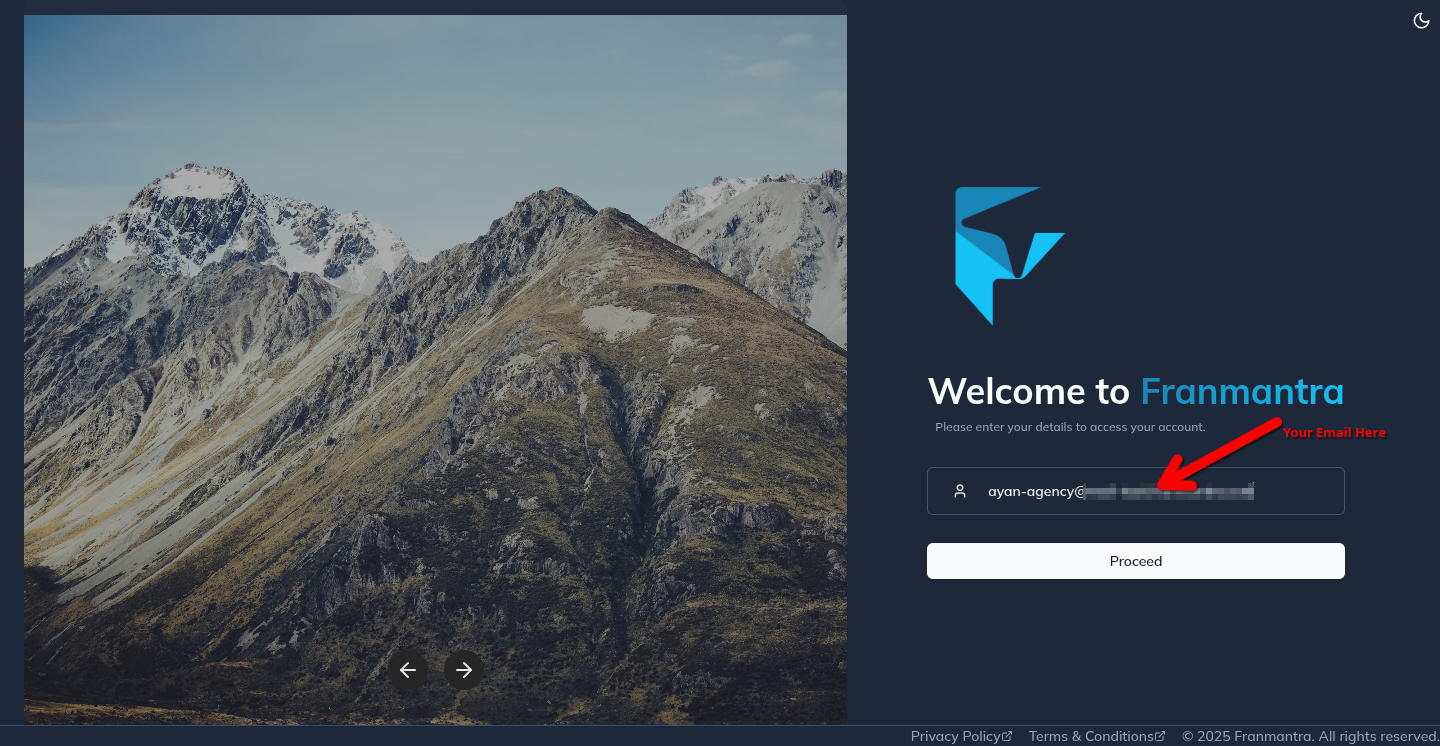
Upon entering the correct username, click on the Proceed button to continue.
Password Login
The system will then verify the username and if it is correct, you will be redirected to the password page 👇
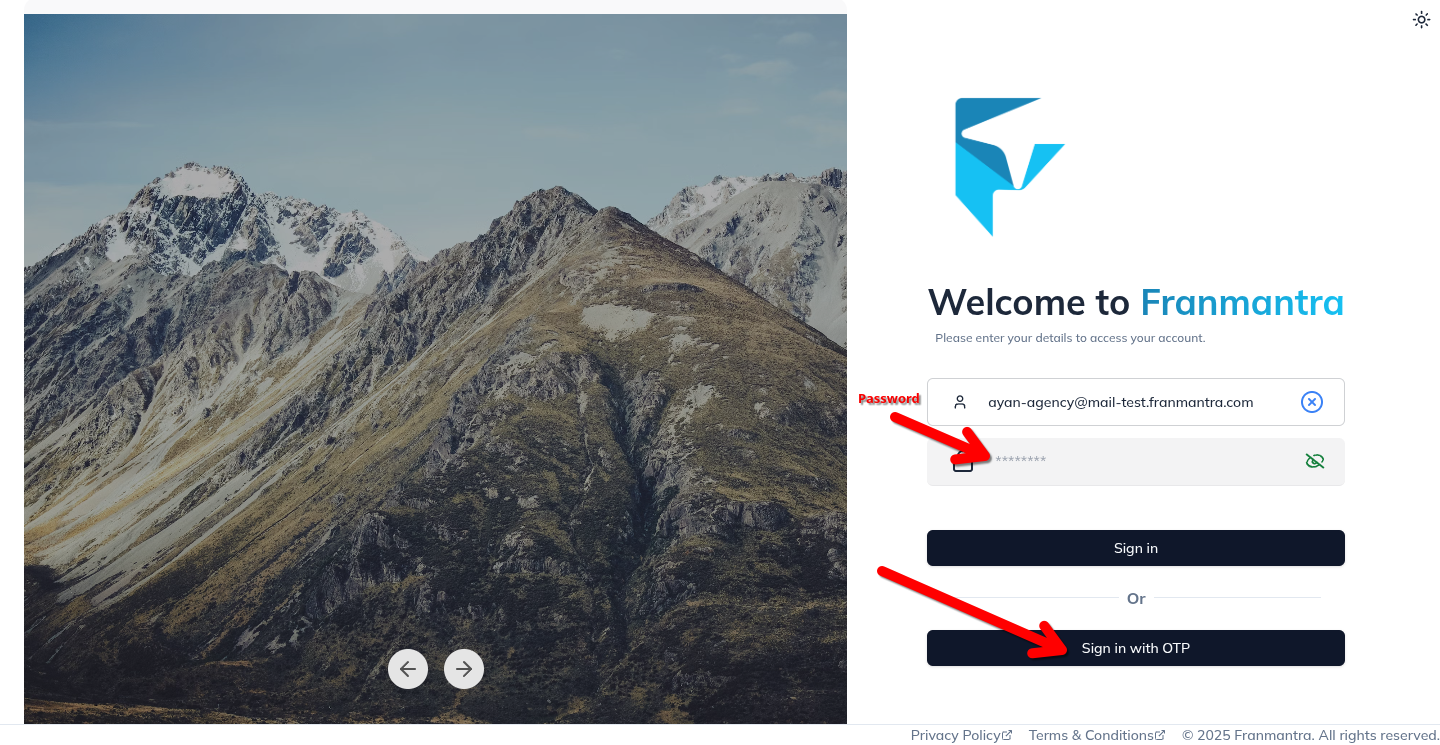
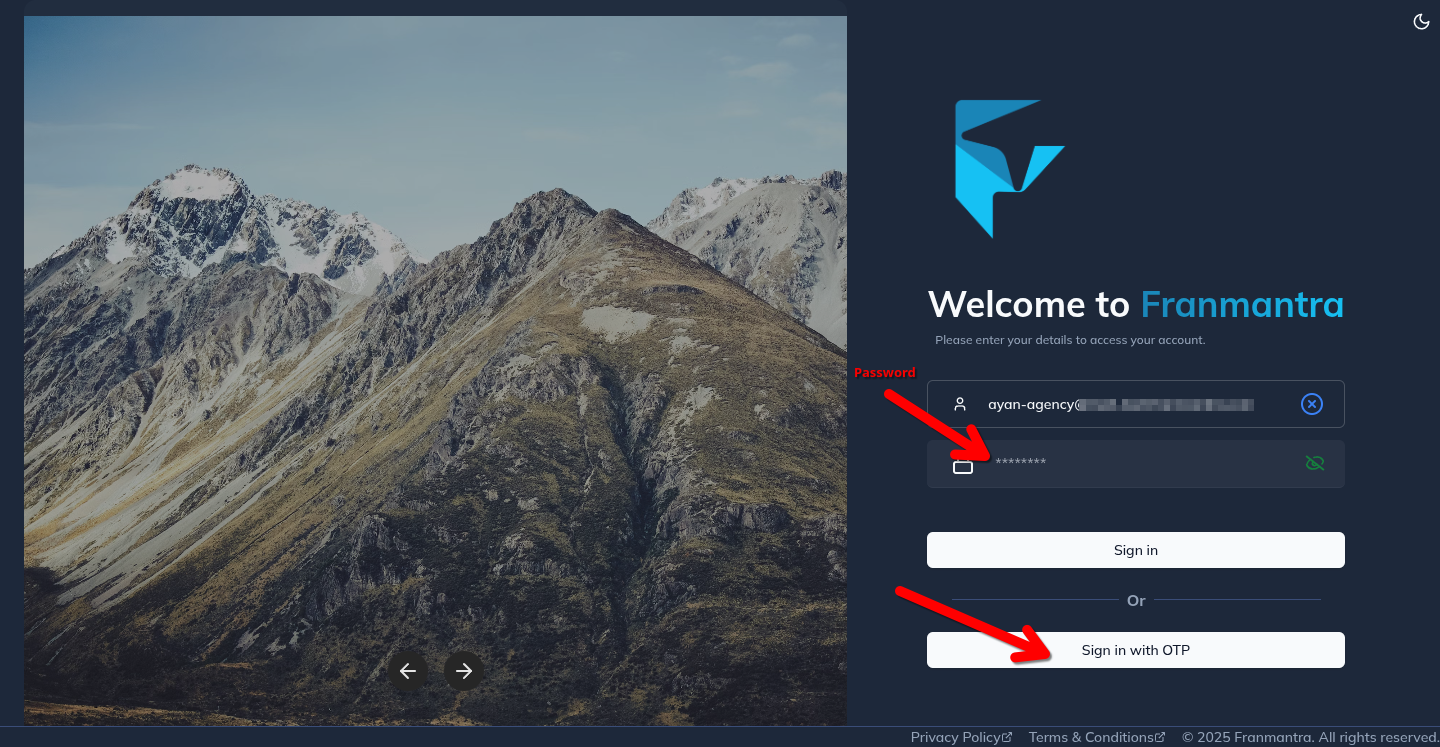
Once you have entered the correct password, the system will verify your credentials. If everything is in order, you will be seamlessly redirected to your dashboard.
Here, you can access all the features and tools available in Franmantra CRM, allowing you to manage your contacts, sales, and customer interactions efficiently.
OTP Login
If you don't have the password currently, you can still log in to your Franmantra CRM account through the One-Time Password (OTP) method. To do this, click on the Login With OTP button and follow the instructions. The system will send an OTP to your registered mobile number which you will need to enter correctly to log in.
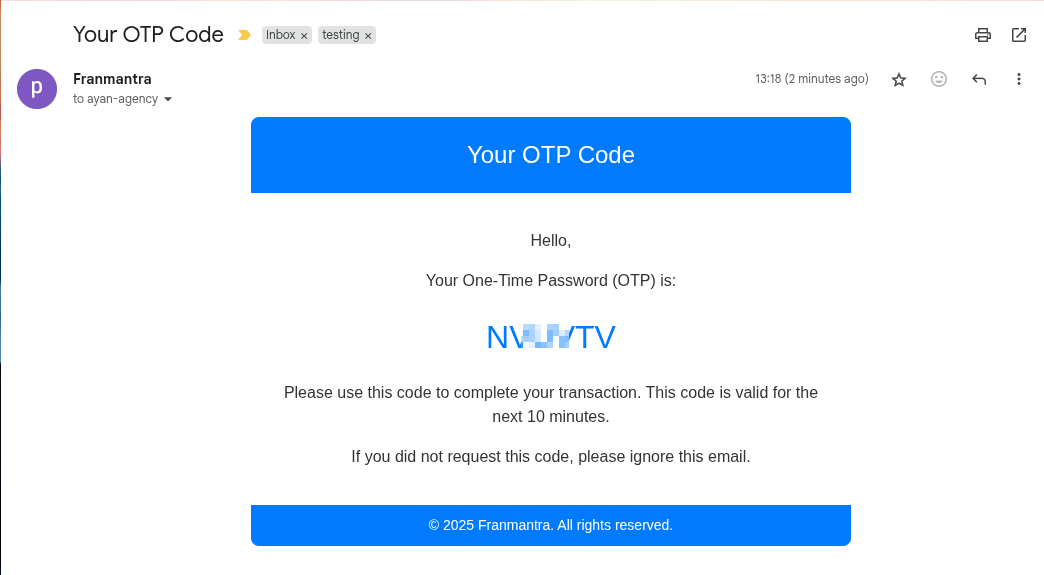
The one-time password (OTP) that is sent to your registered email will be in the following format 👇
Enter the OTP received on your registered mobile number in the designated field. After entering the OTP, click on the Verify OTP button to proceed. 👇
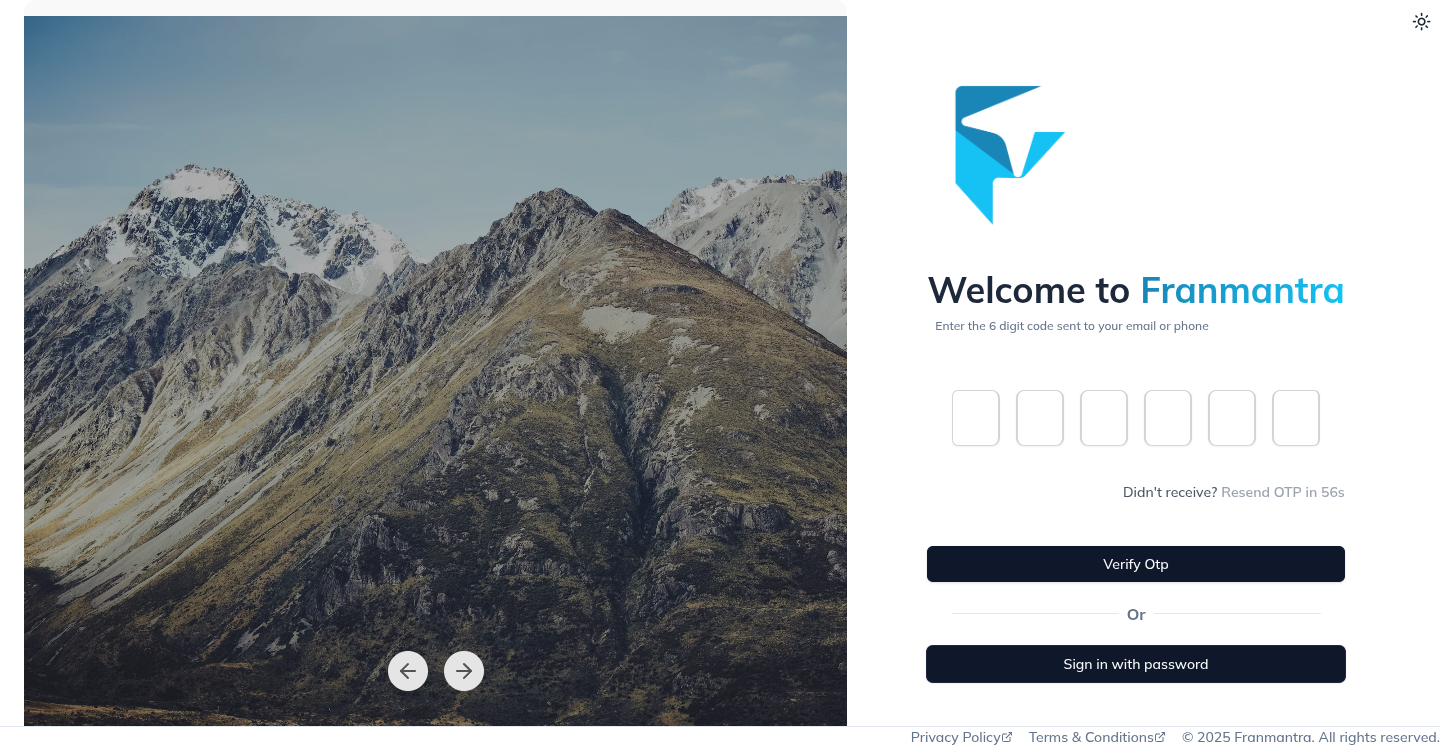
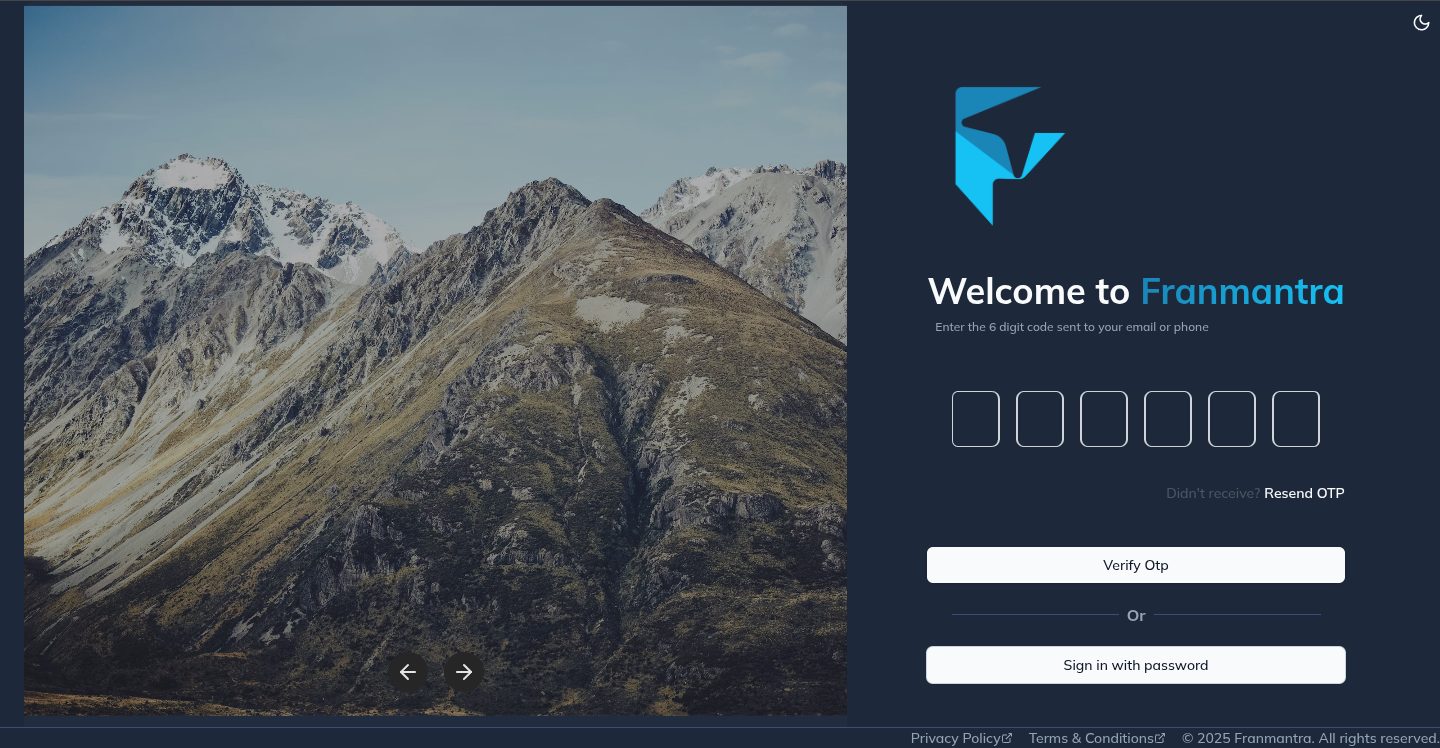
The system will then validate the OTP you have entered. If the OTP is correct, you will be redirected to your dashboard where you can access all features of Franmantra CRM.
Login Successfull 🎉
Welcome to Franmantra CRM 😇
You have successfully logged in to your Franmantra CRM account and can now access all the features of Franmantra CRM.