Account
The Account section helps you group multiple contacts under one business name and manage that business record from one place.
What This Is
An Account in this CRM means a business name. That business name can use or contain multiple contacts, and those related contacts are managed under the same account record.
What You Can Do
In the Account section, you can:
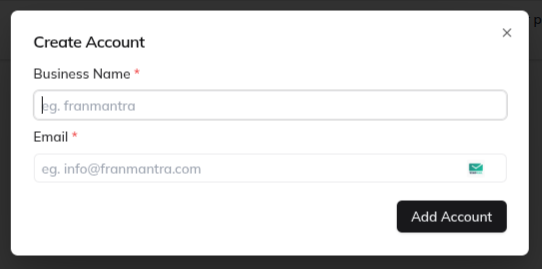
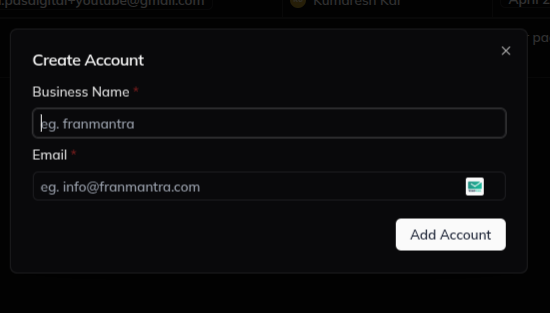
- create a new account with Business Name and Email
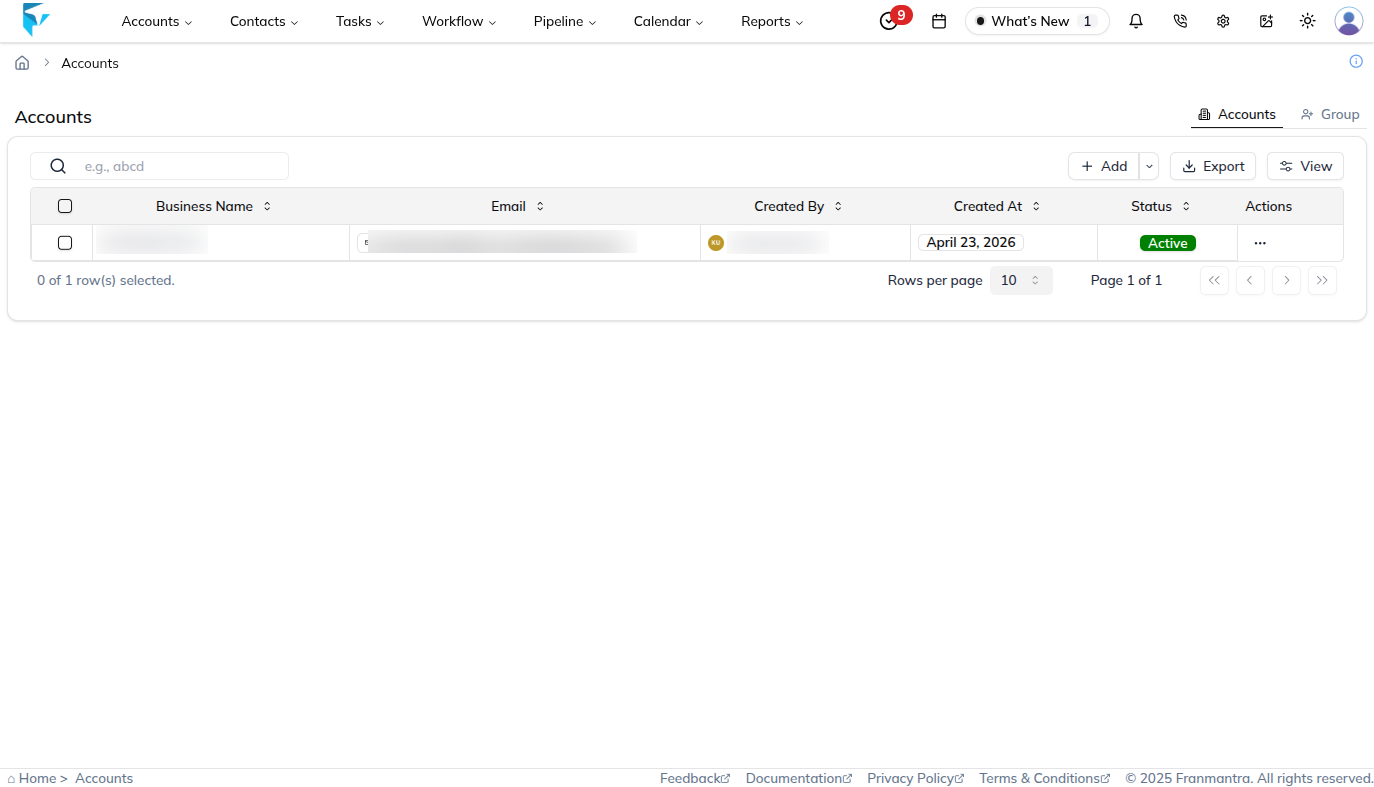
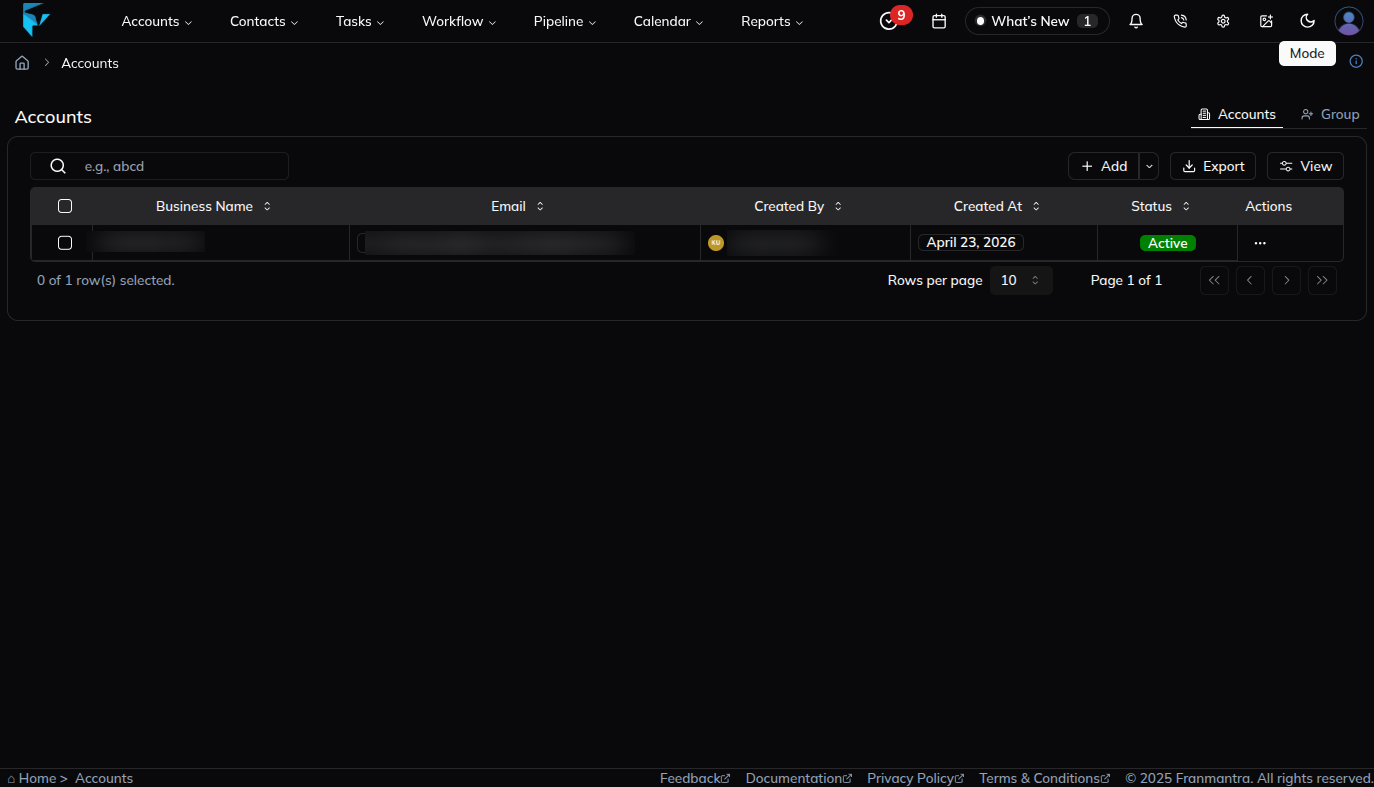
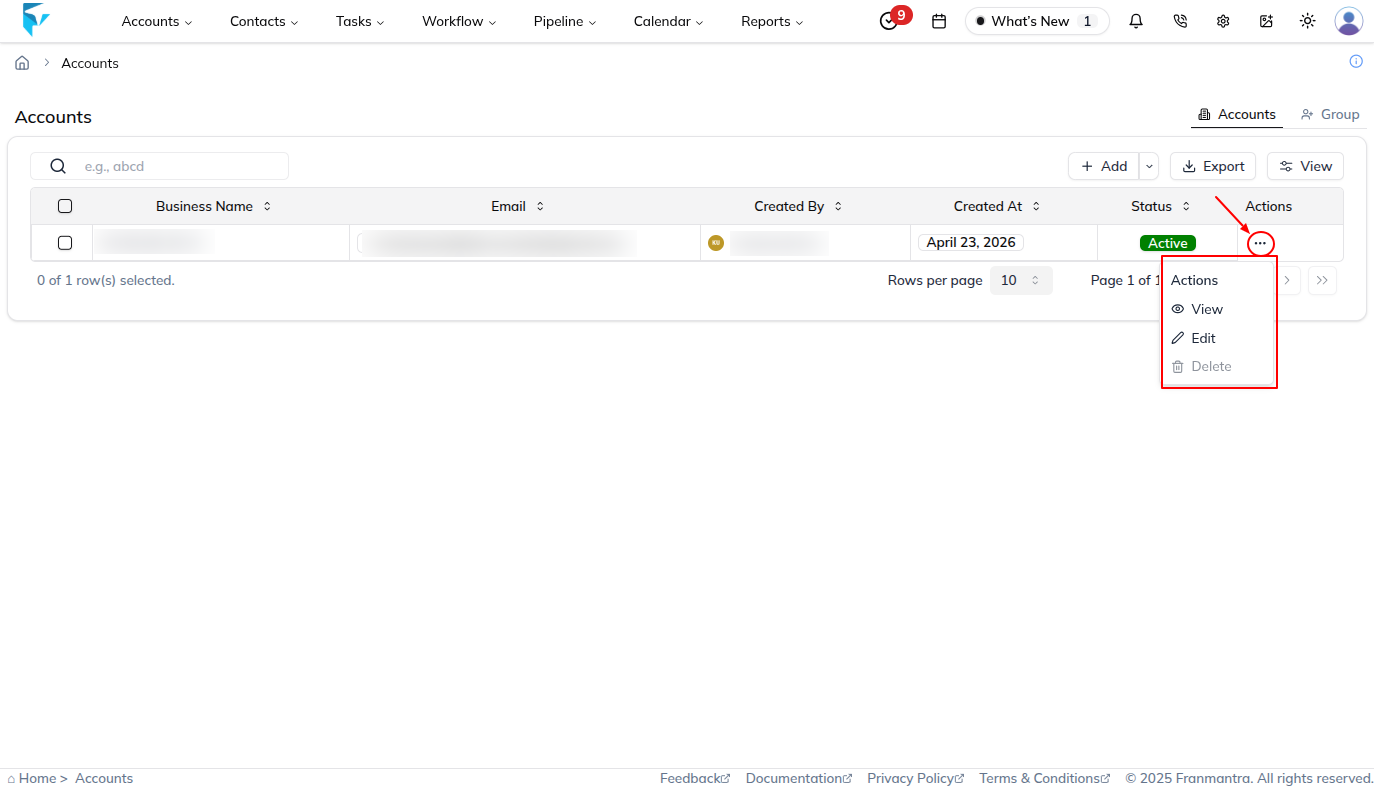
- open the accounts table to review all account records
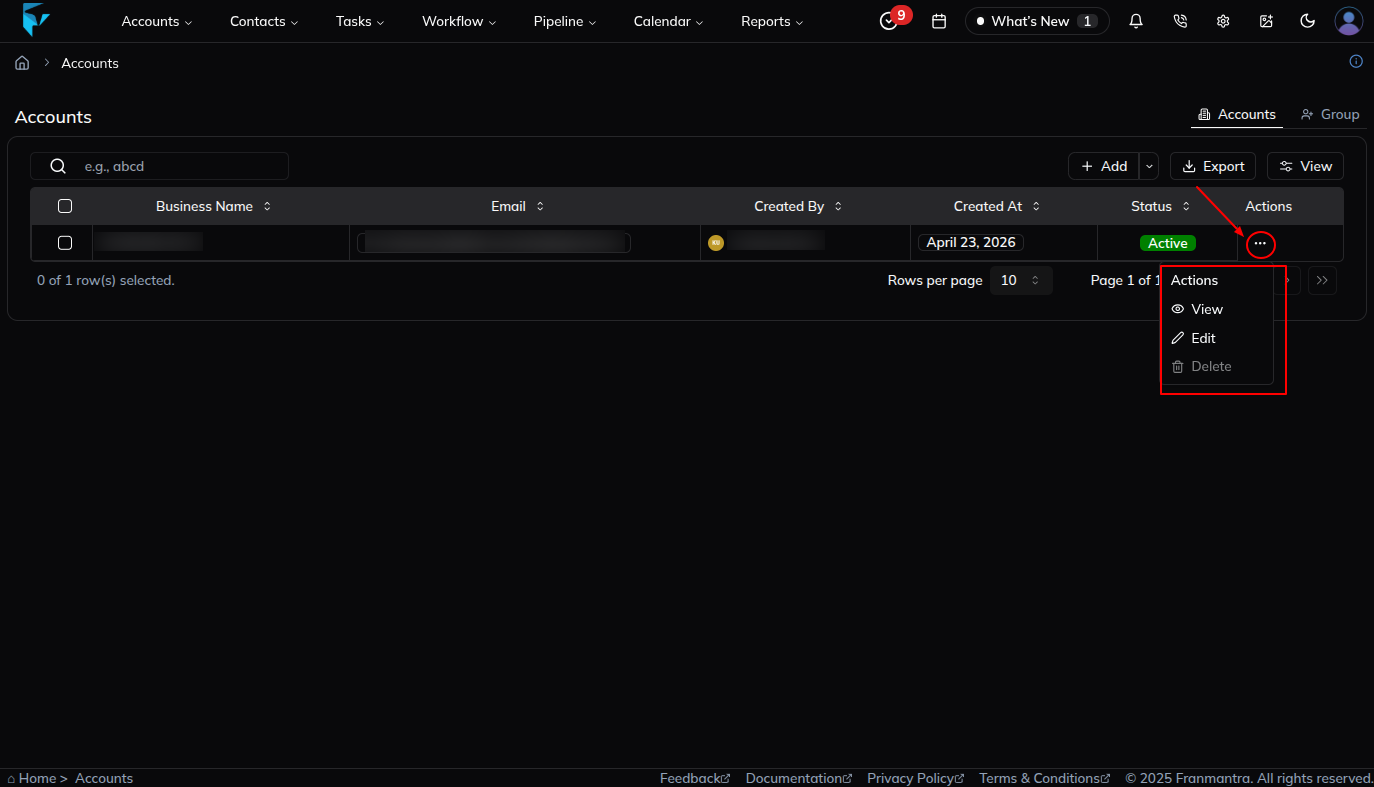
- use the action menu to View, Edit, or Delete an account
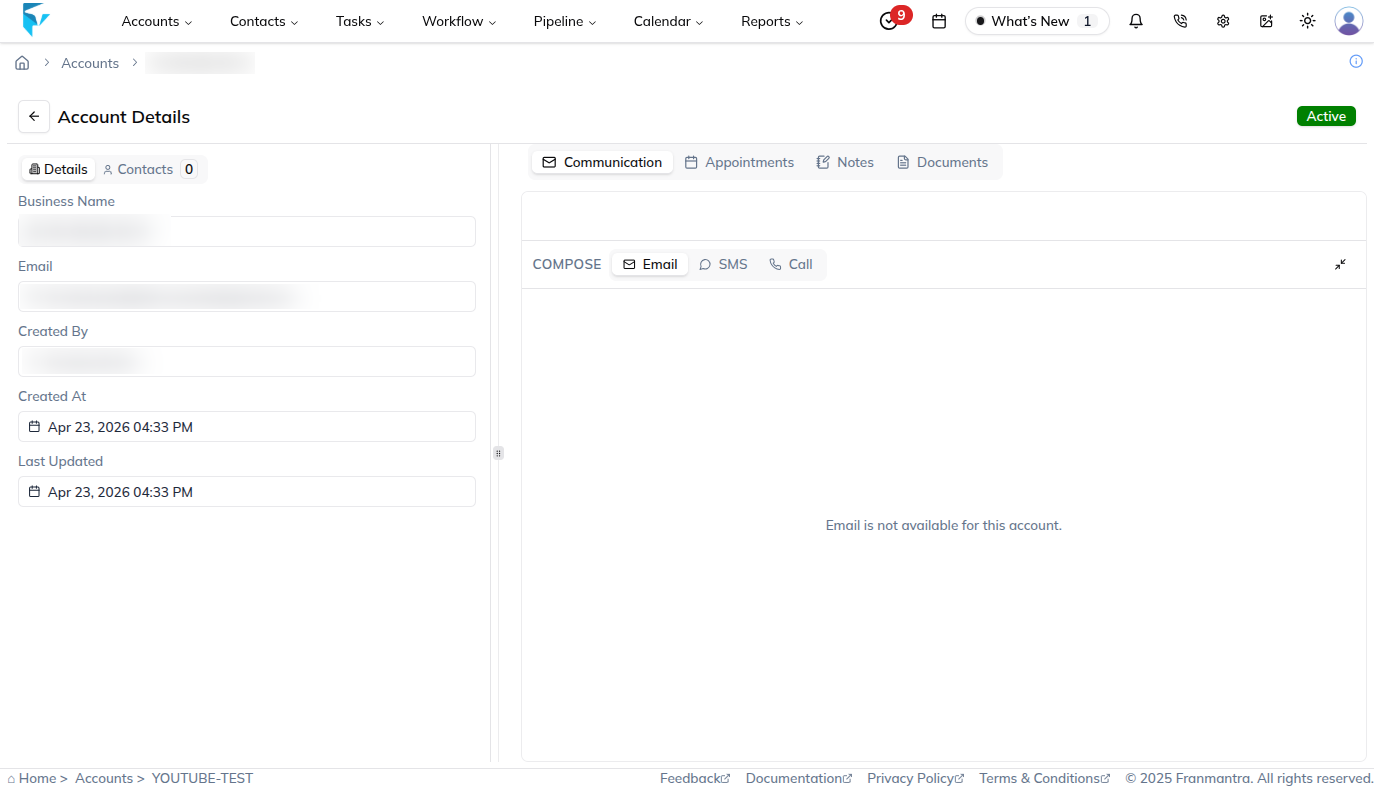
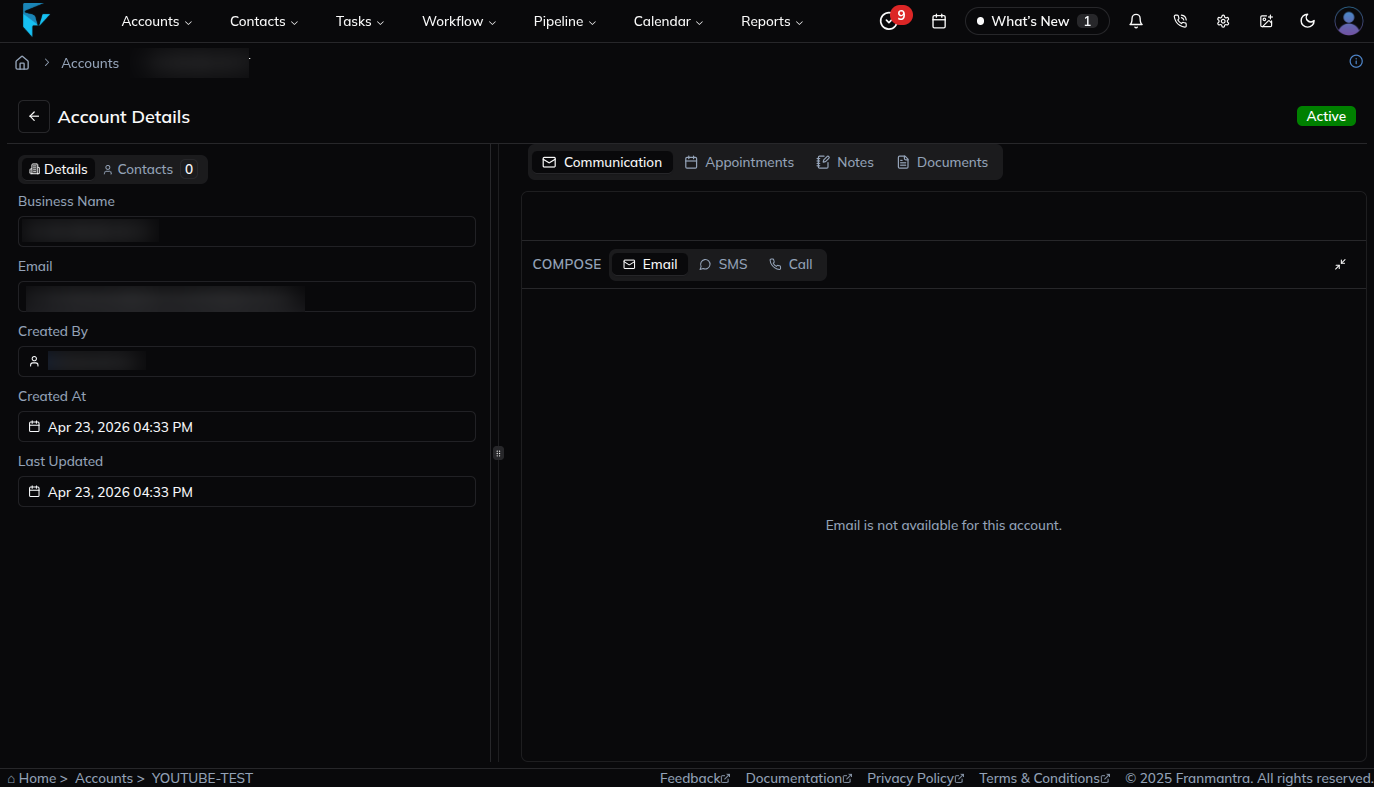
- open the account details page to see account details, contacts, and communication tools
- change an account status to active or inactive from the edit flow
Basic Workflow
- Hover over Account in the header, then click List of Accounts in the dropdown menu.
- Review the accounts table.
- Click Add when you want to create a new account.
- Open the three-dots action menu when you want to manage an existing account.
- Use View to open account details.
- Use Edit to update the account or change its status.
- Use Delete to remove the account after confirmation.
Notes
- Use accounts when several contacts belong to the same business.
- The main create form currently uses two fields: Business Name and Email.
- Status changes happen through the Edit flow.
Example
If one company has several contacts, create one account for the business and link those contacts to it. This helps your team view the business details and related people from one place.