Invite an Agency
Send an invitation to create a new agency from the Super Admin area.
Before You Start
- Make sure you are logged in as Super Admin.
- Prepare the agency owner name, email, plan, industry, and module access.
Steps
- Open the Agencies menu from the header.
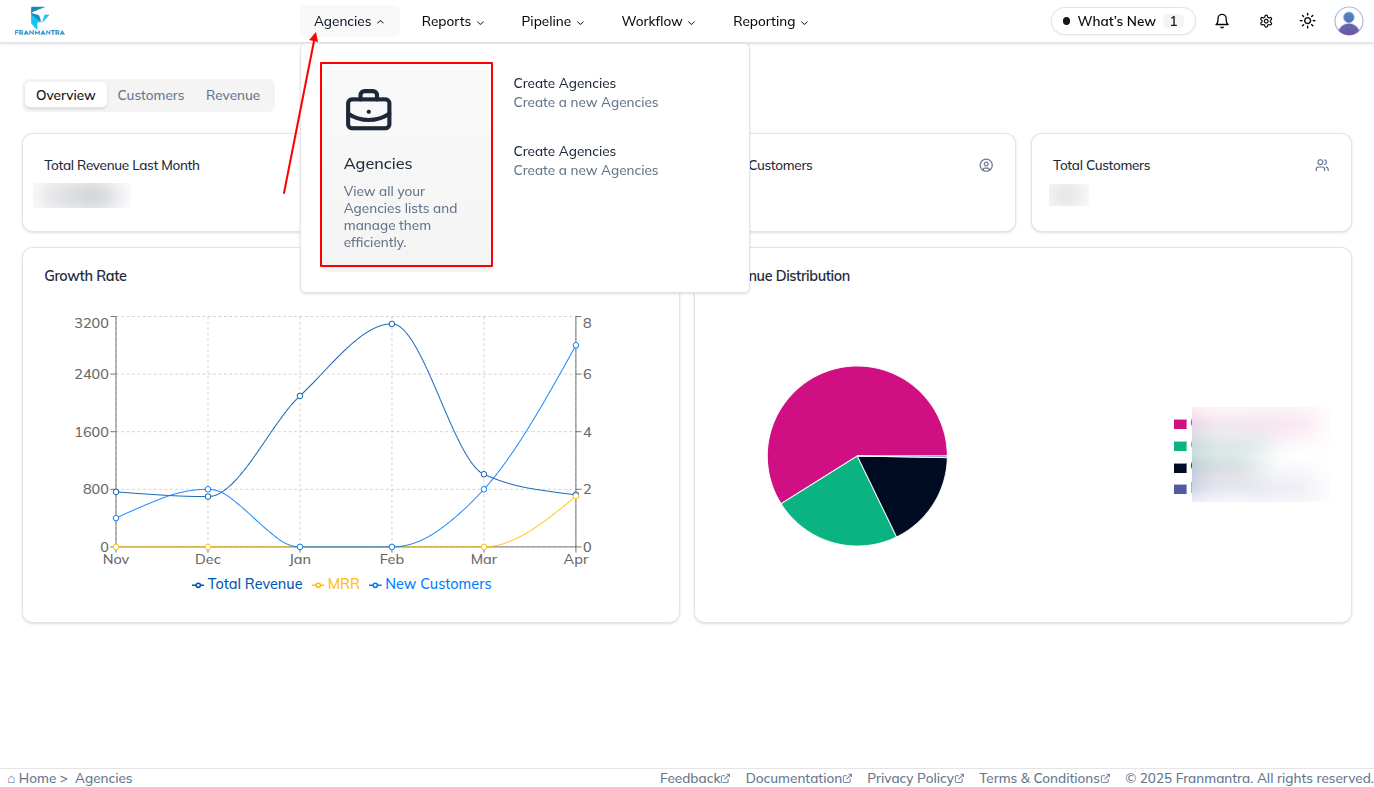
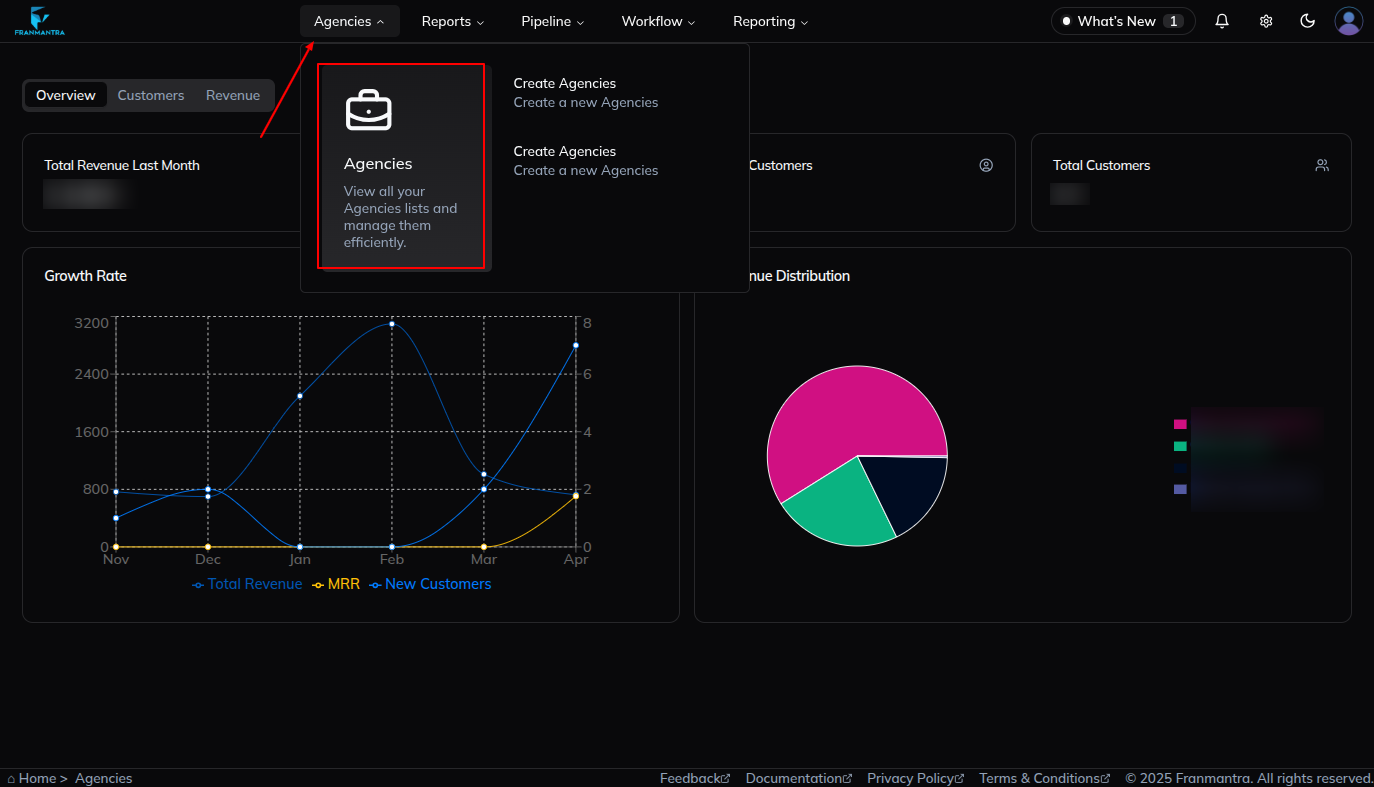
- Open the invite form in either of these ways:
- Click Agencies and then use the Add button on the agency list page.
- Click Create an Agency directly from the Agencies dropdown.
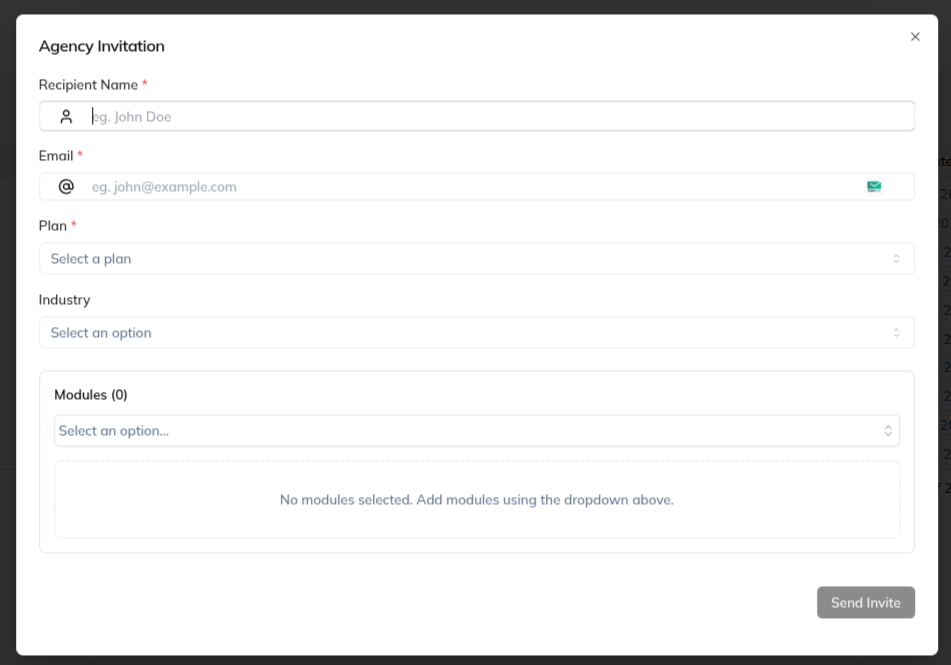
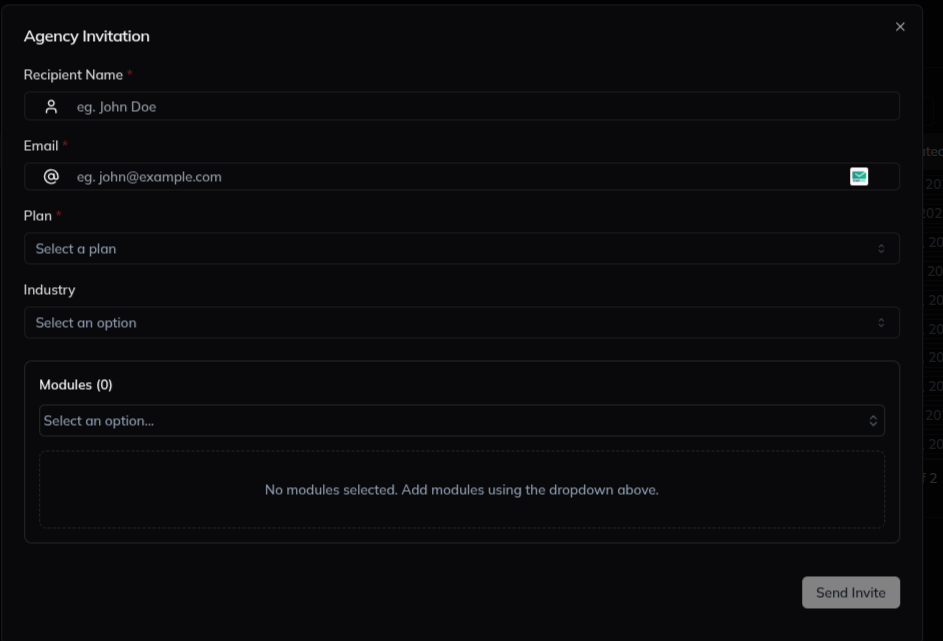
- Wait for the Invite Agency form to open.
- Enter the required information:
- Recipient Name
- Plan
- Industry
- Module
- Review the selected modules if the industry auto-selects them.
- Click Send Invite.
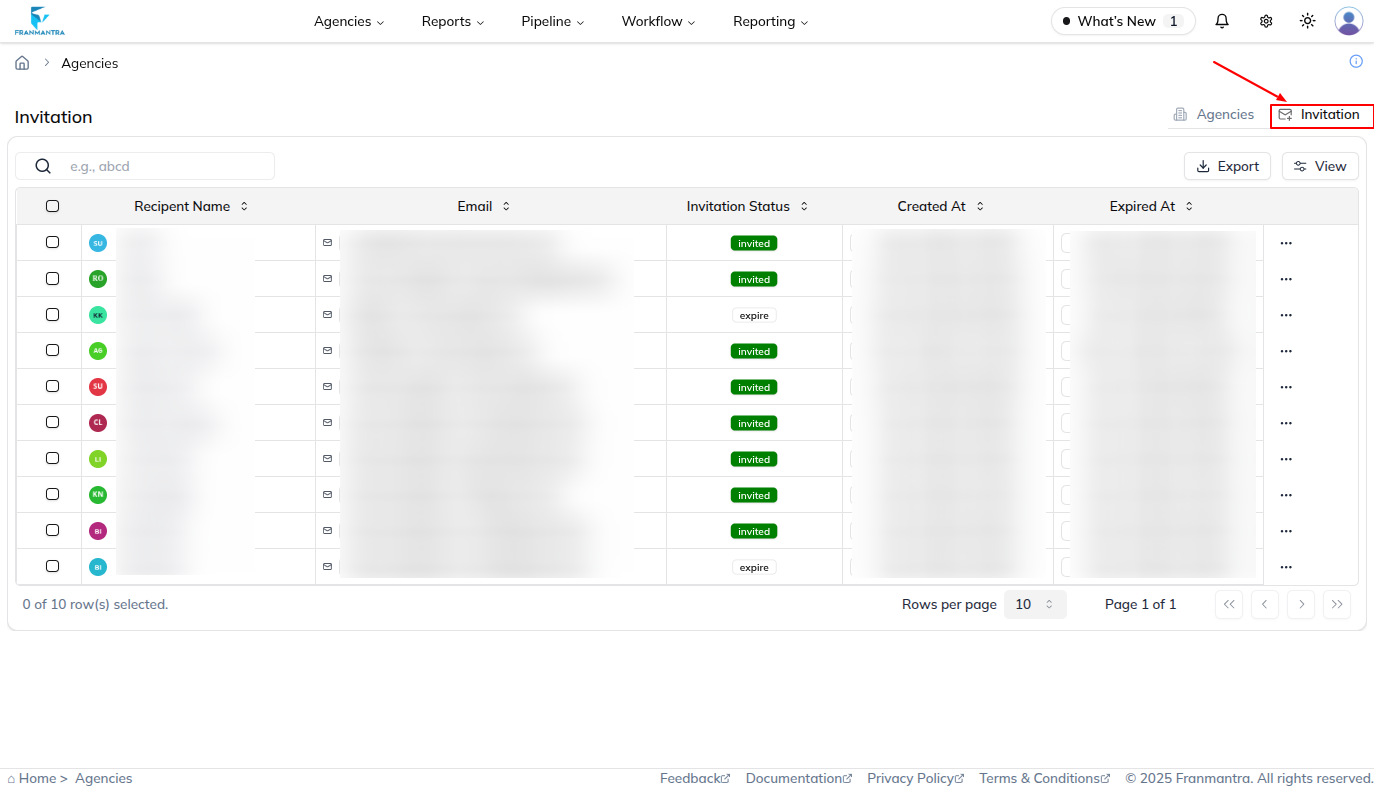
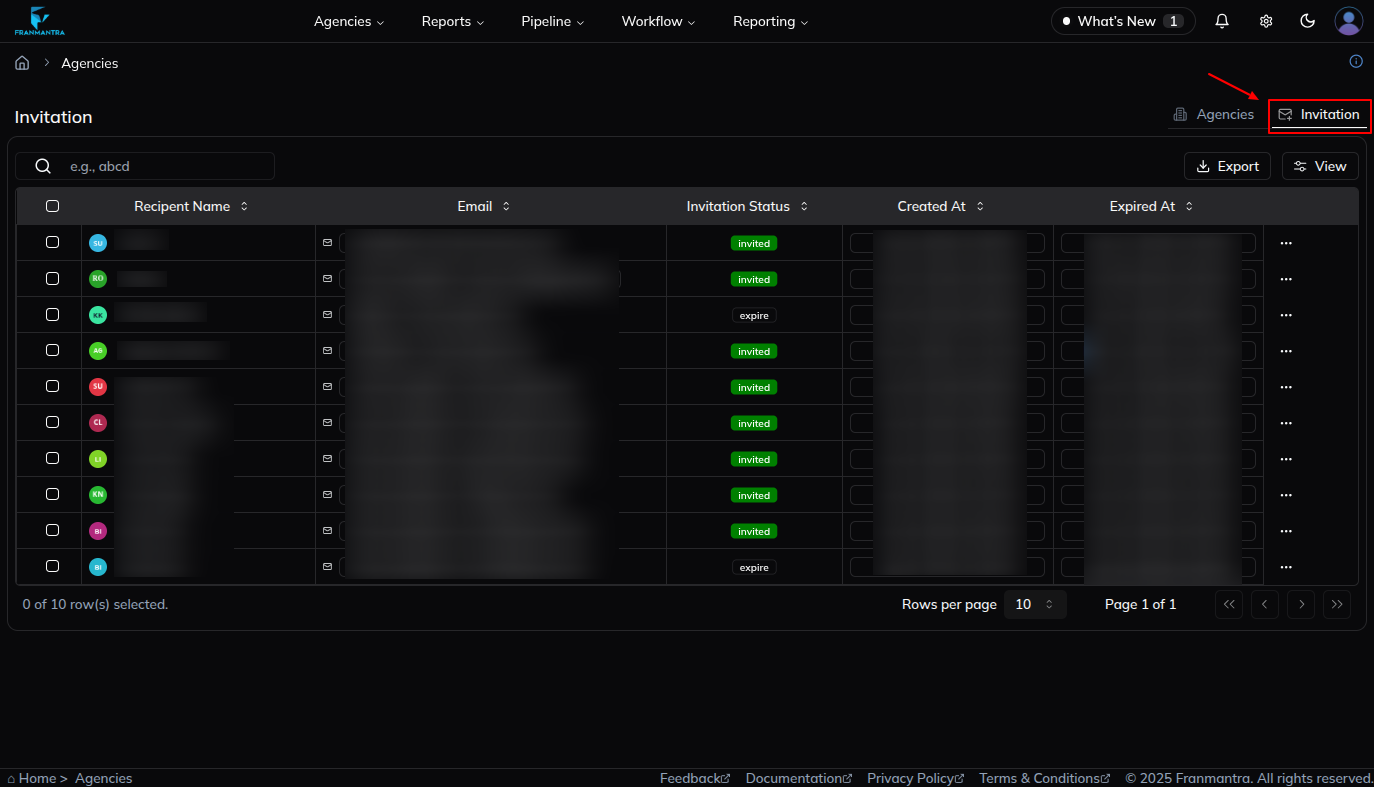
- Open the Invitation tab to check the new invitation.
- Review the invitation status, such as Sent, Accepted, or Expired.
What Happens Next
The invitation is sent to the selected email address. After the recipient accepts it, the agency is created and can be managed from the agency list.
Notes
- Choose the correct plan before sending the invitation.
- Check the invitation list if you want to confirm that the invite was sent.