All Services
Overview
The All Services section is where you connect external apps to your Franmantra account. These connections allow you to send emails, manage messages, and use communication tools without leaving the platform.
Connection Levels
You can create connections at two levels:
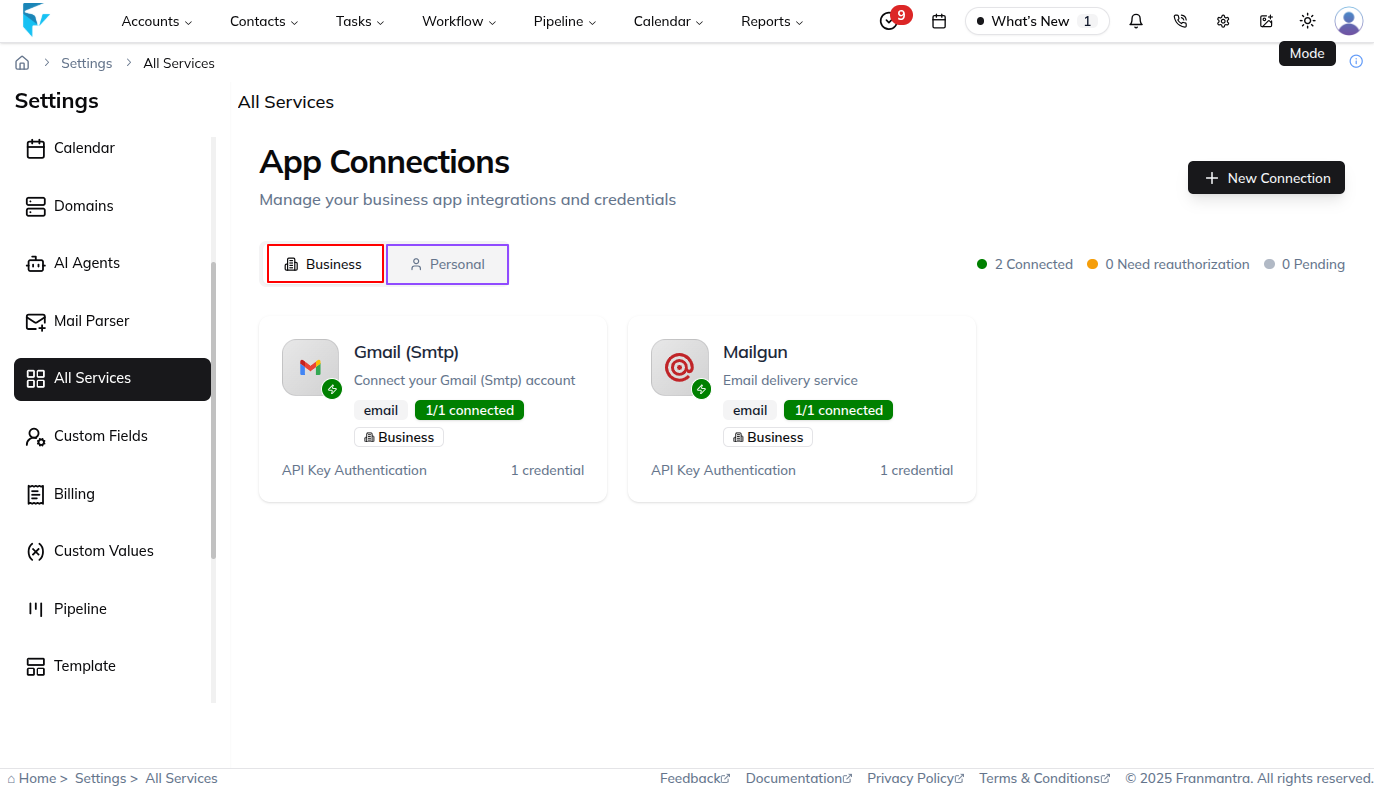
- Business level: The connection is shared across the business or agency. For example, if Mailgun is connected here, everyone in the business can use it.
- Personal level: The connection is available only to the user who created it. For example, a team member can connect a personal Gmail account without affecting other users.
What You See
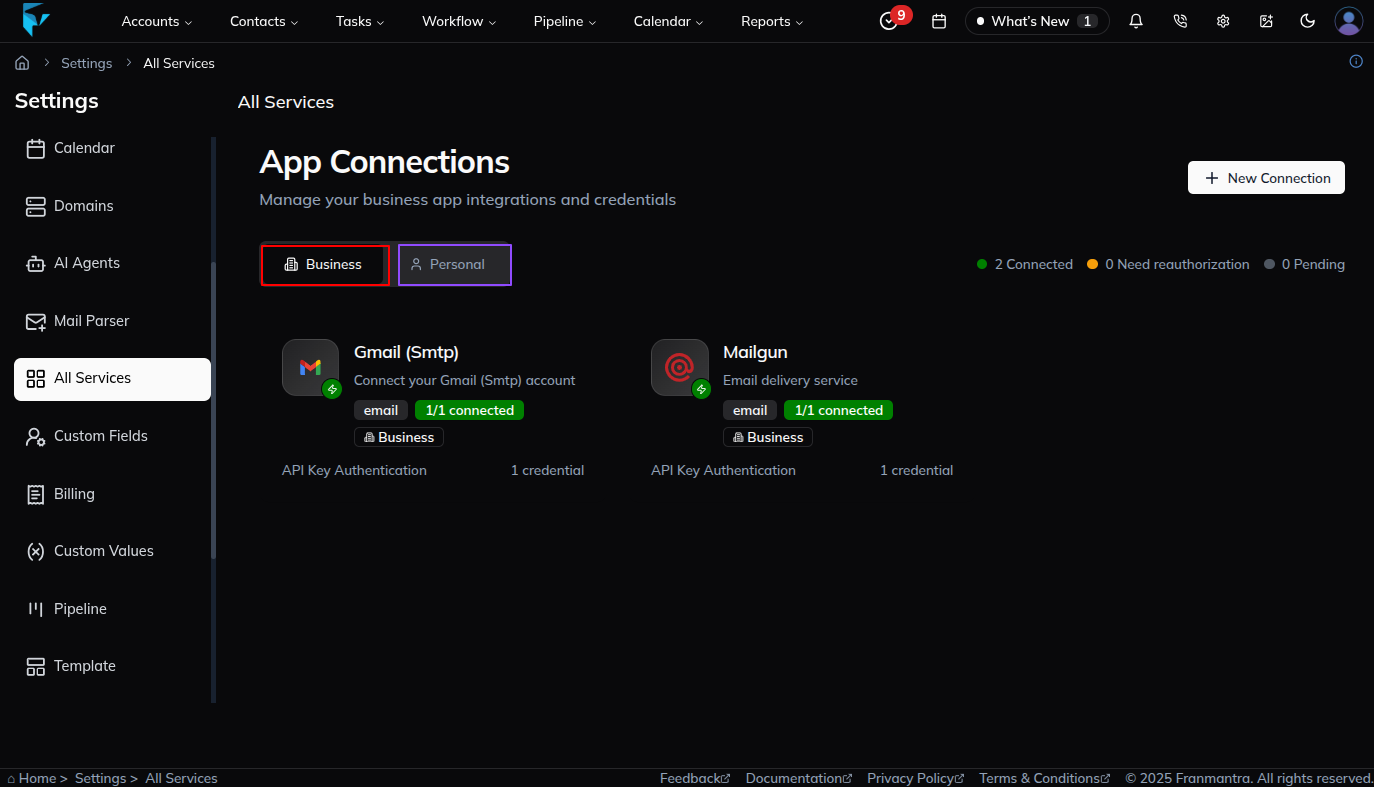
When you open the page, services are organized into two tabs: Business and Personal. The active tab controls which service connections are shown and which services are available when you add a new connection.
Business Services
The Business tab is used for integrations that belong to the business account and can support shared communication, marketing, lead capture, and business-level setup.
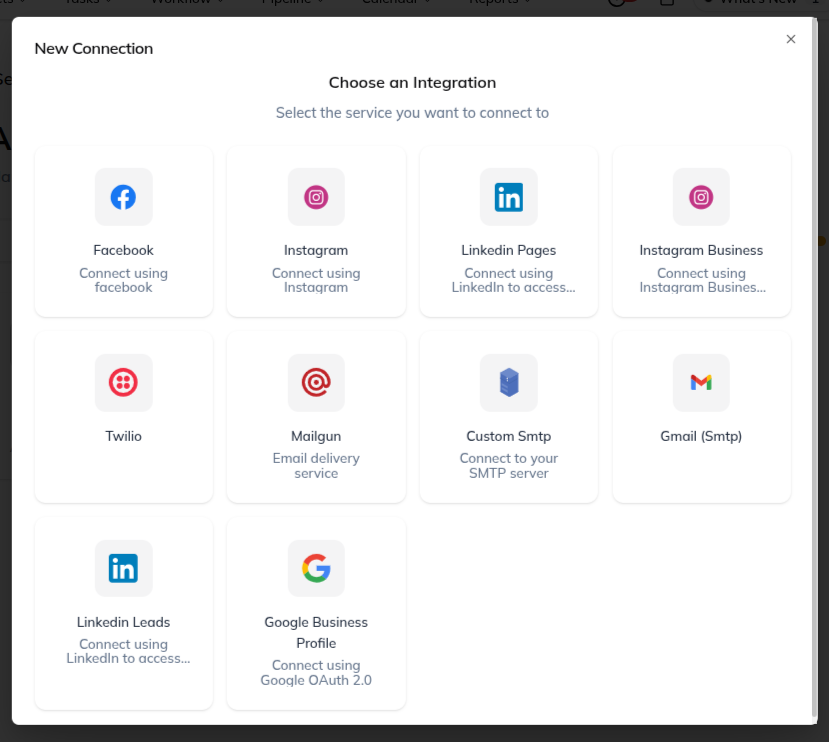
Business services include:
- Facebook: connect a Facebook account or page and create posts from the CRM.
- Instagram: connect an Instagram account and manage posting from the CRM.
- LinkedIn Pages: connect LinkedIn company pages and publish business updates.
- Instagram Business: connect an Instagram Business account for business-level social posting and engagement.
- Twilio: connect Twilio to send SMS messages, handle calls, and support phone-based communication.
- Mailgun: connect Mailgun to send business emails through configured sending domains.
- Custom SMTP: connect your own SMTP server for outgoing business email.
- Gmail (SMTP): connect Gmail SMTP to send business emails through a Gmail account.
- LinkedIn Leads: connect LinkedIn lead sources to capture and manage incoming leads in the CRM.
- Google Business Profile: connect a Google Business Profile to manage business presence and customer engagement.
Personal Services
The Personal tab is used for integrations connected to an individual user's account. These services are typically used for personal email, calendar, meeting, and scheduling workflows.
Personal services include:
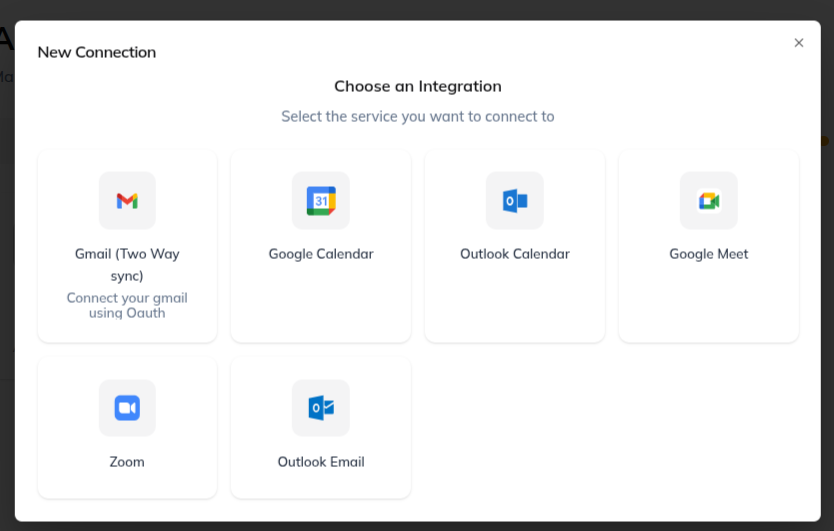
- Gmail (Two-Way Sync): connect a personal Gmail account to sync email conversations both ways.
- Google Calendar: connect a personal Google Calendar to sync events and appointments.
- Outlook Calendar: connect a personal Outlook calendar to sync meetings and scheduled events.
- Google Meet: connect Google Meet to create meeting links for appointments and video calls.
- Zoom: connect Zoom to create and use Zoom meeting links for scheduled calls.
- Outlook Email: connect a personal Outlook email account for email communication and sync.
Add a New Connection
To create a new connection, first choose the correct tab:
- Open the Business tab if you want to connect a business-level service.
- Open the Personal tab if you want to connect a user-level service.
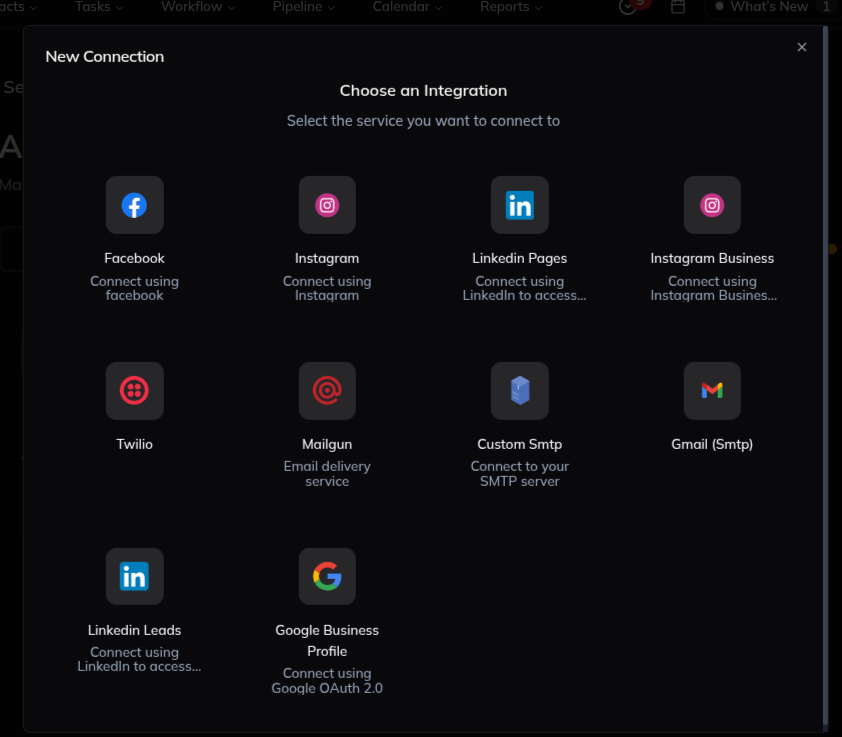
Then click New Connection. Franmantra shows the available services for the selected tab. For example, when you are on the Business tab, the new connection list shows business services such as Facebook, Twilio, Mailgun, Custom SMTP, Gmail (SMTP), LinkedIn Leads, and Google Business Profile. When you are on the Personal tab, the new connection list shows personal services such as Gmail two-way sync, Google Calendar, Outlook Calendar, Google Meet, Zoom, and Outlook Email.
After selecting a service, enter the required credentials or authorize the account, then save the connection to complete setup.
Example
If you want the business to send SMS messages or handle calls, open the Business tab and connect Twilio. If a user wants to sync their own email or calendar, open the Personal tab and connect Gmail (Two-Way Sync), Google Calendar, or Outlook Calendar.