Disable an Agency
Turn an agency account off or on from the agency list.
Before You Start
- Make sure you are logged in as Super Admin.
- Decide which agency you want to disable or enable.
Steps
- Open the Agencies menu from the header.
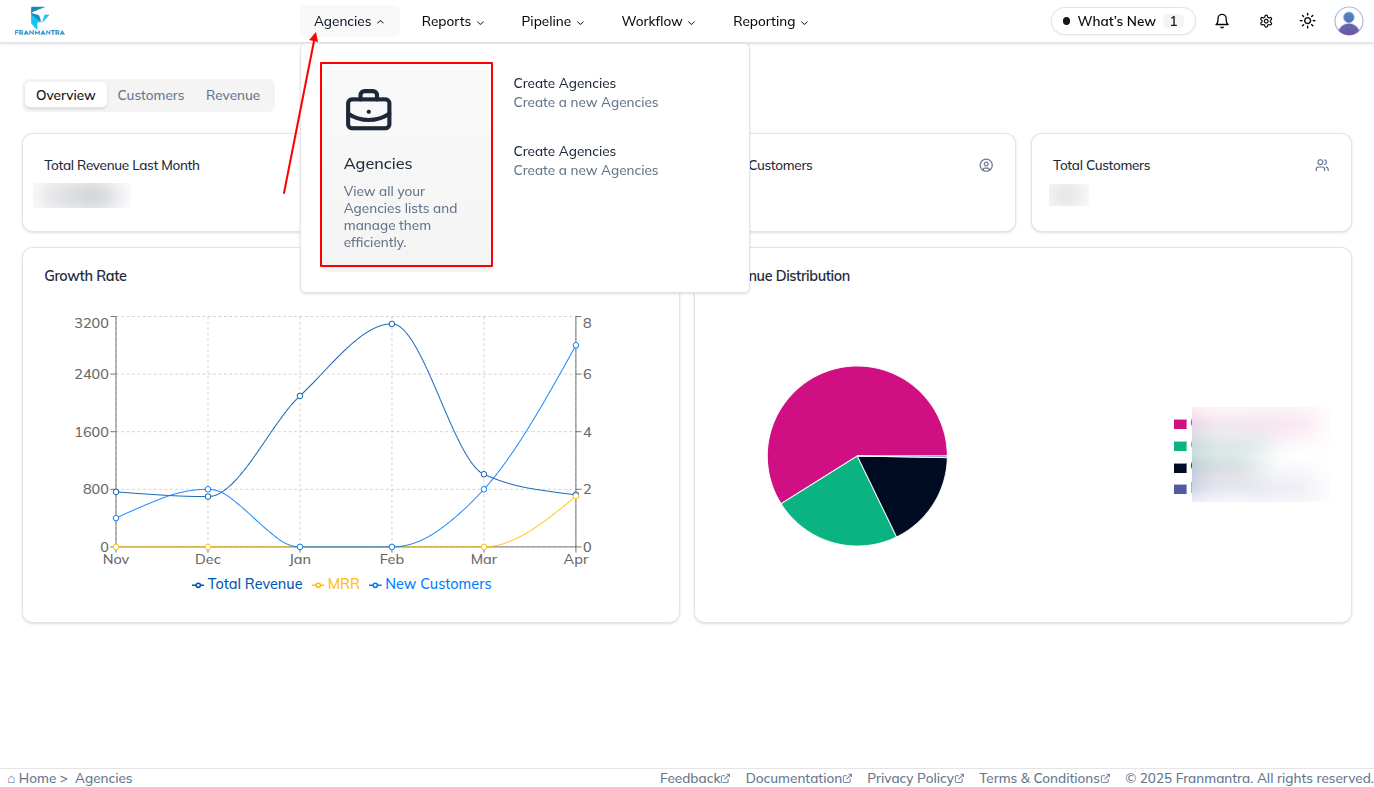
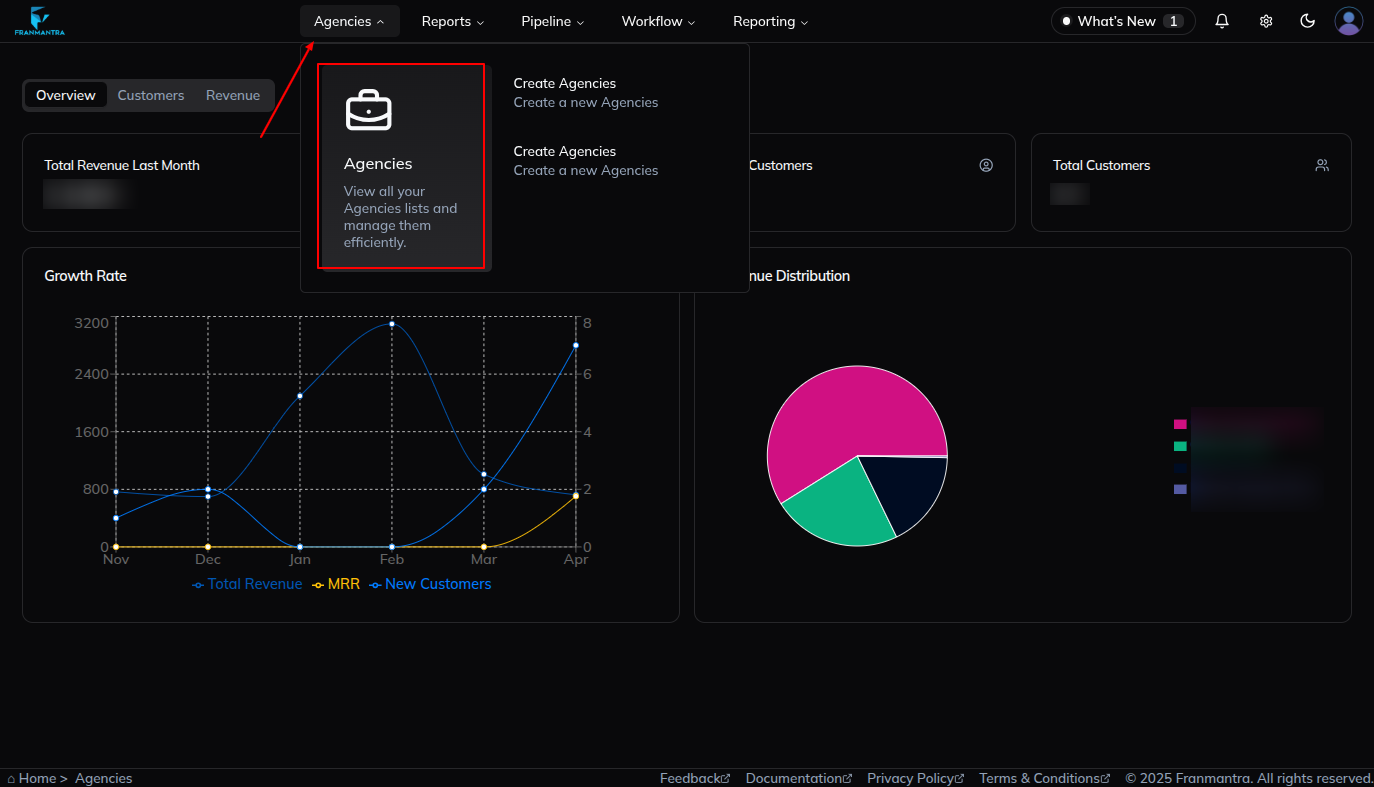
- Open the agency list page.
- Find the agency you want to update.
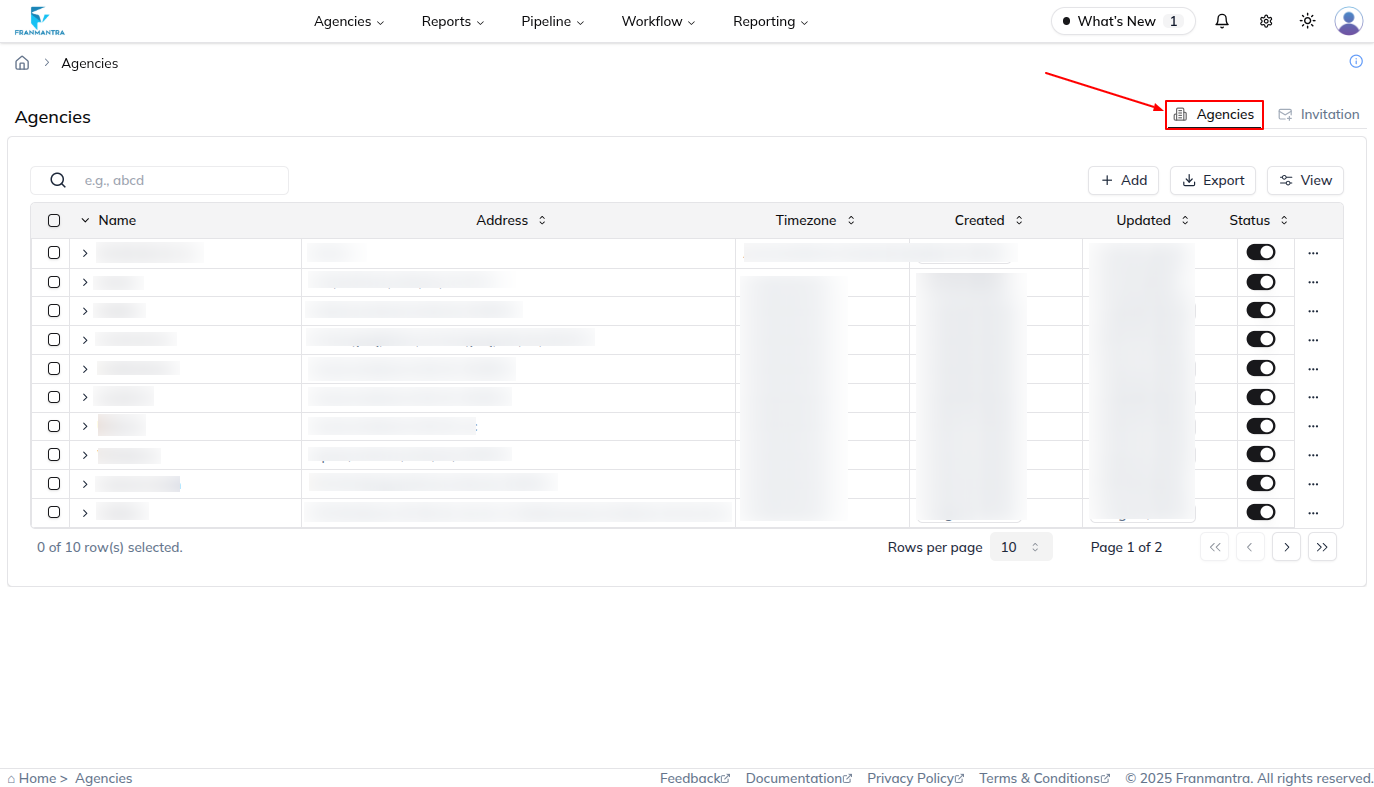
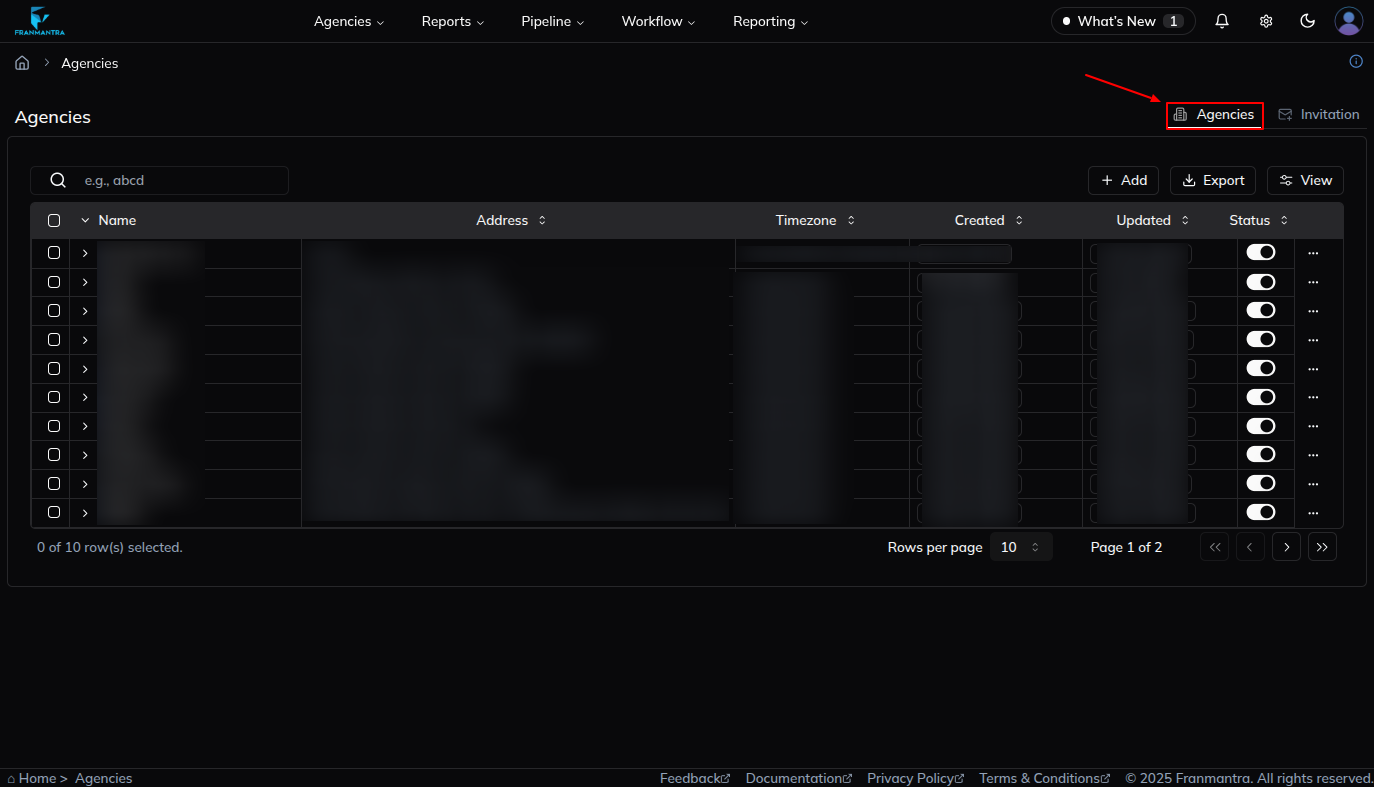
- Use the status switch in that agency row.
- Toggle the switch to disable or enable the agency.
- Read the confirmation popup.
- Confirm the action.
What Happens Next
If you disable the agency, its account and access are turned off. If you enable it again later, the agency becomes active again.
Notes
- Check the agency name carefully before you confirm.
- Use this when you need to stop or restore agency access without deleting the record.