Custom Fields
Overview
The Custom Fields section lets you create extra fields for contacts or opportunities. Use it when the default fields are not enough and you want to store business-specific information.
Add a Custom Field
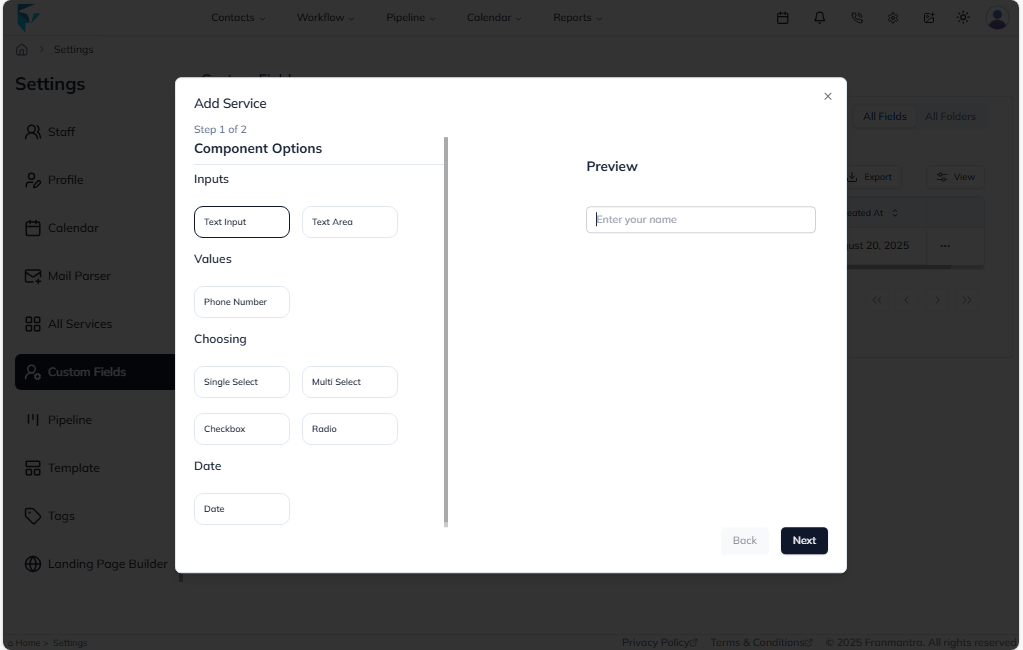
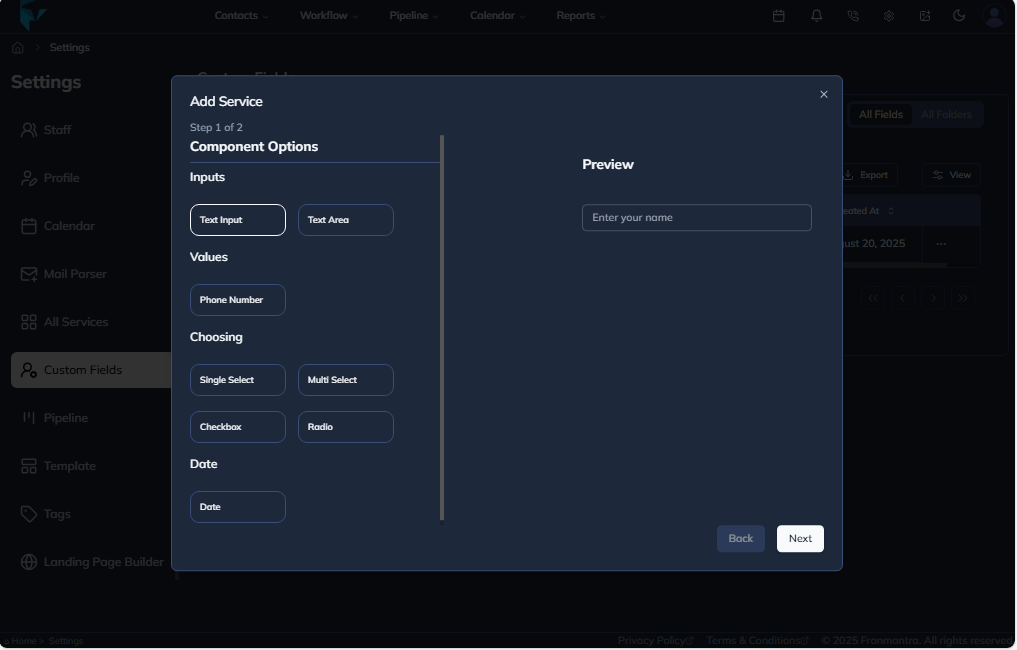
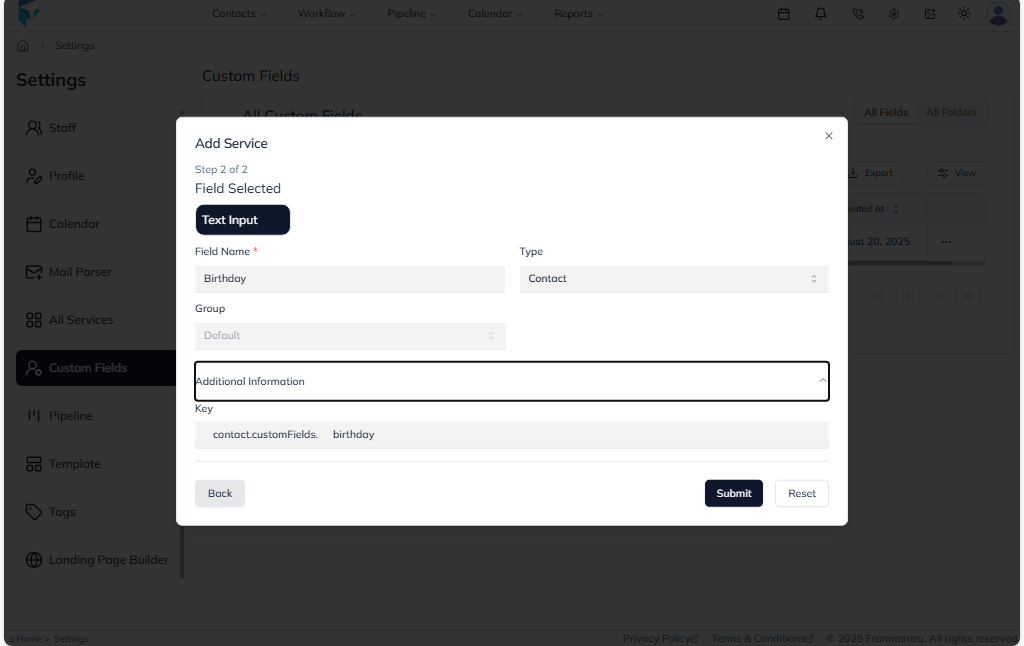
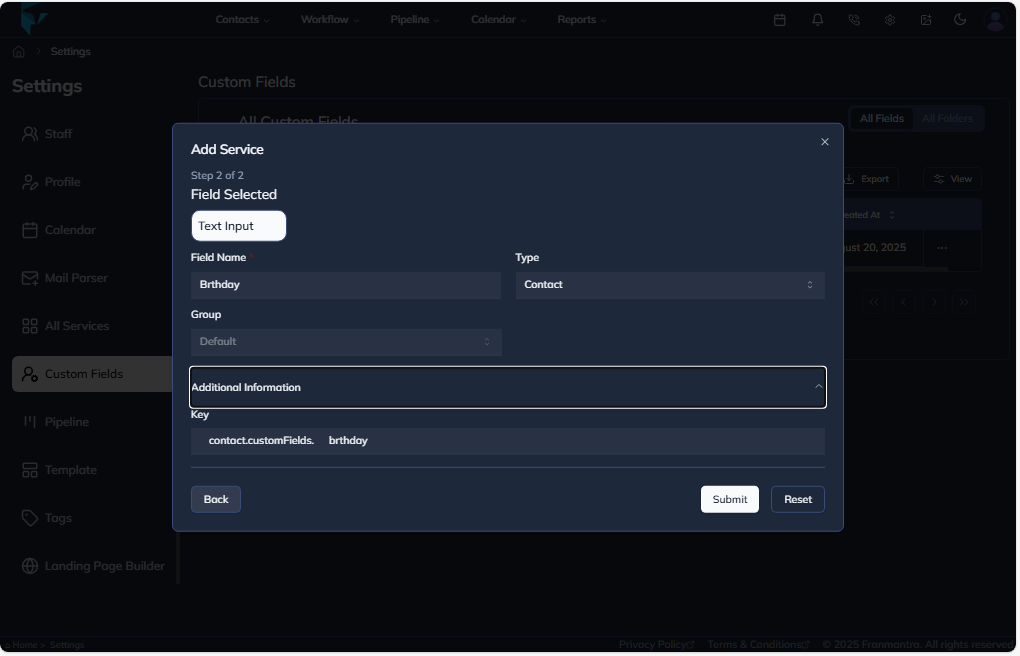
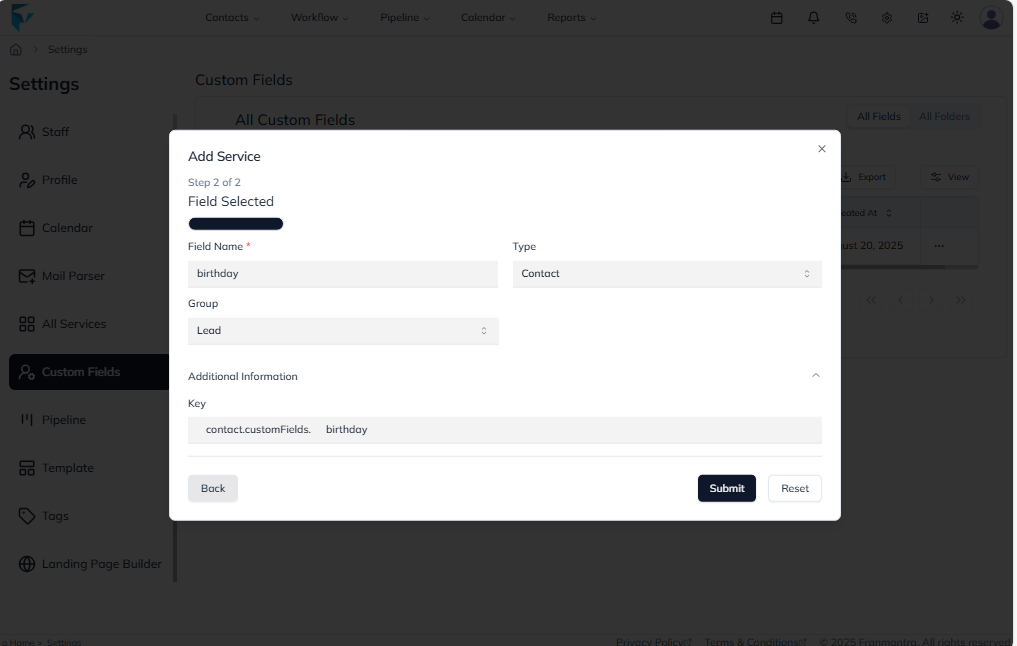
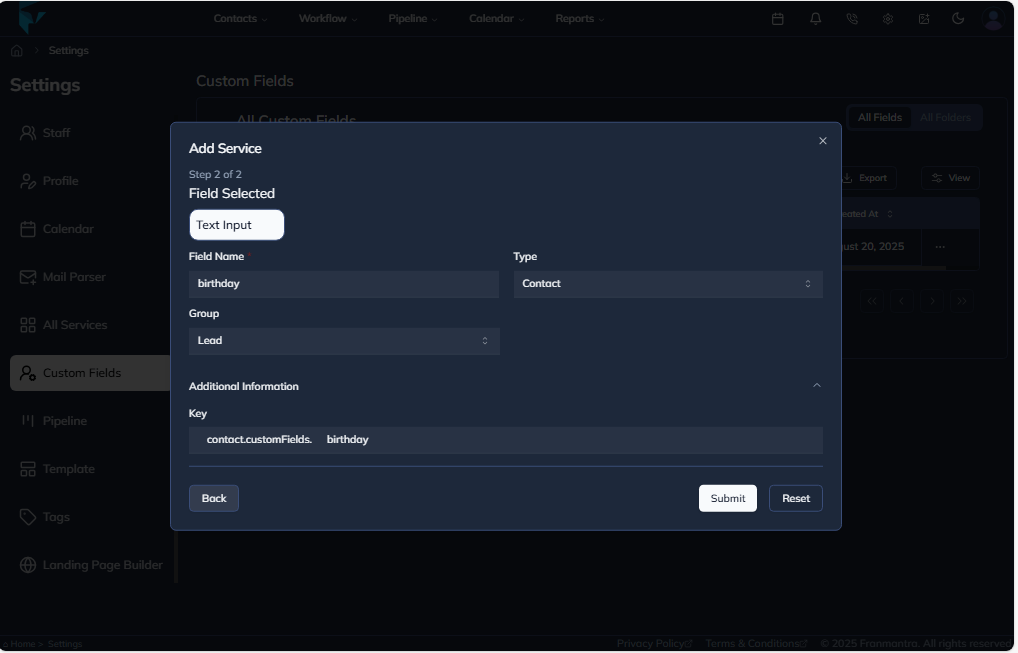
Open the All Fields tab and click Add. A setup window will open where you can define the field name and choose where it should be used, such as Contact or Opportunity. After filling in the details, submit the form to create the field.
Organize Fields into Folders
To keep fields organized, go to the All Folders tab and click Add Folder. Enter the required details and save the folder. When the folder type matches the field type, it will appear in the correct group on the related page.
Example
If your sales team needs to track a lead's budget, create a custom field called Budget Range for contacts. You can also create a folder for sales-related fields so the team can find and use those fields easily.