Landing Page Builder
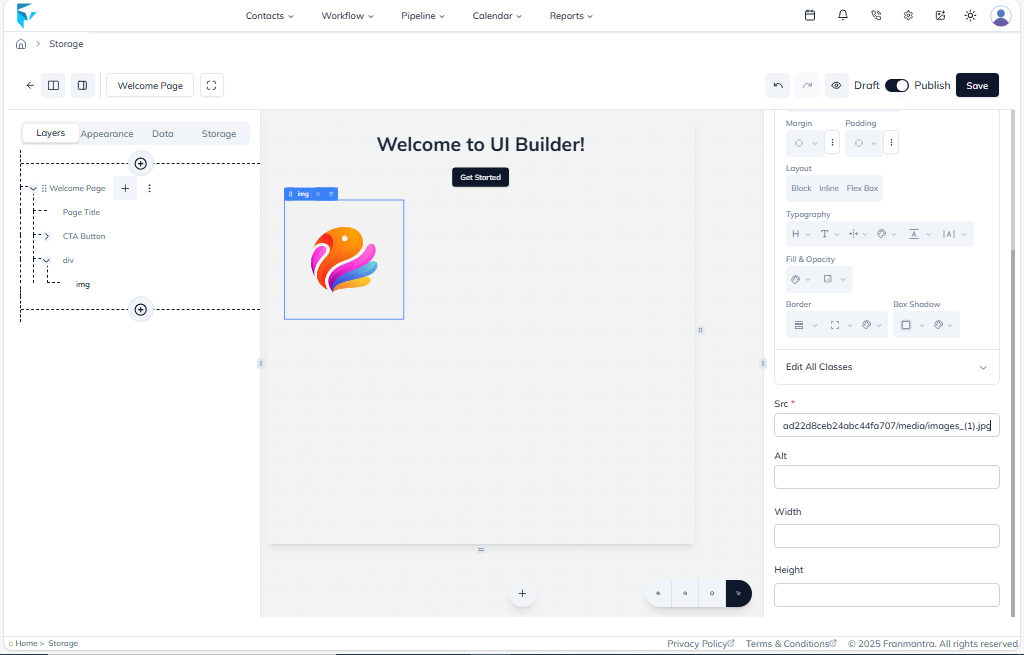
To create a new landing page, click the Add tab in the Landing Page section. First, give the page a mandatory Name and Description in the Appearance tab on the top-left.
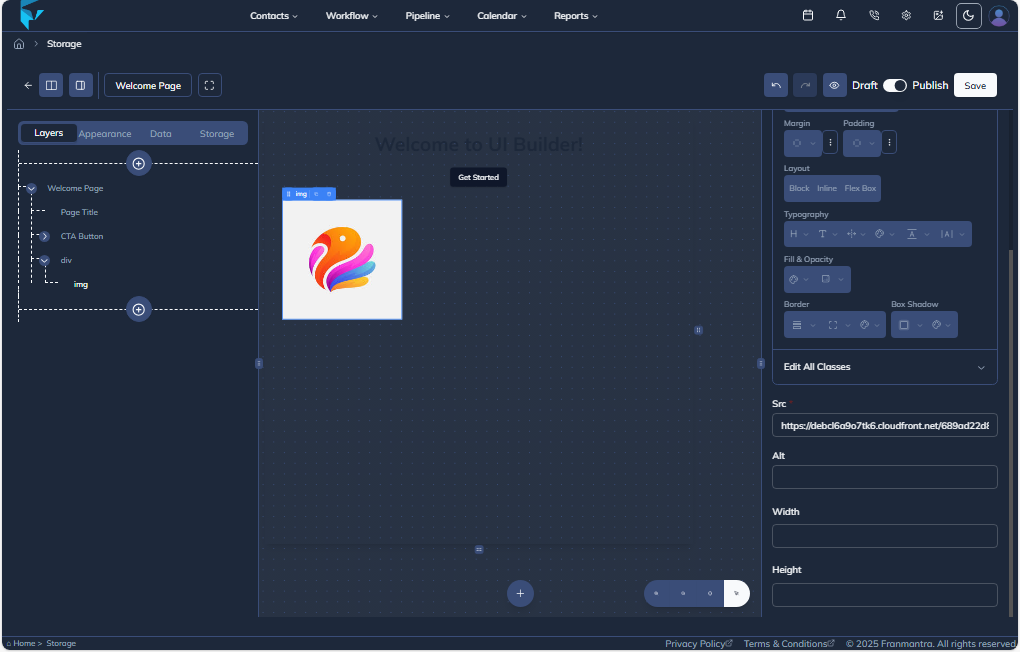
Then, return to the Layers tab. Click the plus icon to select components for your page. Finally, use the Storage tab to upload images. You can copy the image's URL from here and paste it into the properties of any component on the right side of the page.