Business Setting
Overview
The Business Setting page is where you manage your business information, branding, and phone number settings. Open the settings page from the top navigation bar to access these options.
Business Details
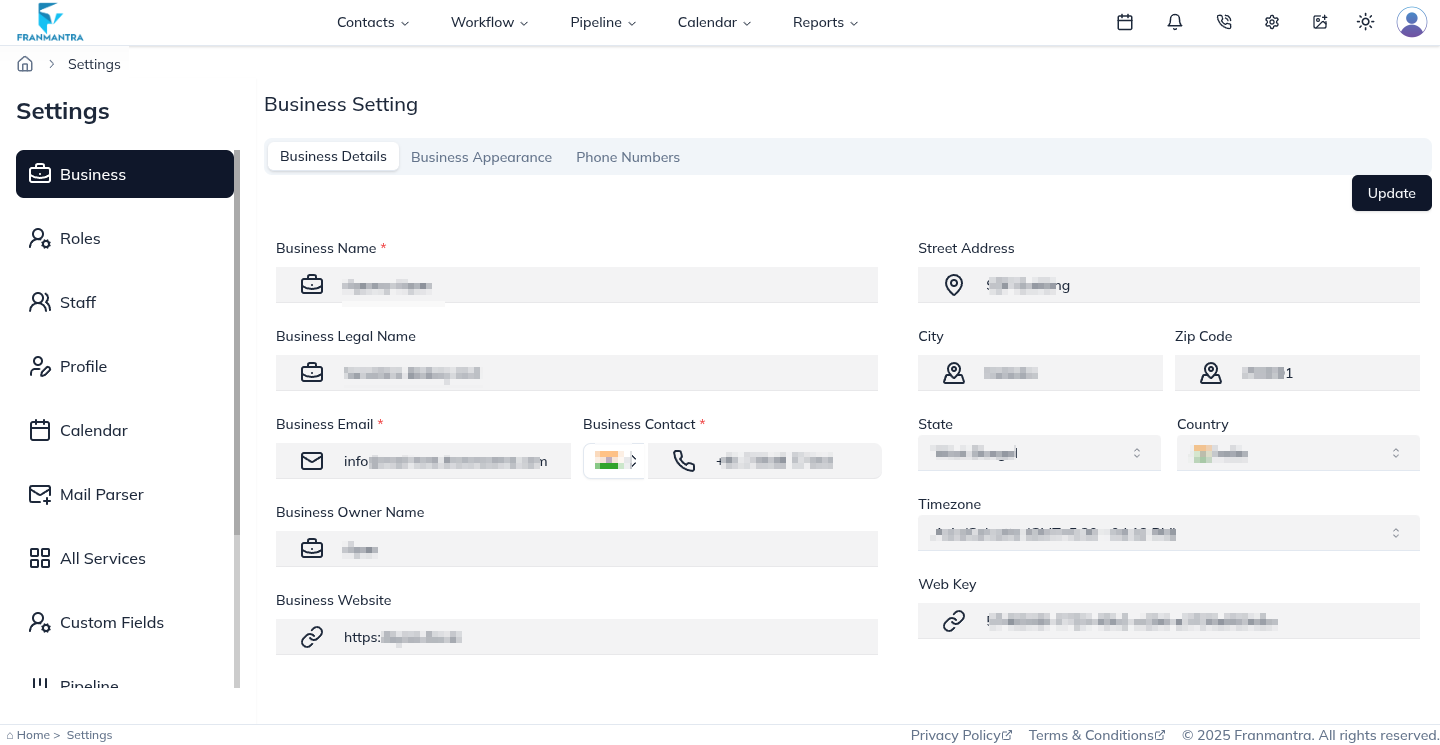
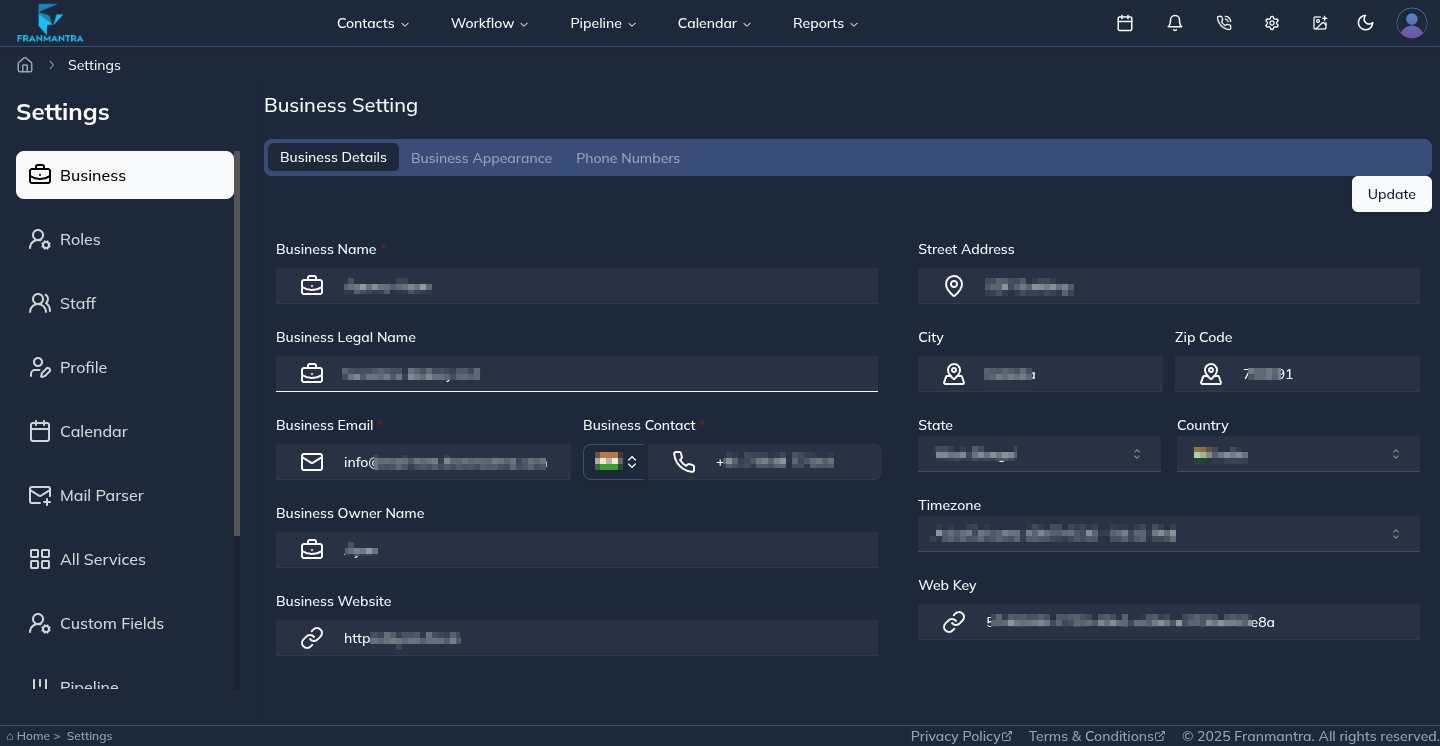
The Business Details section lets you view and update your core business information. If you need to make changes, edit the fields and click Update to save them.
Business Appearance
Open the Business Appearance tab to customize your brand. From here, you can upload your logo and favicon, enter a page title, and choose your brand color. After making changes, click Update in the top-right corner to save them.
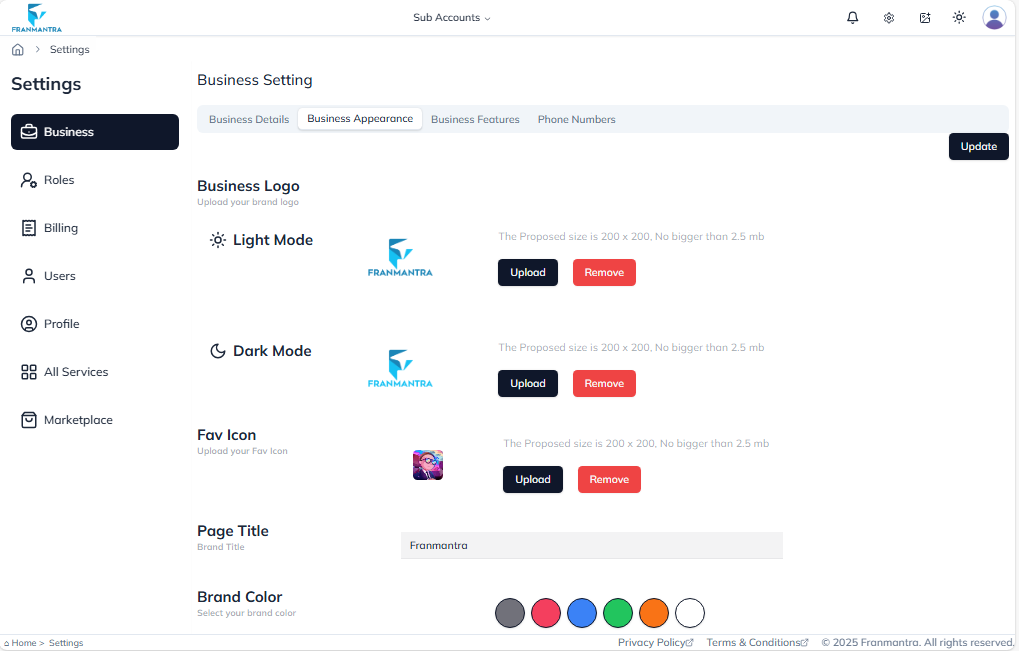
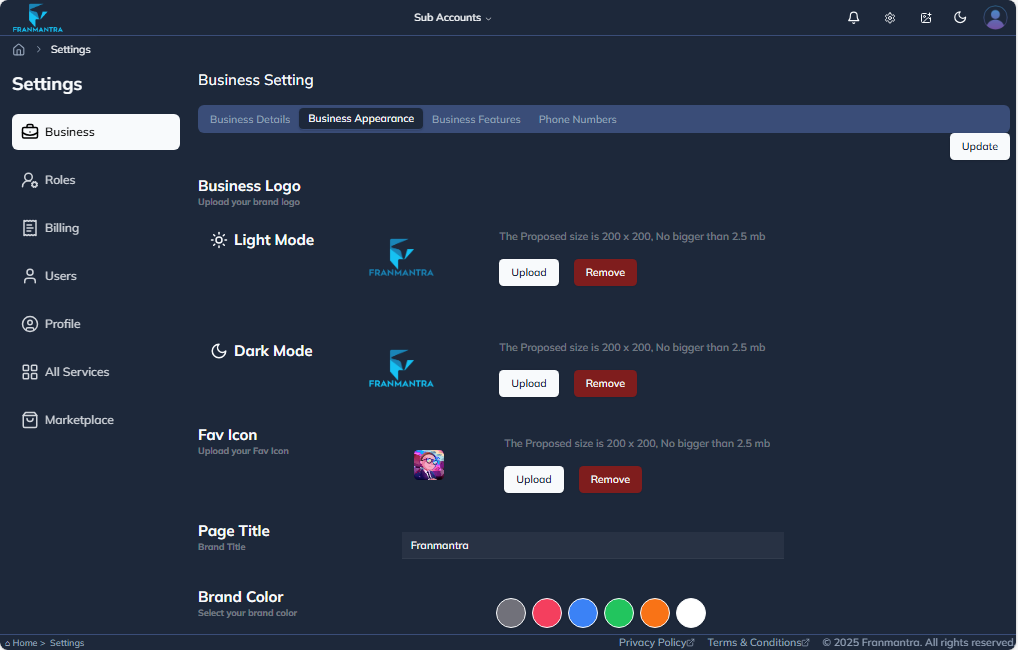
Phone Numbers
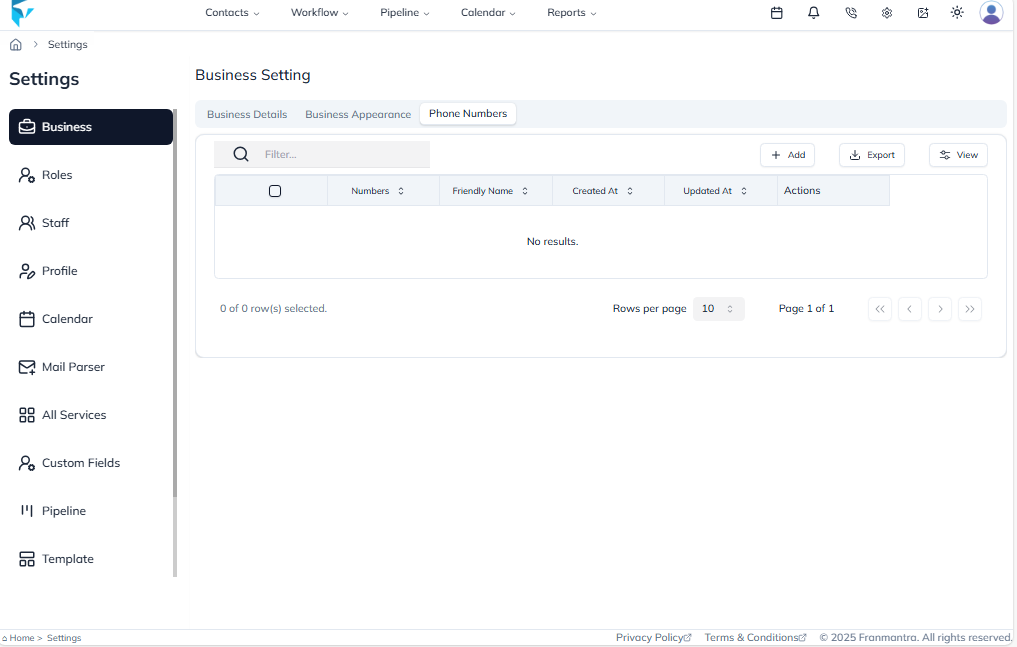
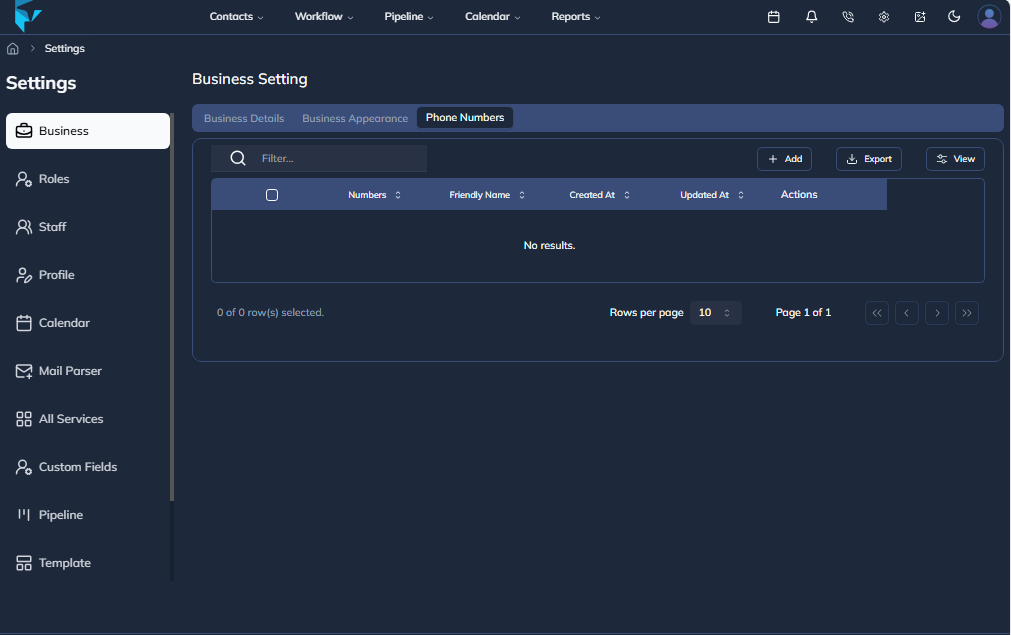
Go to the Phone Numbers tab to manage business phone numbers. If Twilio is connected, you can get a number directly from there and use it in your business communications.
Example
If your business changes its logo, phone number, or brand color, open Business Setting, update the correct tab, and click Update to save the changes. For example, you can upload a new logo in Business Appearance and connect a Twilio number in Phone Numbers so your CRM uses the latest business details.