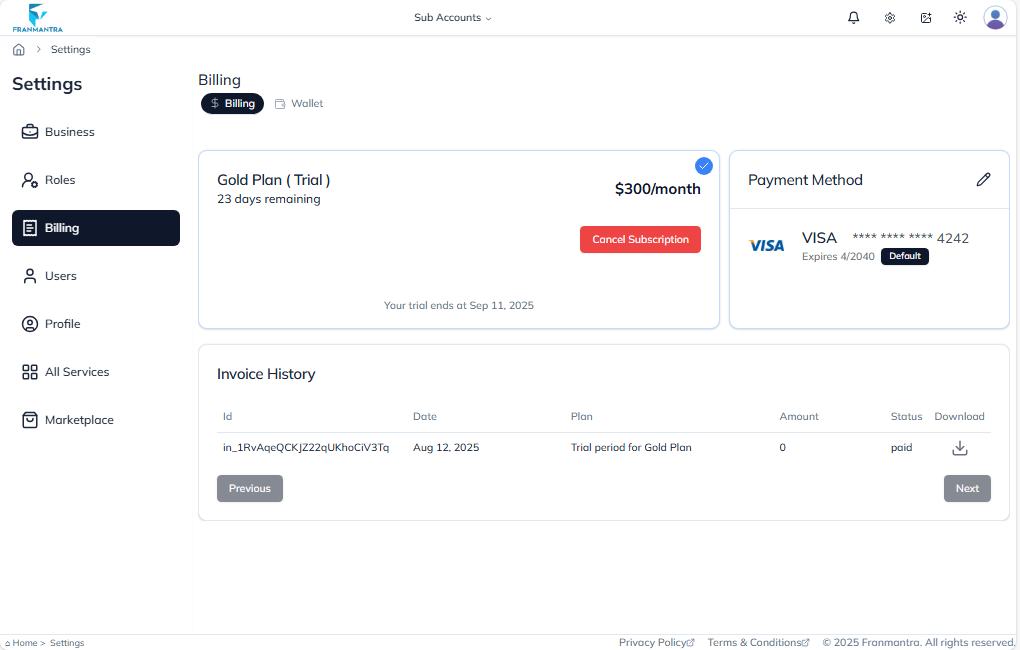
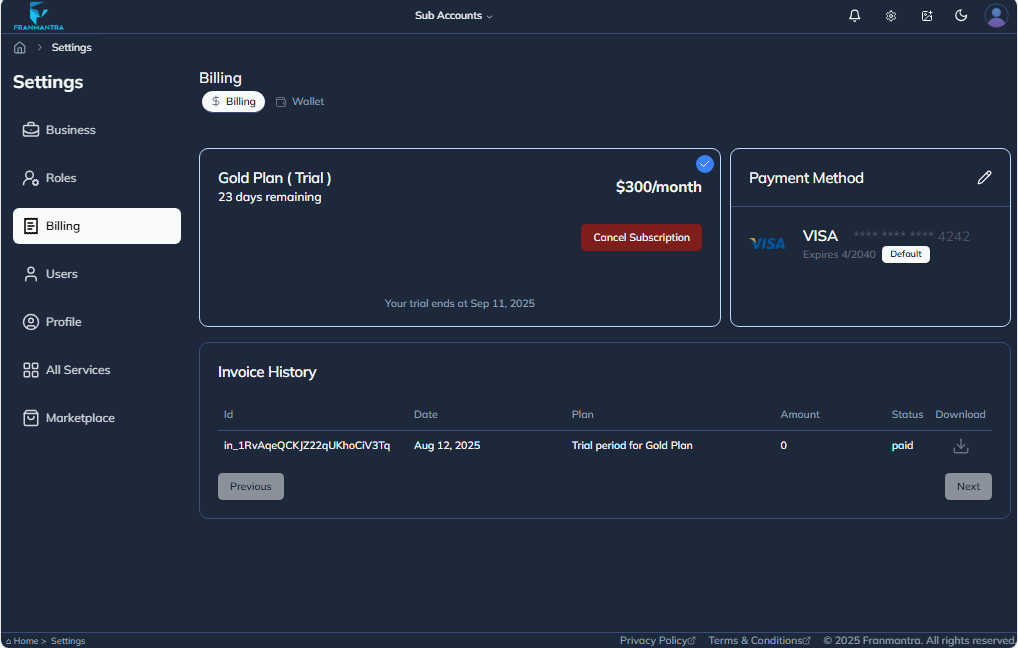
Billing
In the Billing section, click the Edit icon under Payment Method to add a card, then click on the Add New Card button, fill in the card details, and finally click on the Add Card button to save it.
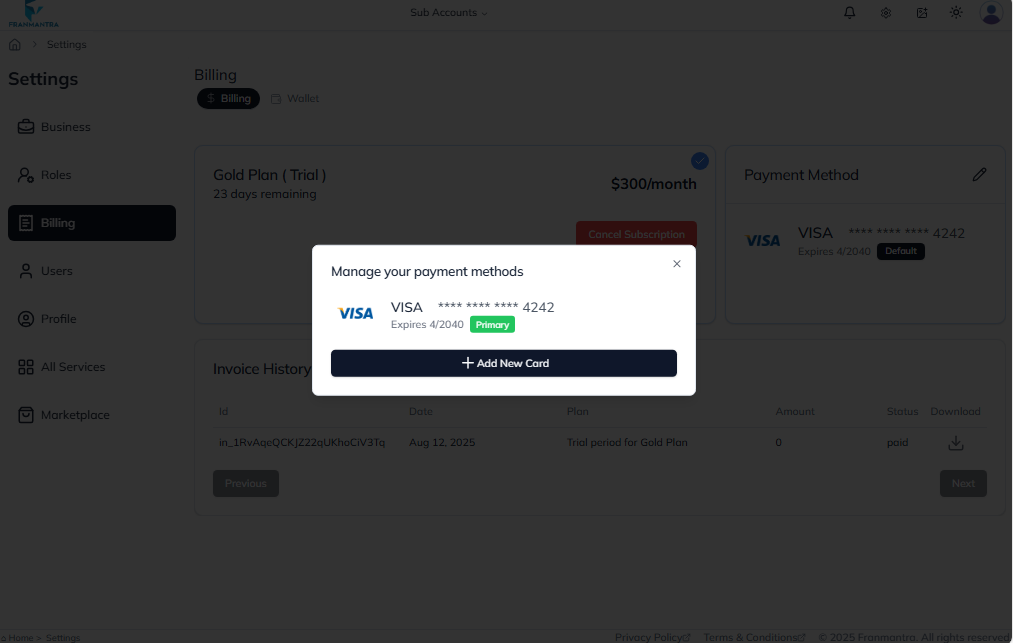
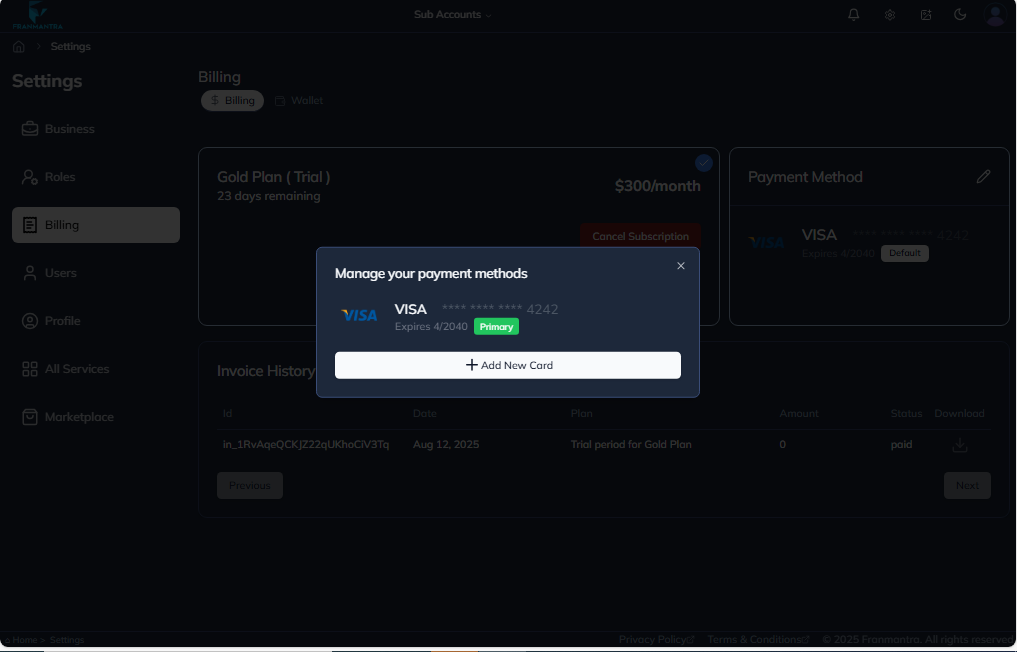
After adding a card, subscribe to a plan of your choice.
Once subscribed, you will be able to see:
- How many days remain in your current subscription.
- The invoice details displayed below.