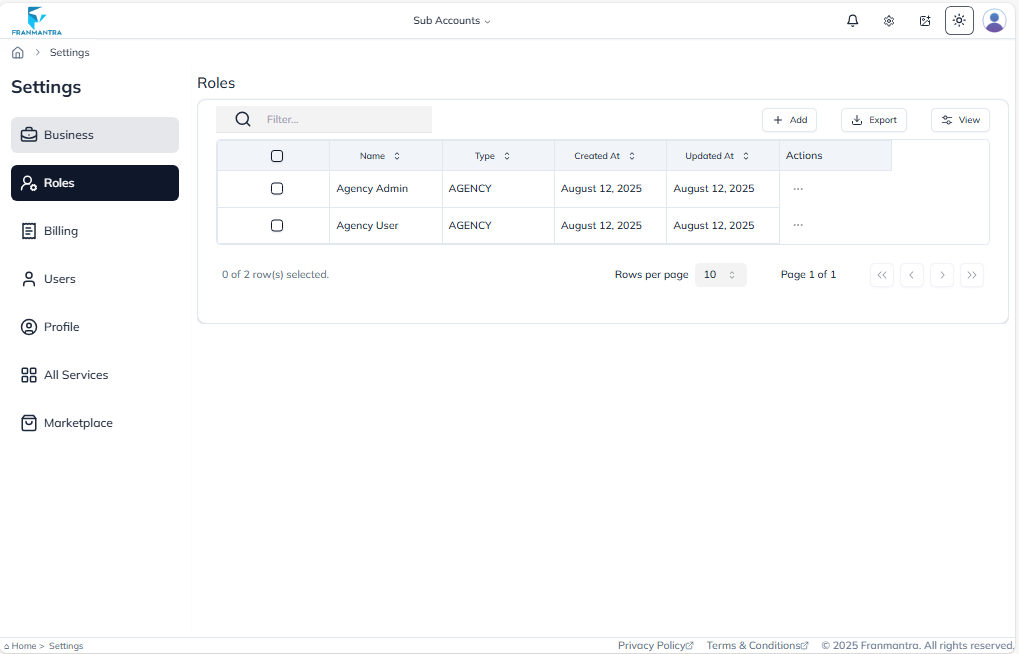
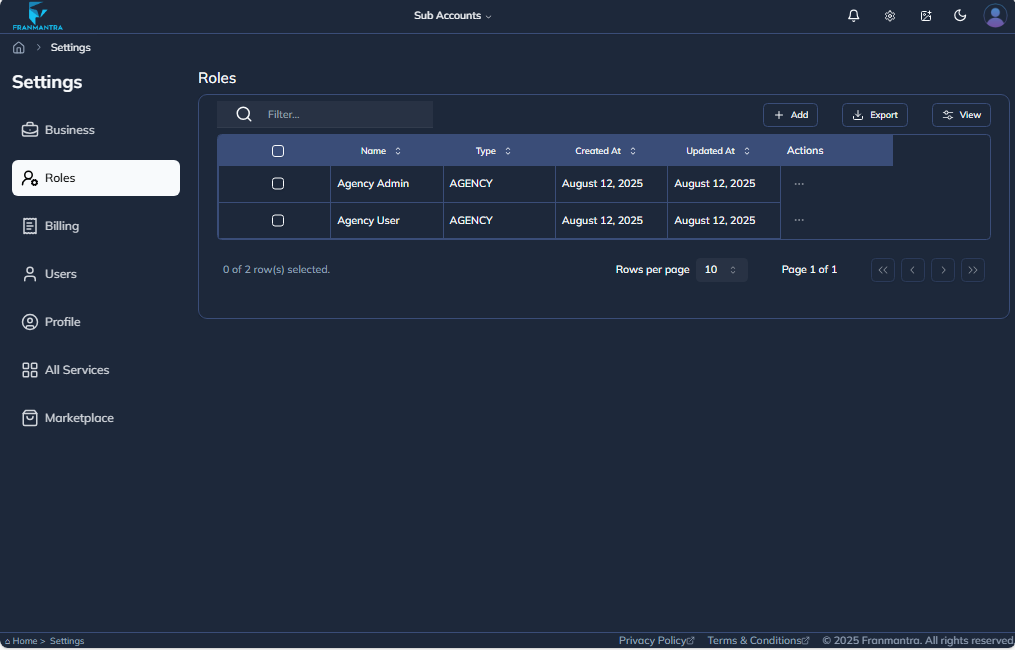
Roles
After completing the Business section, go to the 'Roles' section. Click on the Add button and fill in all the required fields as needed.
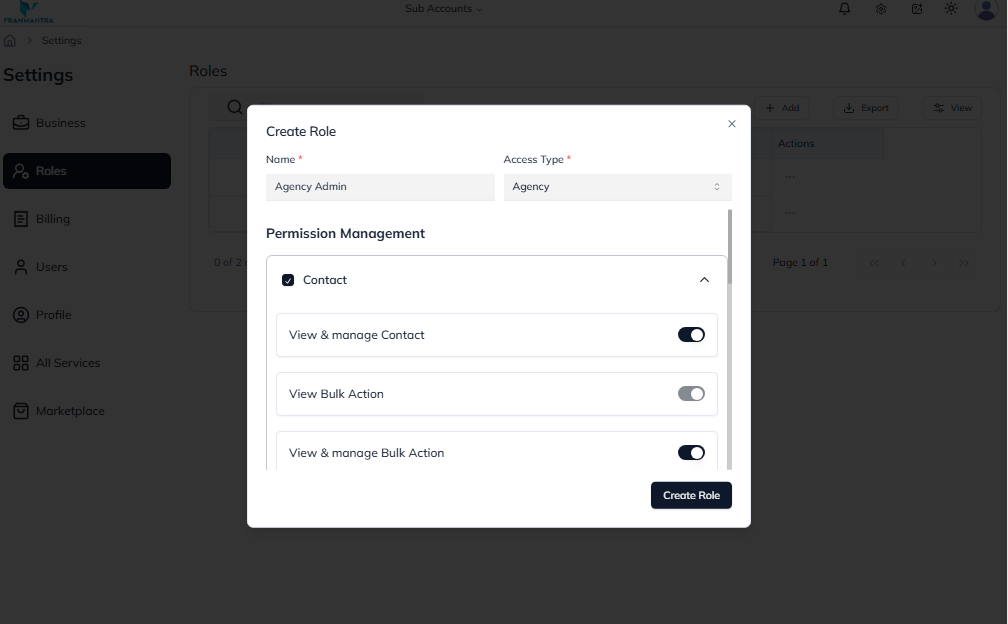
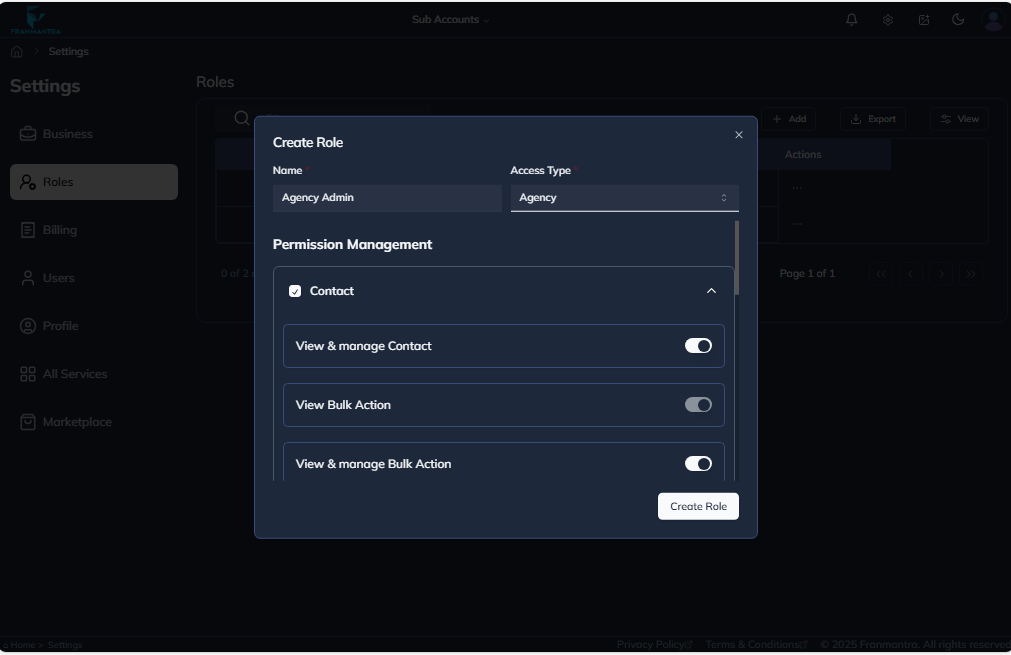
In the Create Role section, you will see the Permission Management options.
- Choose whether this role should have access to all permissions or only specific permissions. Adjust the permissions according to your needs.
- only one permission is visible here. Scroll down to view and manage the rest of the available permissions
Once everything is set, click on the Create Role button to save and create the role.
After creating a role, you will see a page that looks like this.