Users
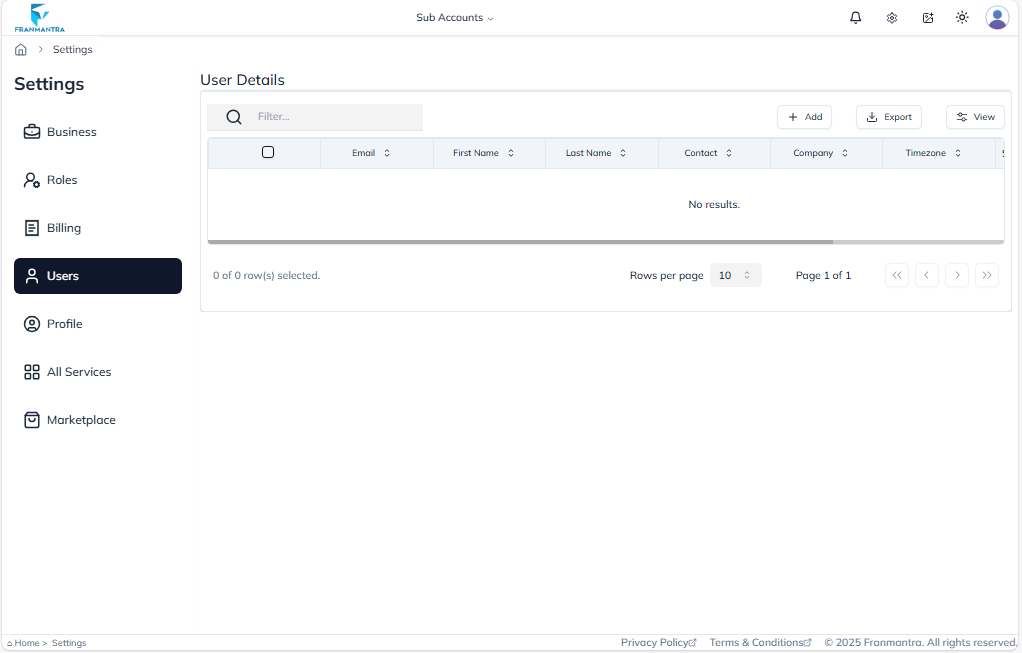
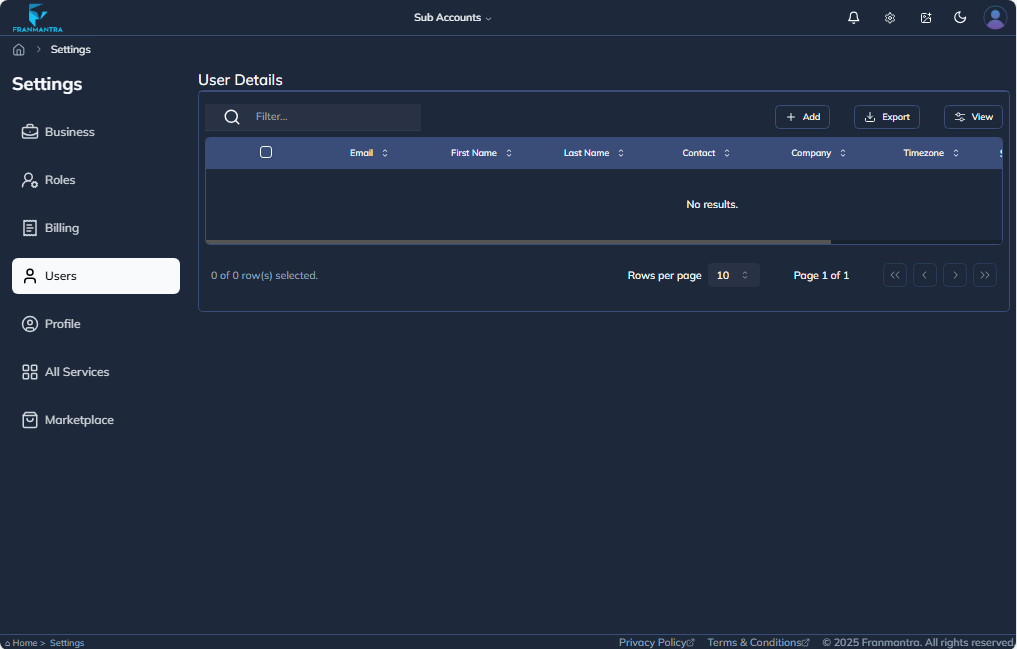
In the Users section, the page will initially be displayed like this. To create a new user, click on the Add button located at the top-right side of the page.
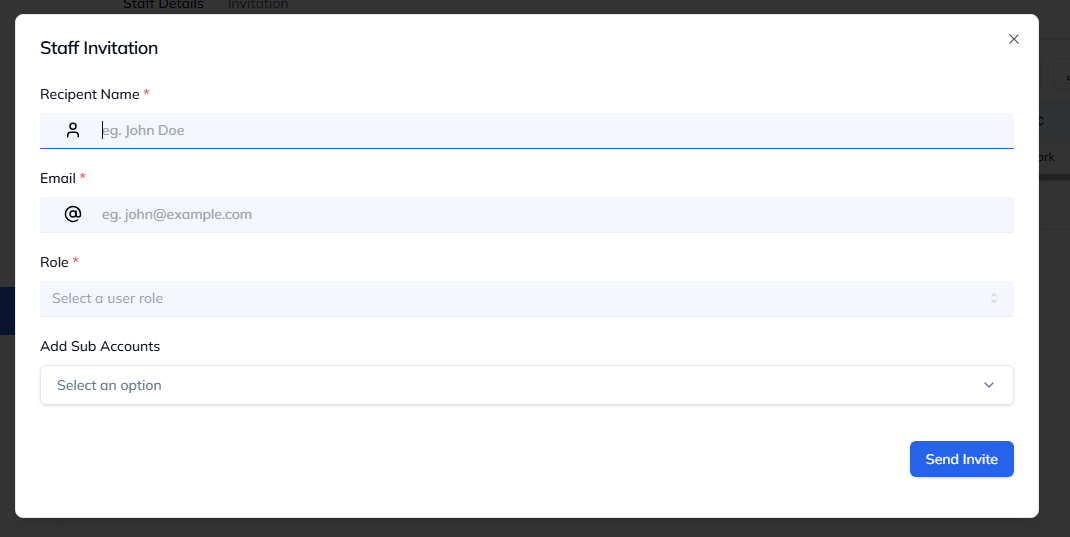
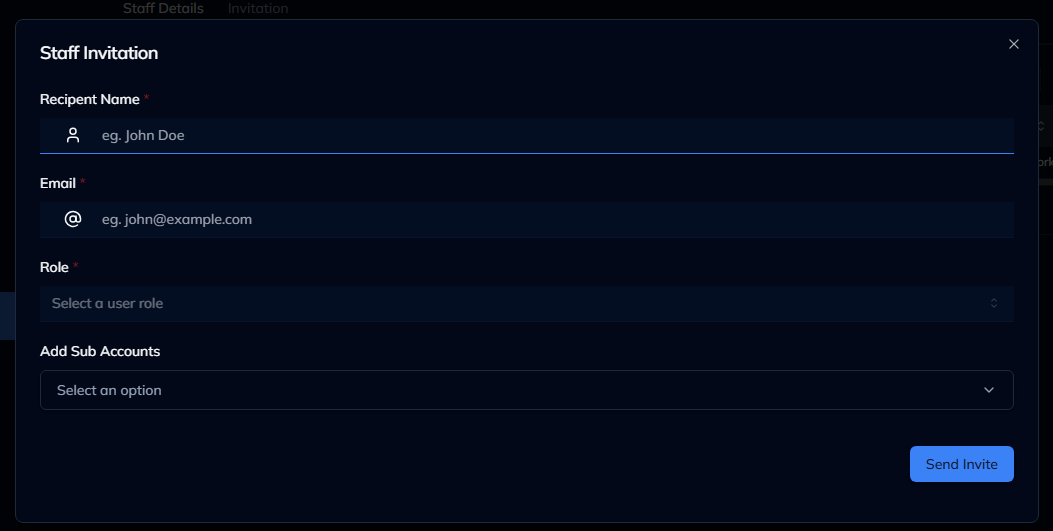
On the Create New User page, fill in all the required fields.
Below the Password field, you will see two tabs: Private Information and Permission
- Under Permission, you can view which permissions are available for the user according to the assigned role.
- These permissions cannot be changed from here.
Once all details are completed, click on the Send Invite button to add the new user.