Custom Values Module
This guide explains how to create, view, and manage Custom Values within Franmantra CRM. The Custom Values module allows administrators to define reusable values or constants used across various features of the CRM.
1. Overview of the Custom Values Module
The Custom Values module helps store reusable, business-specific data that can be referenced in forms, dropdowns, automations, and workflows.
You can:
- Create new custom values
- Organize them into folders
- Edit or delete existing entries
- Search and filter values quickly
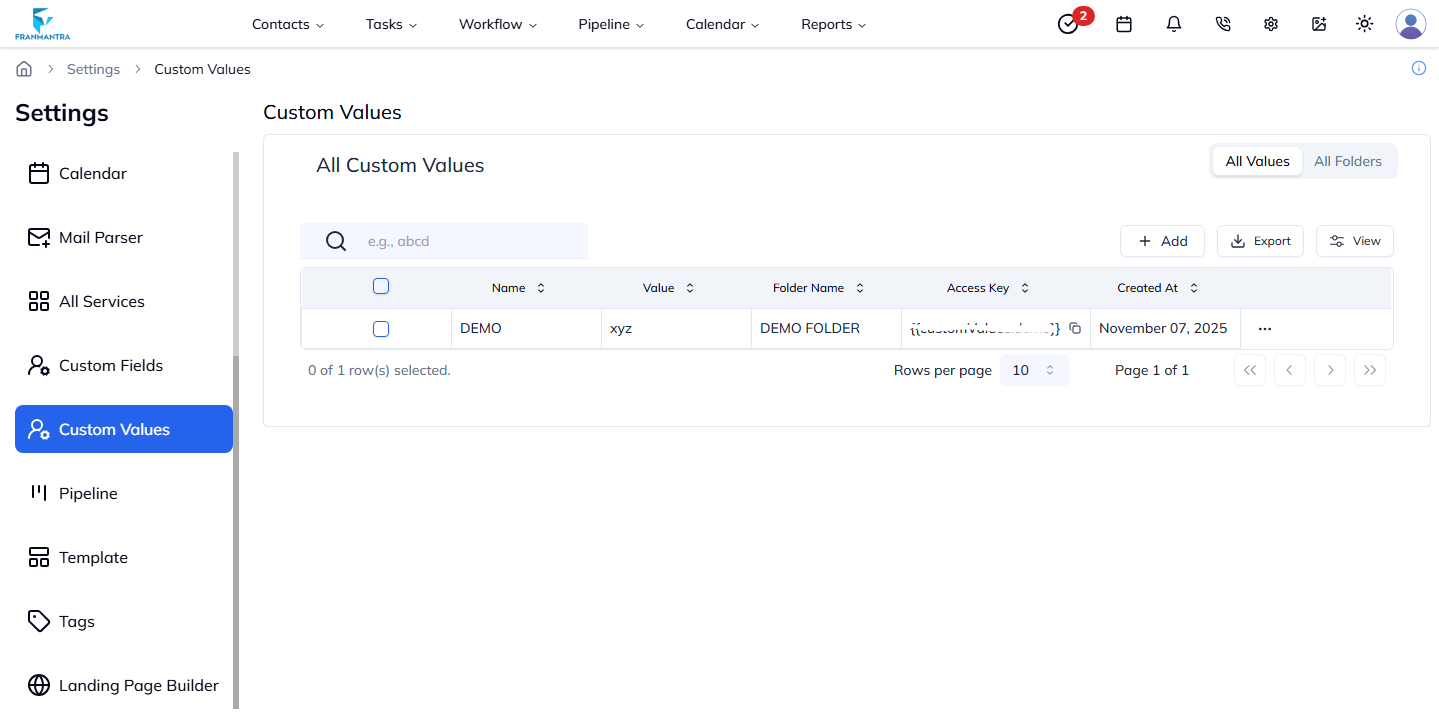
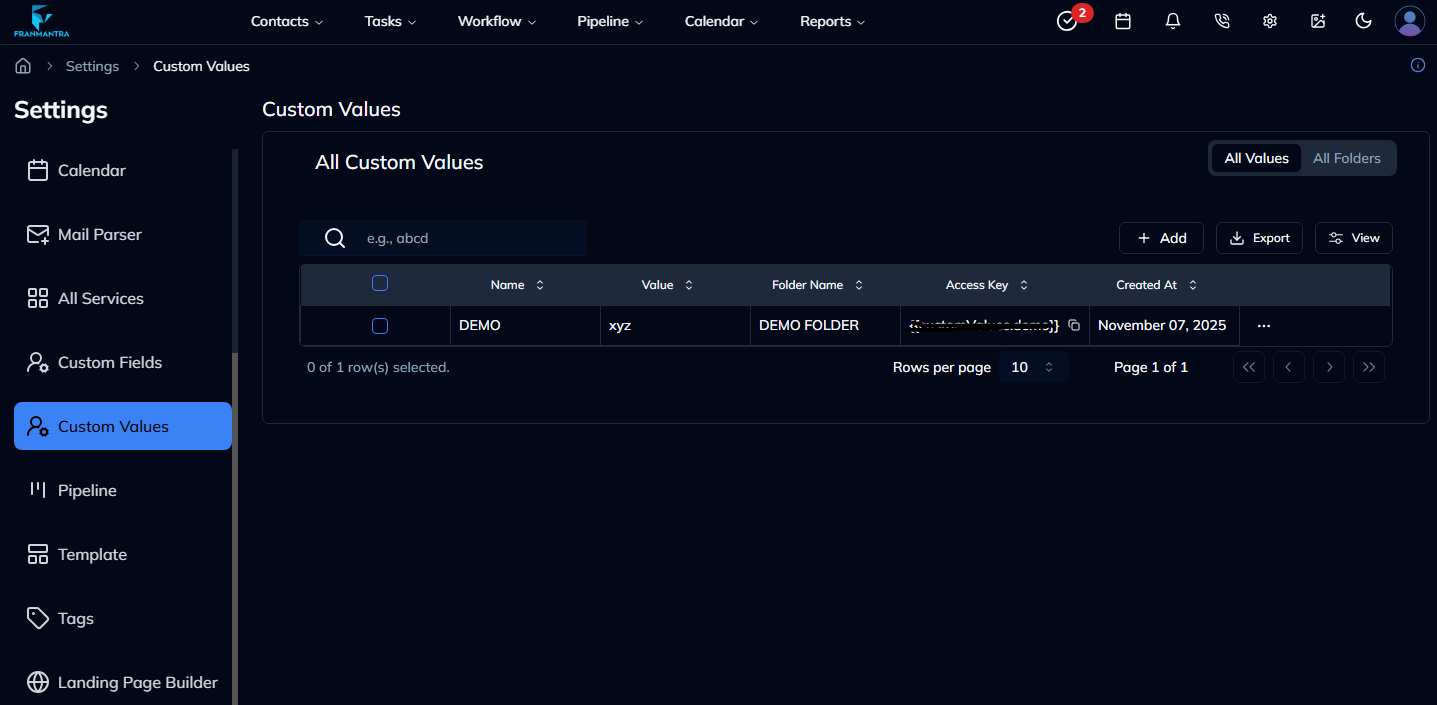
Figure 1: Custom Values list view with filters and actions.
2. Creating a New Custom Value
- Navigate to Settings → Custom Values.
- Click the Add button in the top-right corner.
- Enter the Value Name, select or create a Folder, and optionally provide a description.
- Click Create Value to save your new entry.
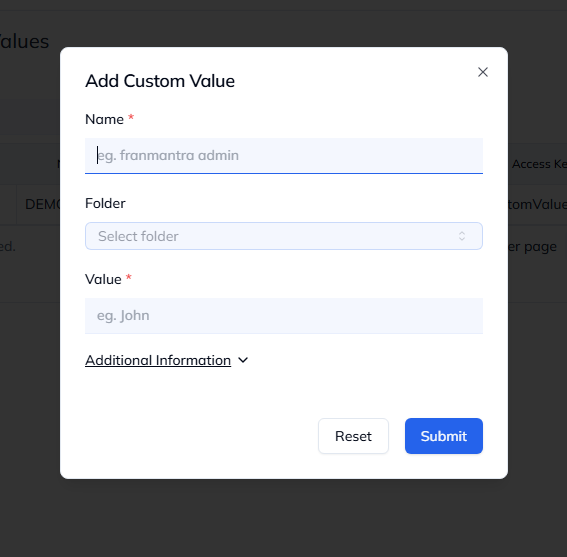
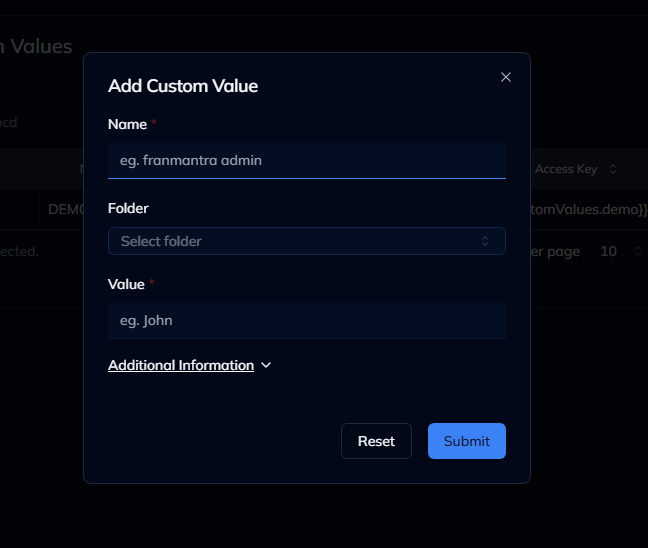
Figure 2: Create Custom Value modal with input fields.
Tip: You can group related values into folders for easier management and access.
3. Viewing & Editing Custom Values
- Locate a value in the list view.
- Click the value name or select View from the Actions menu.
- In the detail sheet, review the information and click Edit to make changes.
- Update the fields as needed and click Save.
All edits are applied immediately and reflected in any connected modules.
4. Managing Folders
The Folders tab helps organize your custom values.
You can:
- Create new folders
- Rename or delete existing ones
- Move values between folders
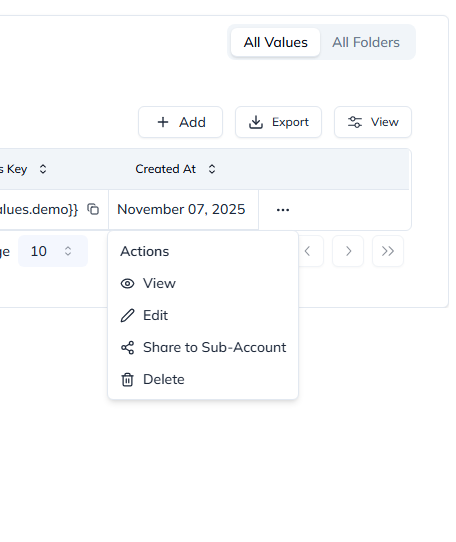
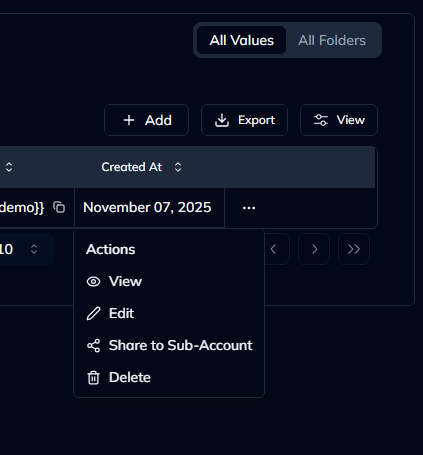
Figure 3: Folder management view for organizing values.
5. Performing Actions on Custom Values
Each row in the list has a three-dot Actions menu with the following options:
- View – Opens the value details.
- Edit – Allows modifying the value.
- Delete – Moves the value to trash.
- Share – Copies a shareable link or allows assigning permissions.
Select the desired action and follow the prompts to complete it.
6. Bulk Operations
Use the checkboxes beside each item to select multiple values.
From the Bulk Action menu, you can:
- Delete or restore values in bulk
- Move values to another folder
- Assign user permissions
Last updated: 27 Aug 2025