Billing Module
What This Is
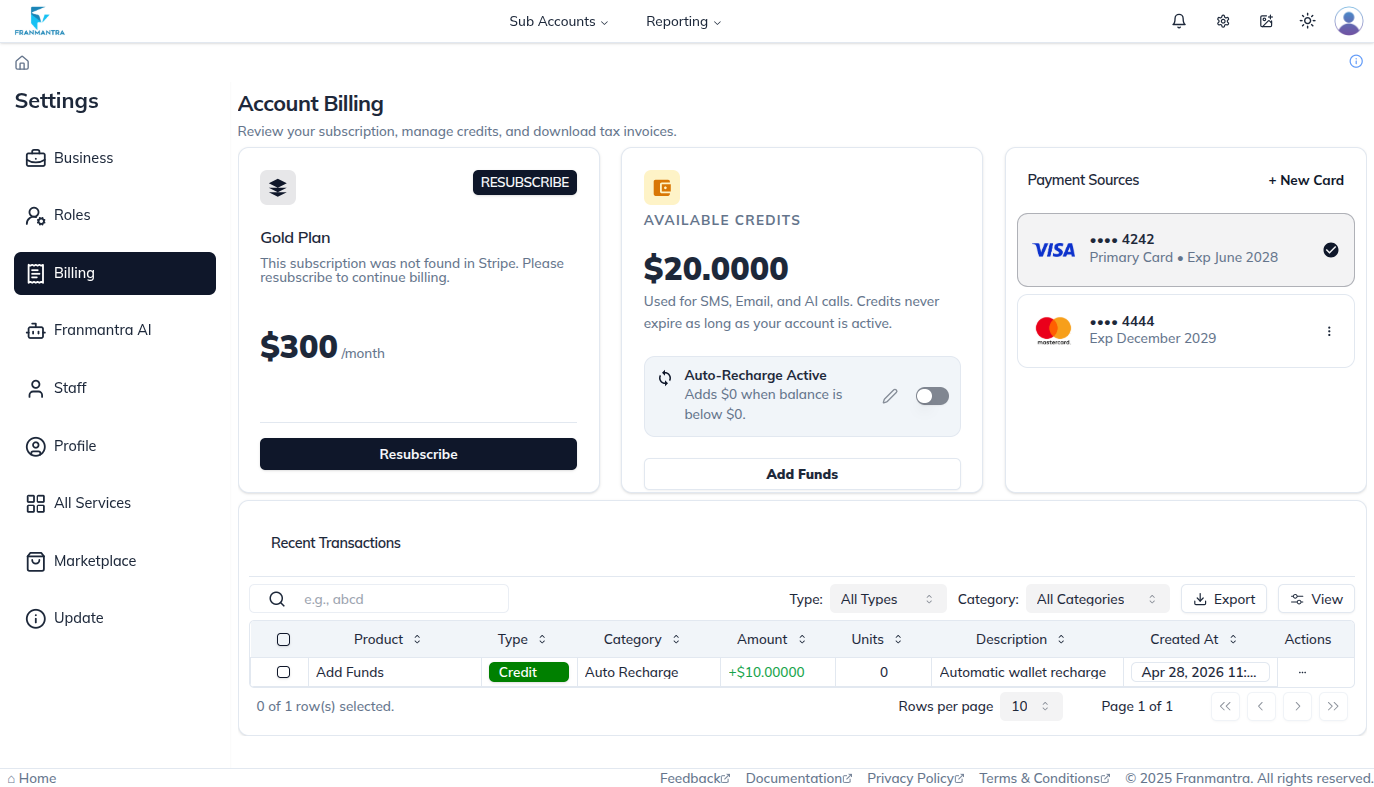
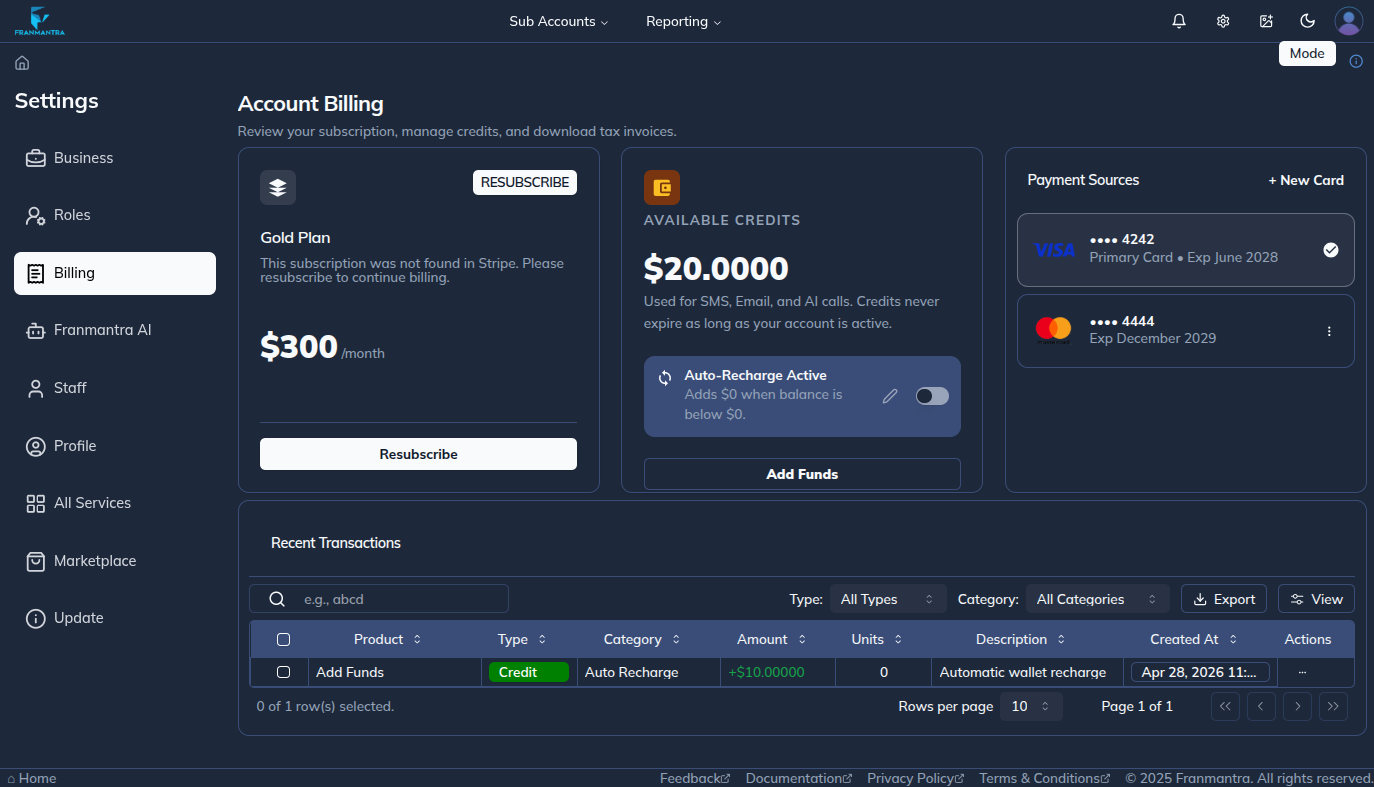
The Billing module helps you manage payment cards, wallet balance, auto-renew or auto-pay, transaction history, and agency subscription details in Franmantra CRM.
When To Use It
Use Billing when you want to:
- Add or manage payment cards.
- Add money to the wallet.
- Turn auto-renew or auto-pay on or off.
- Review transaction history.
- Review or upgrade the plan from an agency account.
What You Can Do
In the Billing module, you can:
- Manage saved payment cards.
- Add money to the wallet balance.
- Enable or disable auto-renew or auto-pay.
- Review previous billing activity in transaction history.
- Review and upgrade the plan when you are using an agency account.
Basic Workflow
- Click the settings icon in the header.
- Open Billing from the left sidebar.
- Confirm the agency Stripe account is connected before adding cards.
- Add or manage saved payment cards.
- Manage wallet balance and auto-renew or auto-pay.
- Review plan details if you are using an agency account.
- Review transaction history.
Example
If your business needs to keep payment details current, open Billing to add a valid card, add wallet balance, turn auto-renew or auto-pay on, and review transaction history.
Notes
- Agencies and sub-accounts can manage cards, wallet balance, auto-renew or auto-pay, and transaction history.
- Only agencies can manage the plan subscription section and upgrade plans.
- The agency Stripe account must be connected in All Services before cards can be added for the agency or any sub-account.
- Keep payment information current to avoid billing problems.