Pipeline Module
What This Is
The Pipeline module helps you track sales opportunities from start to finish. A pipeline is a set of stages that show where each deal is right now.
For example, a deal can move from New Lead to Contacted, then to Interested, and finally to Closed.
When To Use It
Use Pipeline when you want to:
- Track leads and deals.
- See which stage each opportunity is in.
- Move deals from one stage to another.
- Add a new deal to the correct stage.
- Search or filter opportunities.
- Understand how much sales work is in progress.
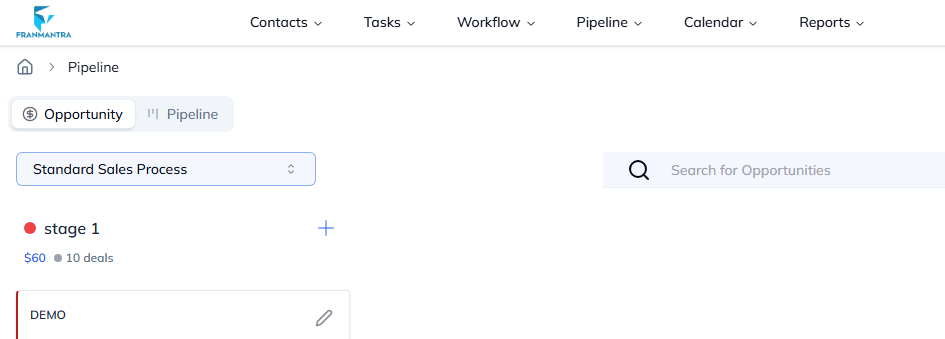
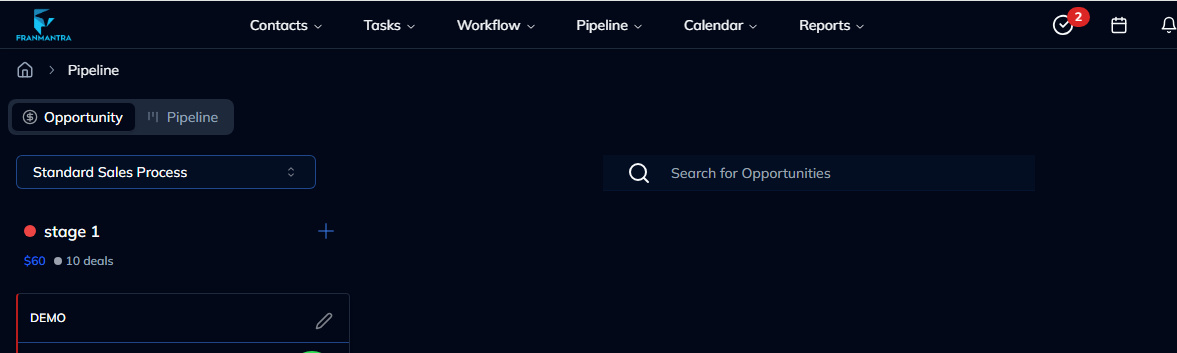
What You Can Do
The Pipeline module usually includes two main views:
- Opportunity view: shows individual opportunities and their details.
- Pipeline view: shows a board with stages, where each card is a deal.
Basic Workflow
- Hover over Pipeline in the header, then click Pipeline in the dropdown menu.
- Choose the pipeline you want to view.
- Add a new deal or open an existing opportunity.
- Move the deal to the correct stage as work progresses.
- Review the board to understand current sales progress.
Example
A new franchise lead is added to the pipeline. First, the deal is placed in New Lead. After the team calls the person, the deal moves to Contacted. If the person is interested, the deal moves to the next stage.
Notes
- Keep stage names simple and meaningful.
- Move deals as soon as their status changes.
- Use filters when the pipeline has many opportunities.