Custom Values Module
What This Is
The Custom Values module stores reusable values that can be used in different parts of the CRM. A custom value is a saved piece of information that your business uses often.
For example, you can save a company phone number, support email, booking link, or common business text.
When To Use It
Use Custom Values when you want to:
- Save information that is reused in many places.
- Keep business values consistent.
- Update one value and reuse it across CRM features.
- Organize values into folders.
- Search and filter saved values.
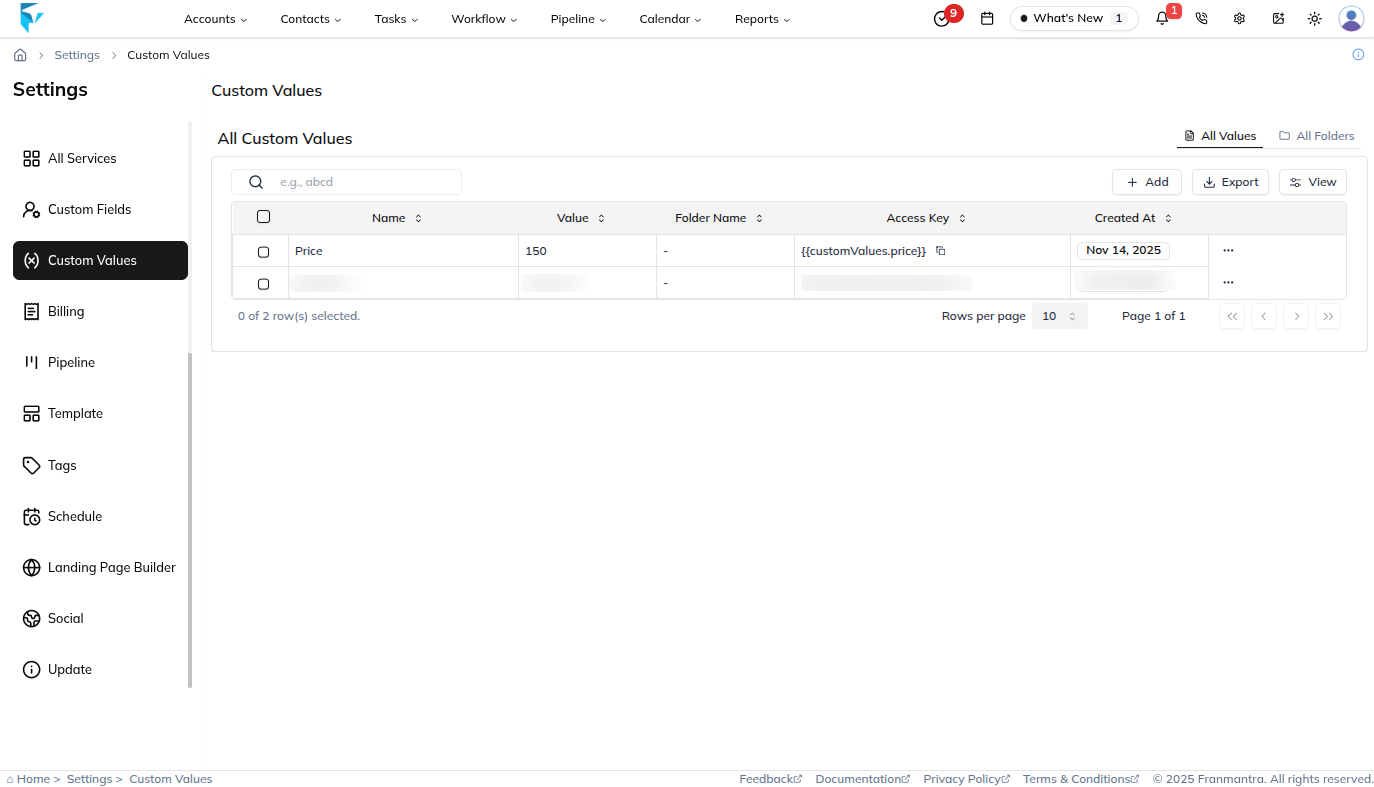
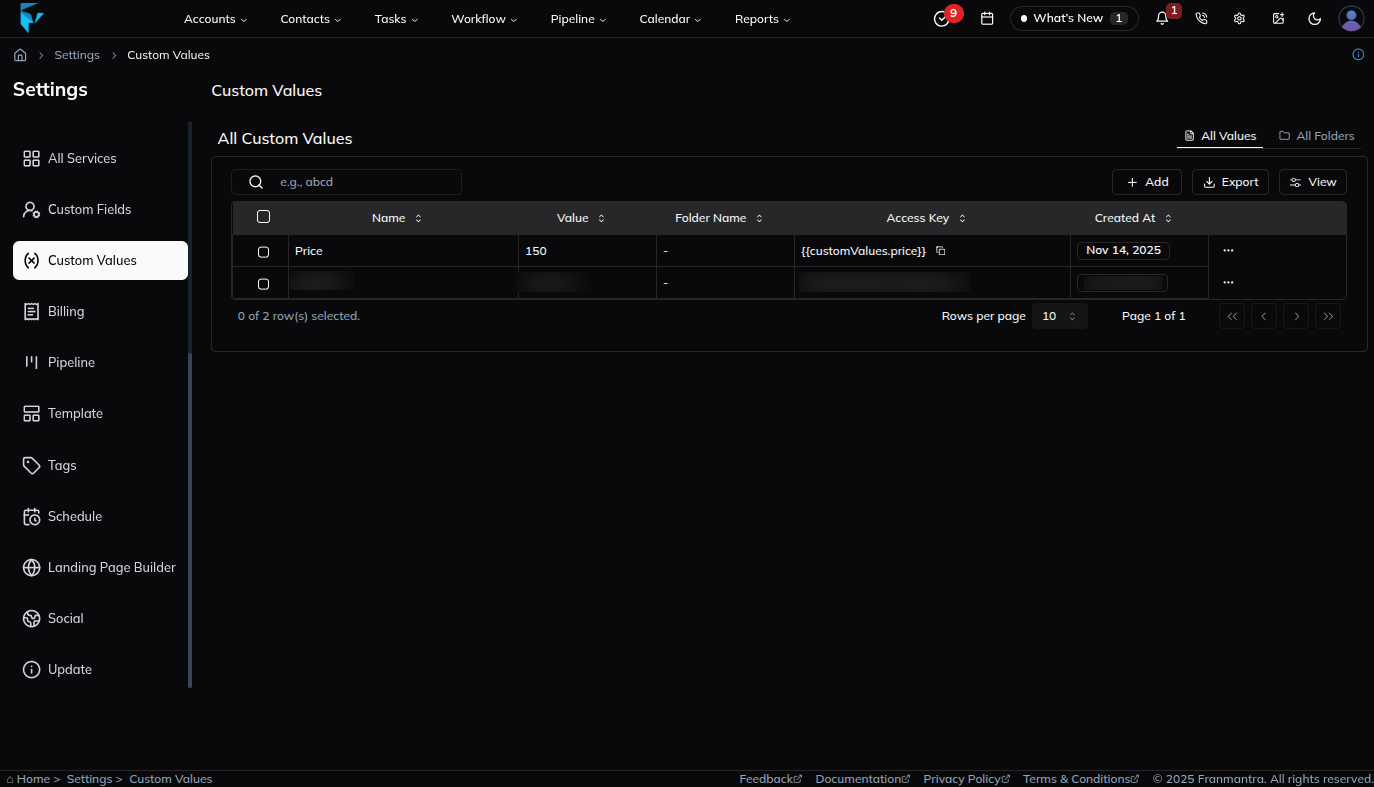
What You Can Do
In the Custom Values module, you can:
- Create a new custom value.
- Edit an existing value.
- Organize values into folders.
- Delete values that are no longer needed.
- Use values in forms, templates, automations, or workflows when supported.
Basic Workflow
- Open Settings > Custom Values.
- Click Add.
- Enter the value name and content.
- Choose or create a folder if needed.
- Save the value.
Example
If your business support email appears in many templates, save it as a custom value. If the email changes later, you only need to update the saved value.
Notes
- Use clear names so your team knows what each value is for.
- Group related values into folders.
- Be careful when editing values that are already used in workflows or templates.