Roles Module
What This Is
The Roles module controls what users are allowed to see and do in Franmantra CRM. A role is a permission group, such as admin, manager, sales user, or staff member.
In simple words, roles help you decide who can access each part of the CRM.
When To Use It
Use Roles when you want to:
- Create permission groups for different team members.
- Allow some users to manage settings while others only manage contacts or tasks.
- Protect important features from users who should not change them.
- Review or update permissions as your team grows.
What You Can Do
In the Roles module, you can:
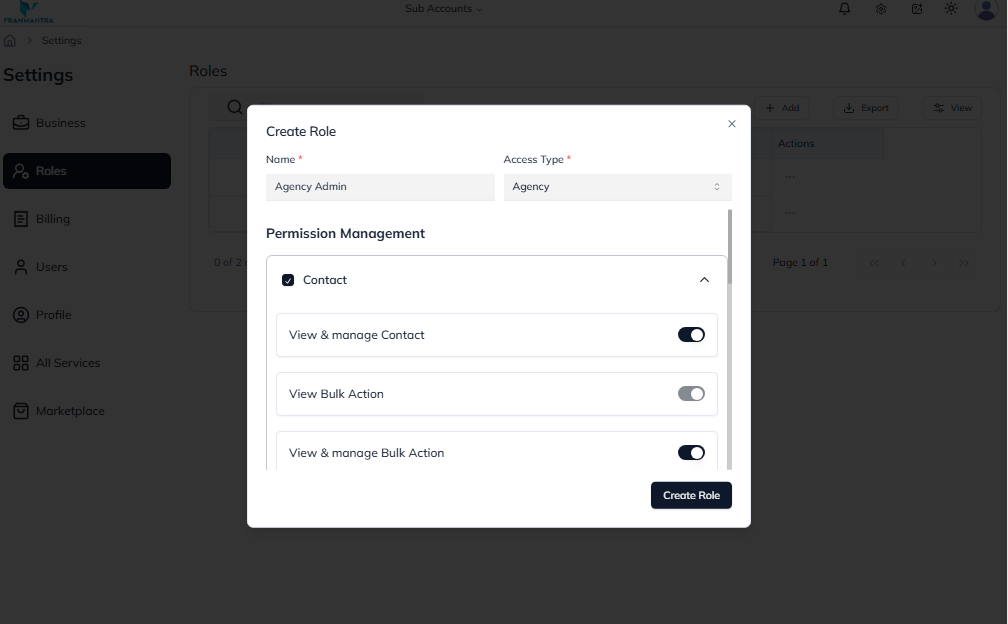
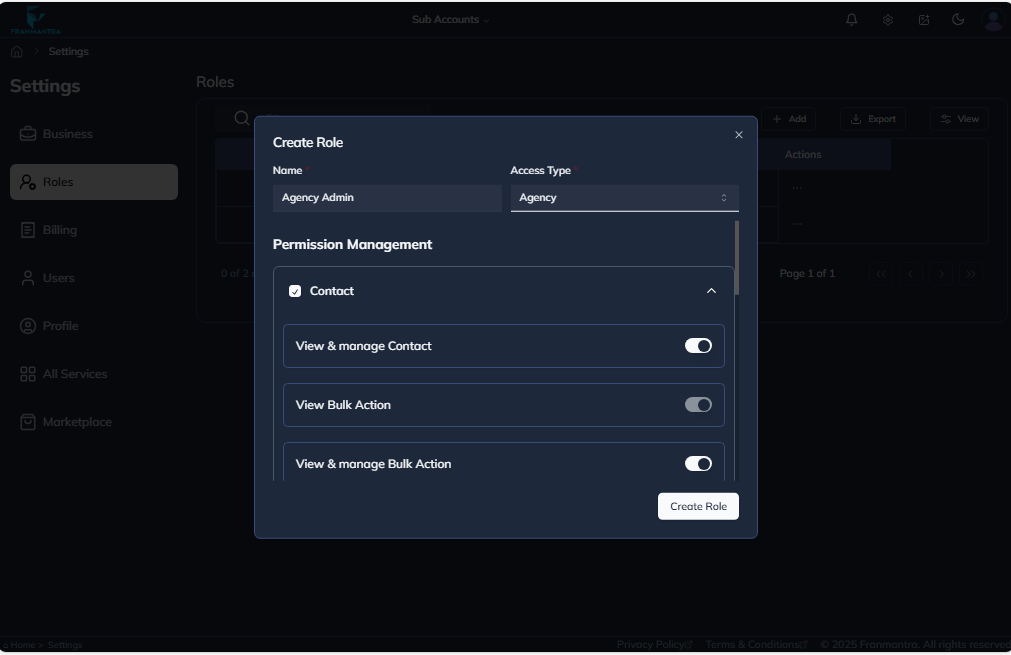
- Create a new role.
- Choose full access or selected permissions.
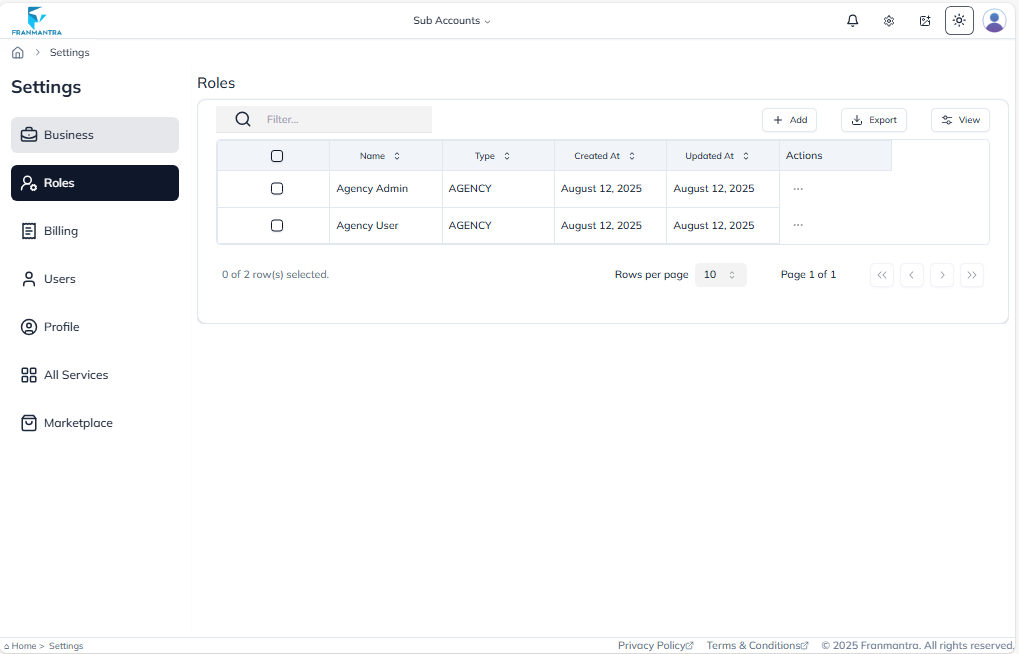
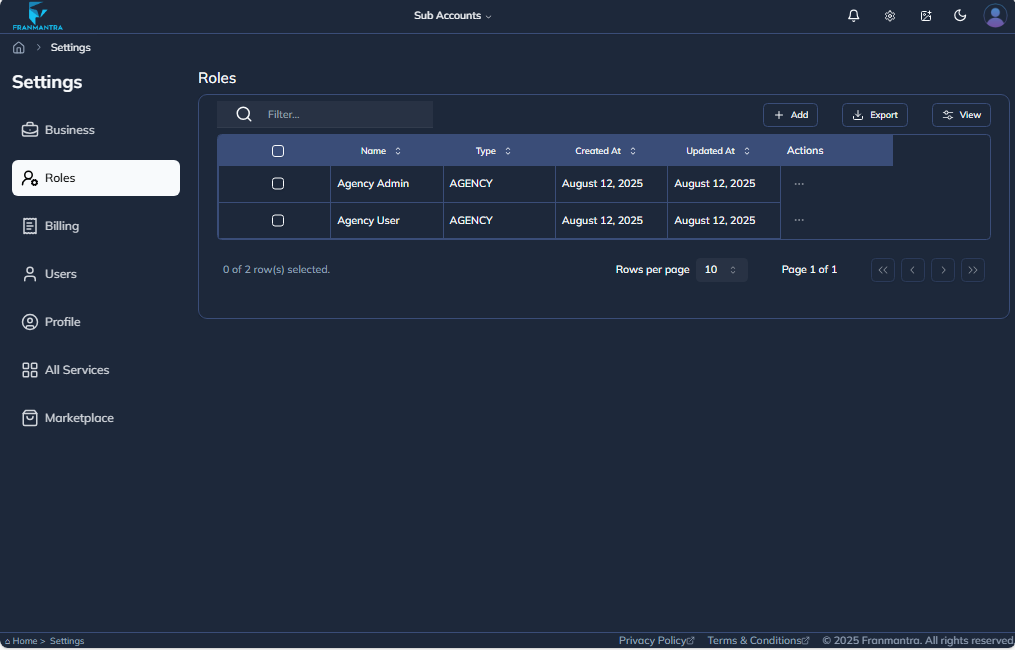
- View existing roles.
- Update role permissions when responsibilities change.
- Assign roles to users from the user management area.
Basic Workflow
- Open Settings > Roles.
- Click Add.
- Enter the role name and details.
- Choose the permissions this role should have.
- Save the role.
- Assign the role to the correct users.
Example
You can create a Sales User role that allows a person to manage contacts, opportunities, tasks, and messages, but not billing or business settings.
Notes
- Give users only the permissions they need.
- Review permissions before inviting new staff.
- If a user cannot see a feature, check their assigned role first.