Profile Module
What This Is
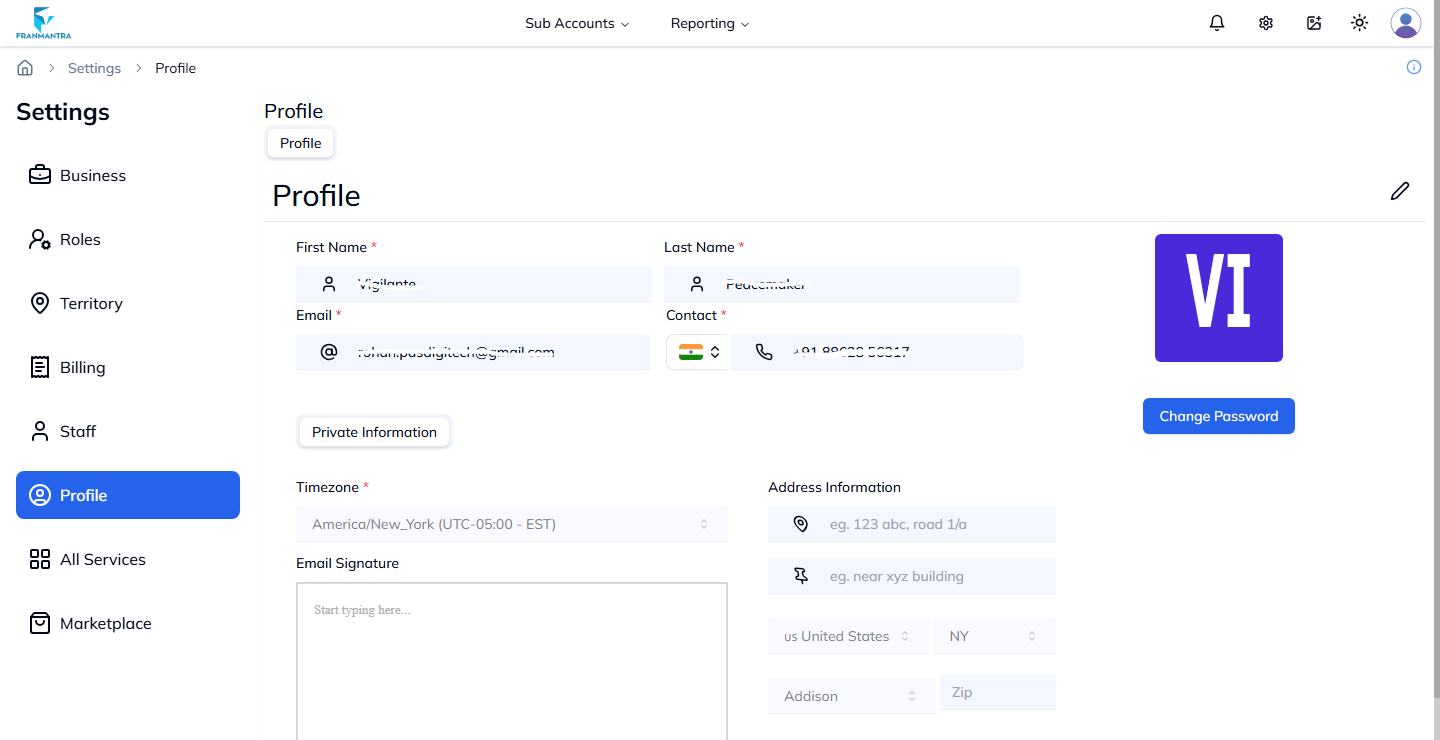
The Profile module stores your personal user information inside Franmantra CRM. This can include your name, email, phone number, and other account details.
When To Use It
Use Profile when you want to:
- Check your own account information.
- Update personal details.
- Keep your contact information correct for your team.
- Review profile information connected to your CRM user account.
What You Can Do
In the Profile module, you can:
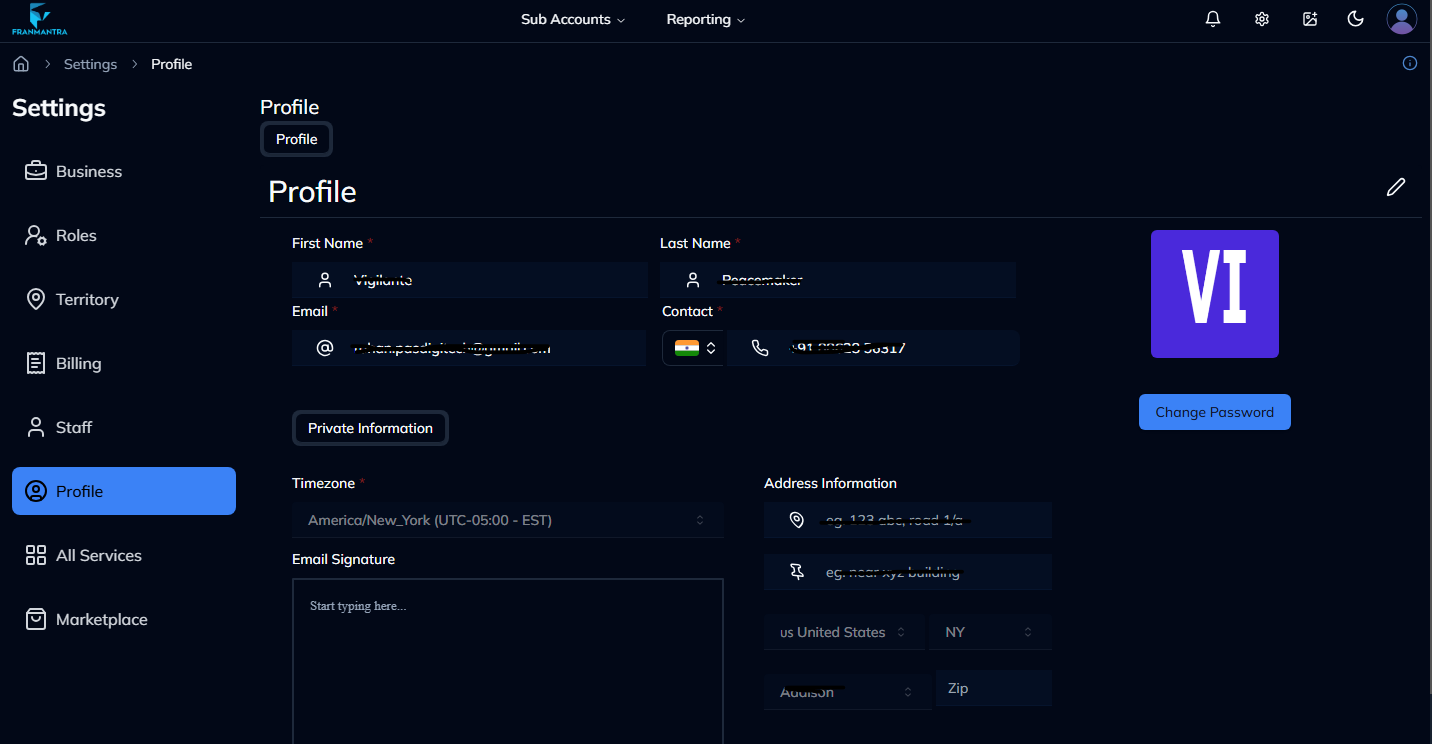
- View your profile details.
- Click the edit icon to update information.
- Save changes with Update Profile.
Basic Workflow
- Open Settings > Profile.
- Click the Edit icon.
- Update the fields you need to change.
- Click Update Profile.
Example
If your phone number changes, open Profile, update the number, and save the change so your account information stays correct.
Notes
- Keep your profile information up to date.
- Some fields may be controlled by an admin and may not be editable by every user.