Reports Module
What This Is
The Reports module helps you view and understand CRM data. Reports can show information from contacts, opportunities, communication, tasks, and other CRM areas.
Reports help your team answer questions like, "How many leads do we have?" or "Which opportunities are still open?"
When To Use It
Use Reports when you want to:
- Review business or sales information.
- Filter CRM data.
- Create a report from scratch.
- Use a report template.
- Export report data.
- Share useful information with your team.
What You Can Do
In the Reports module, you can:
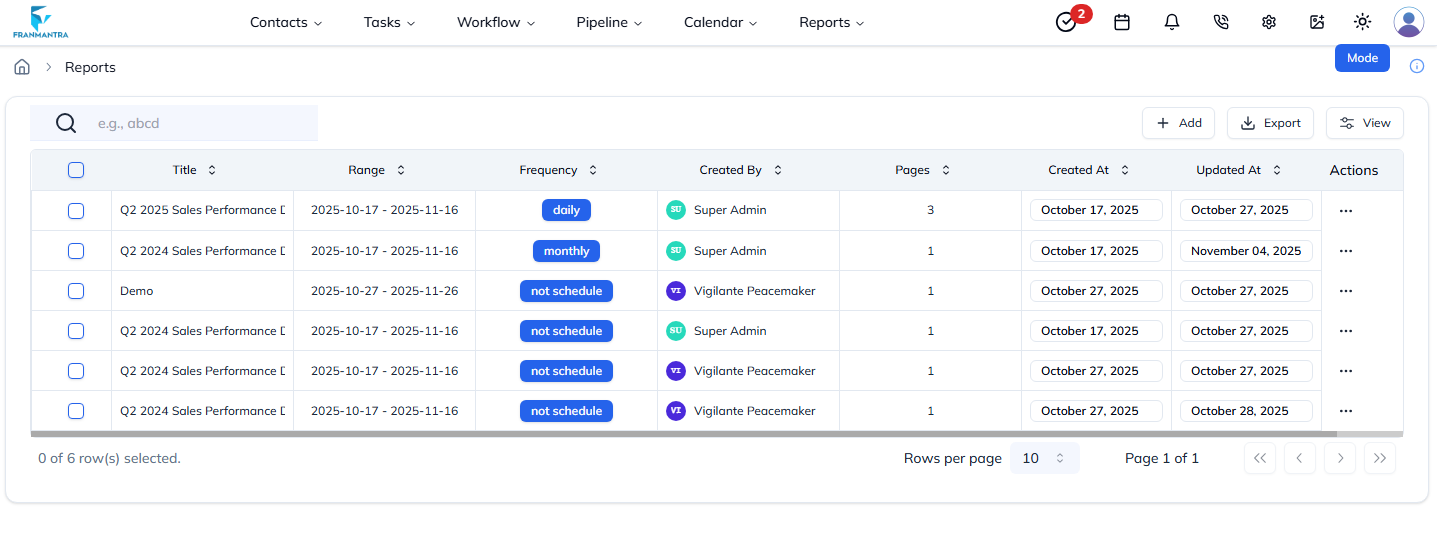
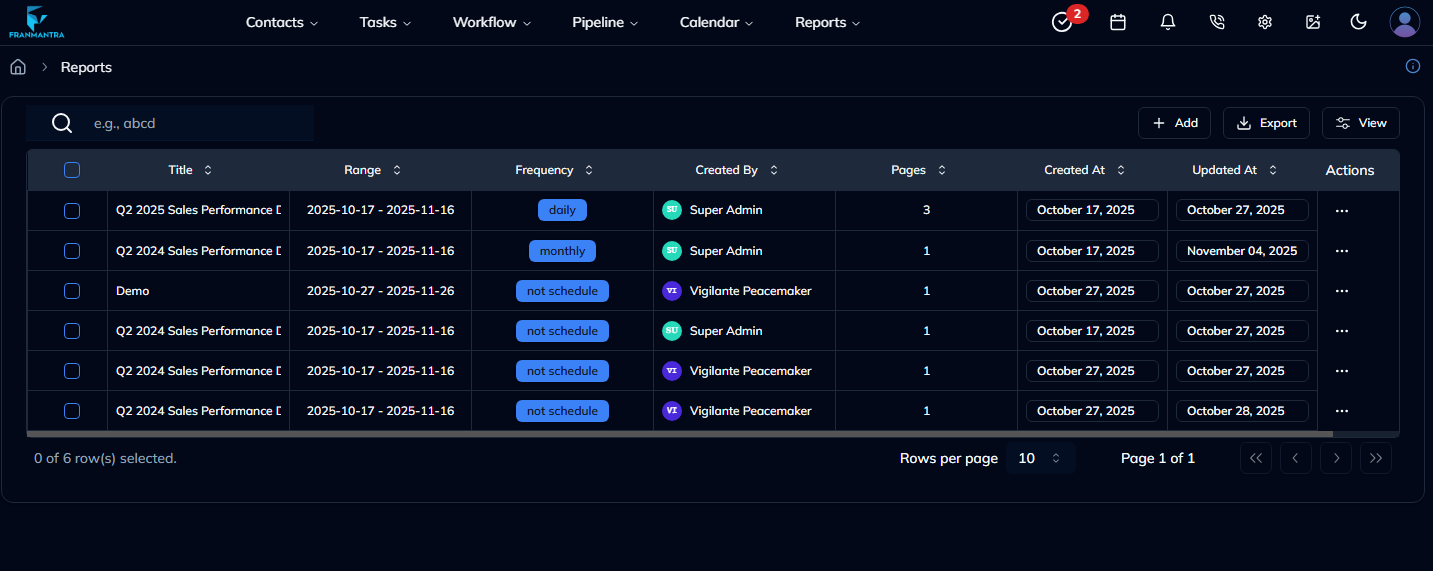
- View existing reports.
- Create a new report.
- Create a report from a template when available.
- Edit report settings.
- Filter and preview report data.
- Export report data when needed.
Basic Workflow
- Hover over Reports in the header, then click Reports in the dropdown menu.
- Click Add.
- Choose From Scratch or Using Template, if that option is available.
- Fill in the form, then click Create Reports.
- After the new report appears in the list, open the report and click Edit.
- The report edit page opens.
Example
You can create a report that shows all new leads from this month. Your team can use it to check how many leads came in and which ones still need follow-up.
Notes
- Use clear report names so users know what each report shows.
- Add filters to keep reports focused.
- Export reports when you need to review data outside the CRM.