Billing
The Billing section in sub-account settings lets you manage saved cards, wallet balance, auto-renew or auto-pay, and transaction history. The workflow is almost the same as agency billing, but sub-accounts do not manage plan upgrades from this page. Cards can be added only after the agency has connected Stripe from agency All Services.
What This Is
Billing is where you can review payment-related information and manage the payment options available to the sub-account. You can add a card, add more money to the wallet, enable or disable automatic renewal, and review transaction history after the agency Stripe account is connected.
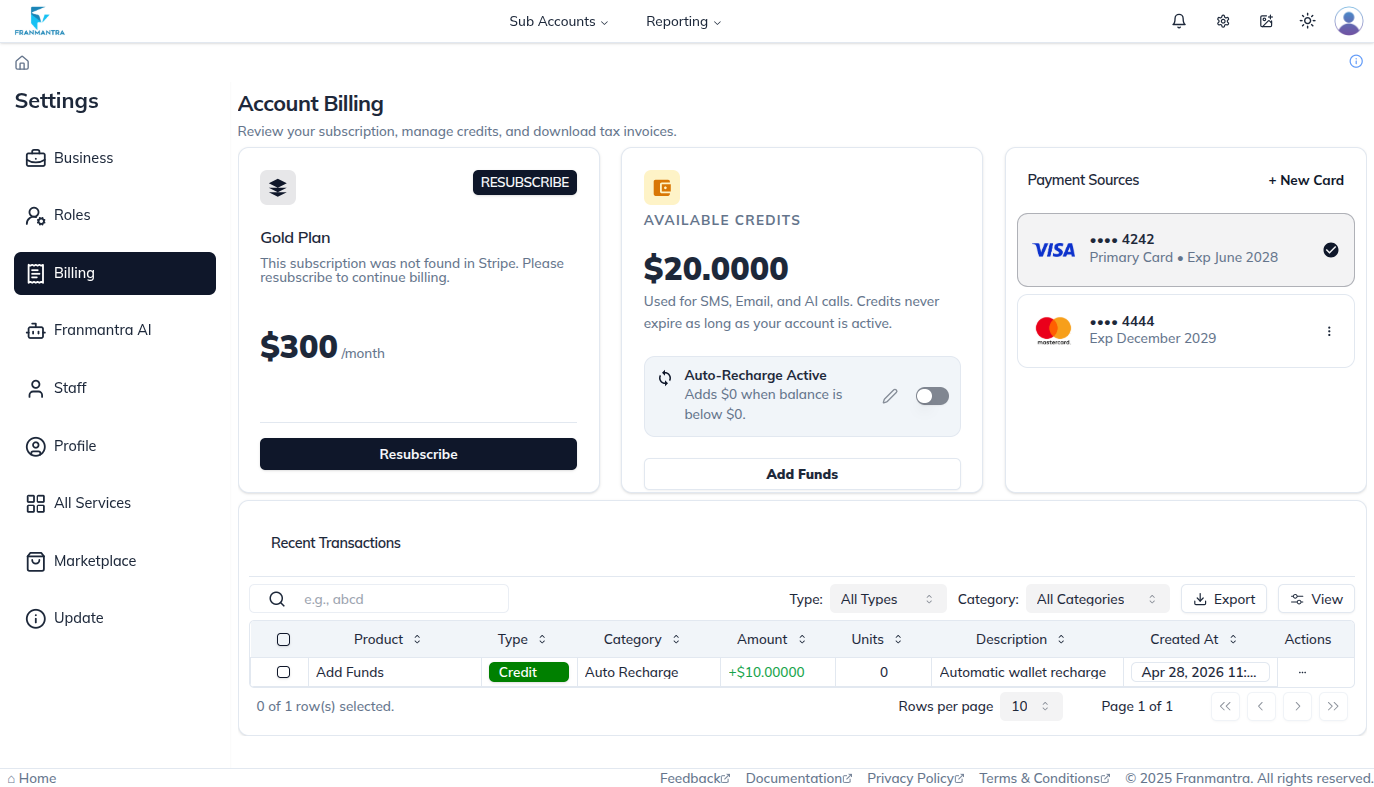
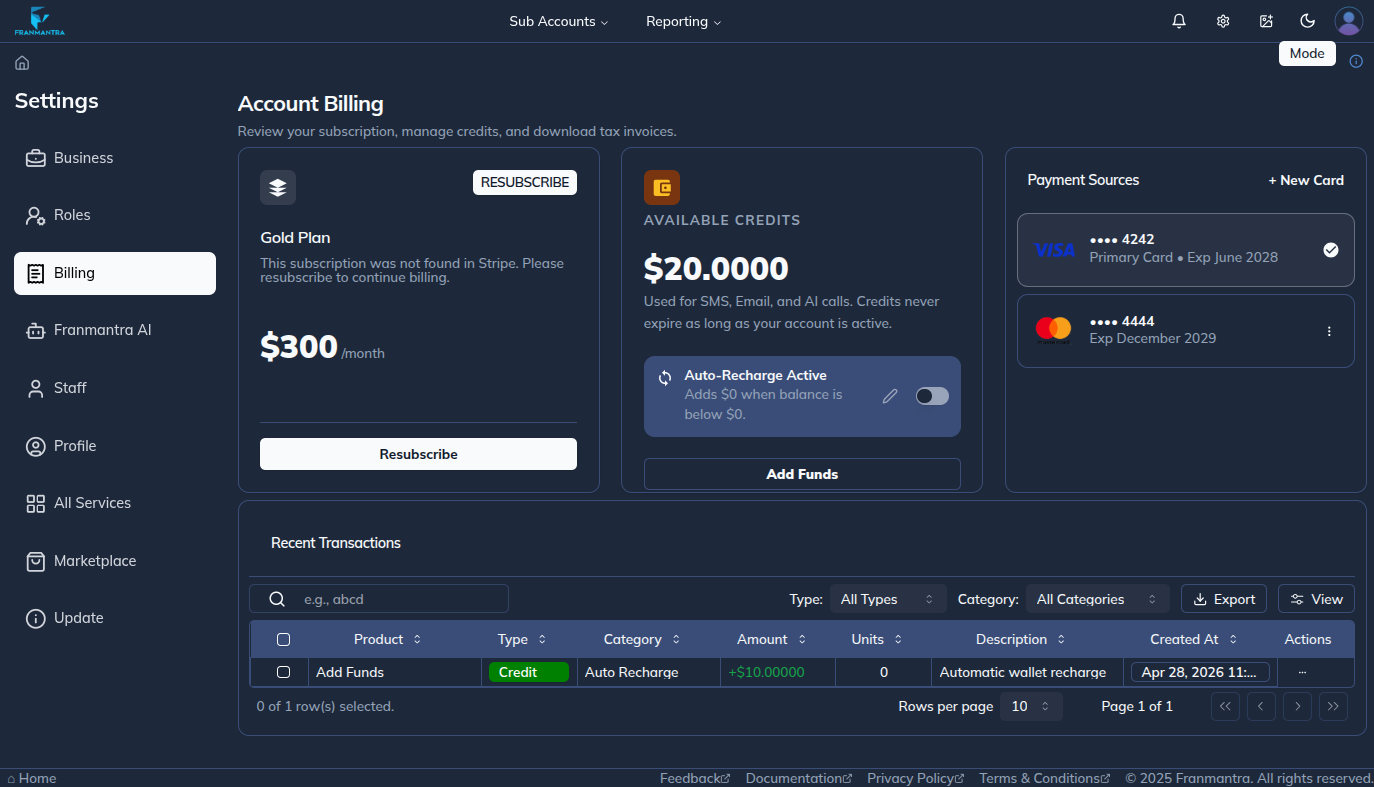
Open Billing
- Click the settings icon in the header.
- The Business Settings page opens by default.
- Use the left sidebar to open Billing.
- Review the billing sections available to the sub-account.
Stripe Requirement
The agency must connect a Stripe account in agency All Services before sub-accounts can add cards. If the add-card option is unavailable, contact the agency admin and ask them to connect Stripe first.
Card Management
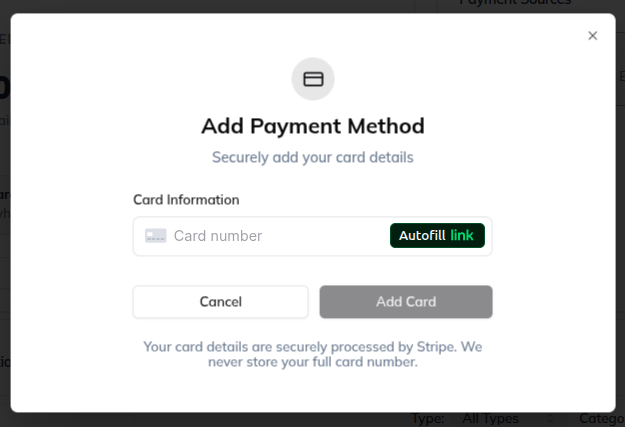
The card section lets you add and manage saved payment cards. If no card exists yet, the page shows an Add Card button.
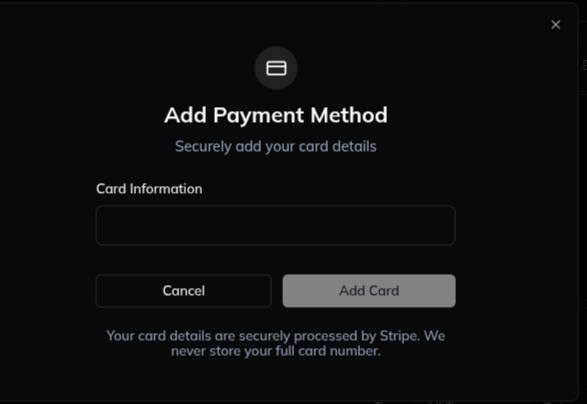
- Click Add Card or New Card.
- Enter the card number.
- Enter the card expiration date.
- Enter the card CVC number.
- Click Submit to save the card.
When the first card is added, it becomes the primary card by default. If multiple cards are saved, you can change which card is marked as the primary card.
Wallet Balance
The wallet section shows the amount currently available in the wallet. From this section, you can add more money when the sub-account needs additional wallet balance.
Auto-Renew or Auto-Pay
The auto-renew or auto-pay switch controls whether billing renews automatically. Turn the switch on to enable automatic renewal, or turn it off when you want to disable automatic renewal.
Transaction History
The transaction history table shows previous billing activity for the sub-account. Use this table to review wallet additions, card-related billing records, and other transaction records shown in the system.
Agency-Only Plan Subscription
Agencies can see a plan subscription section where they can review the current plan and upgrade to another plan. This section is not managed from the sub-account Billing page.
Example
If a sub-account needs to pay for services automatically, first make sure the agency has connected Stripe in All Services. Then add a payment card, add wallet balance if needed, and enable auto-renew or auto-pay.
Notes
- Sub-accounts can manage cards, wallet balance, auto-renew or auto-pay, and transaction history.
- Agencies can also manage the current plan and upgrade plans.
- The agency Stripe account must be connected in All Services before cards can be added in a sub-account.
- The first saved card usually becomes the primary card, but the primary card can be changed after more cards are added.