Landing Page Builder
Overview
The Landing Page Builder helps you create and manage web pages for your business without needing any technical skills. You can design multiple pages, connect them together, and use them to guide your visitors through a complete journey—such as a home page or product page.
Designing and Organizing Pages
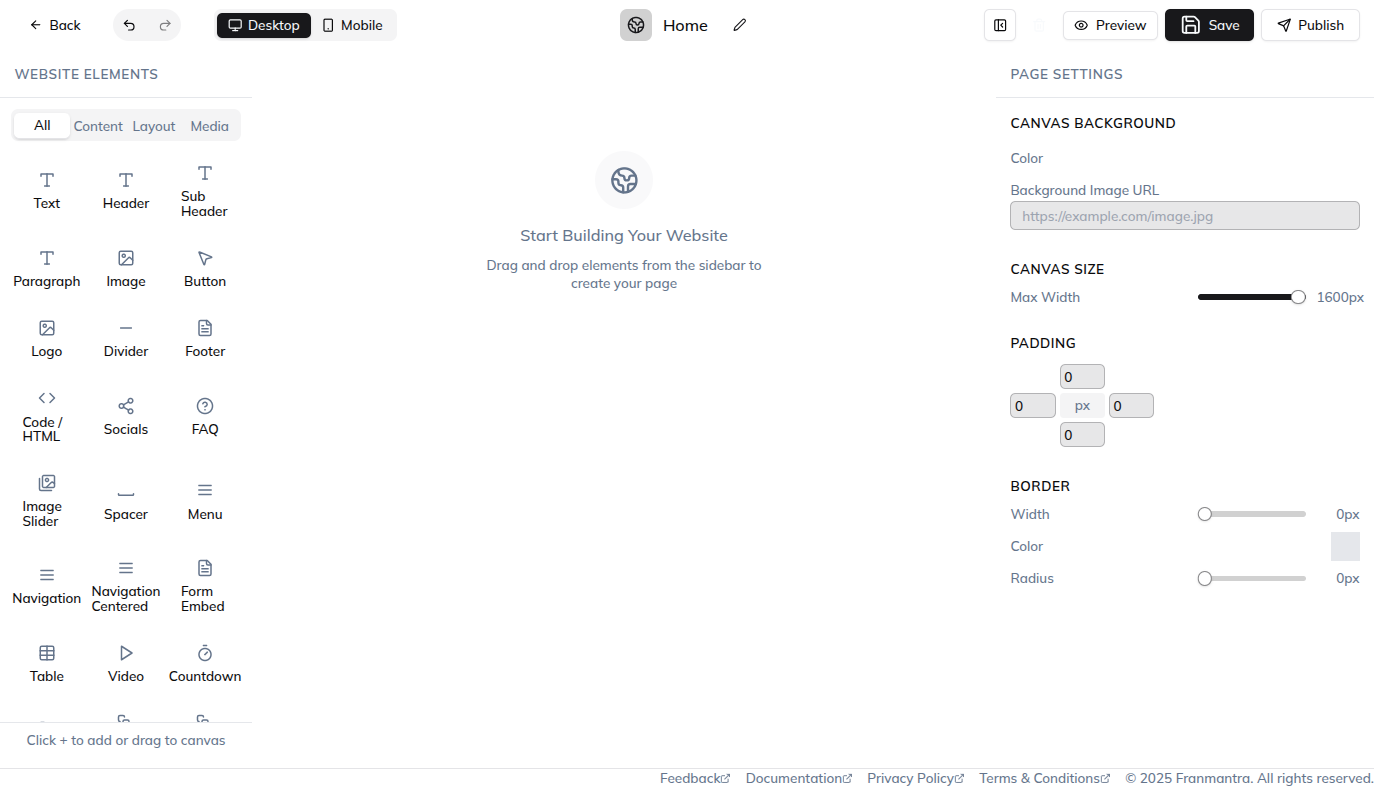
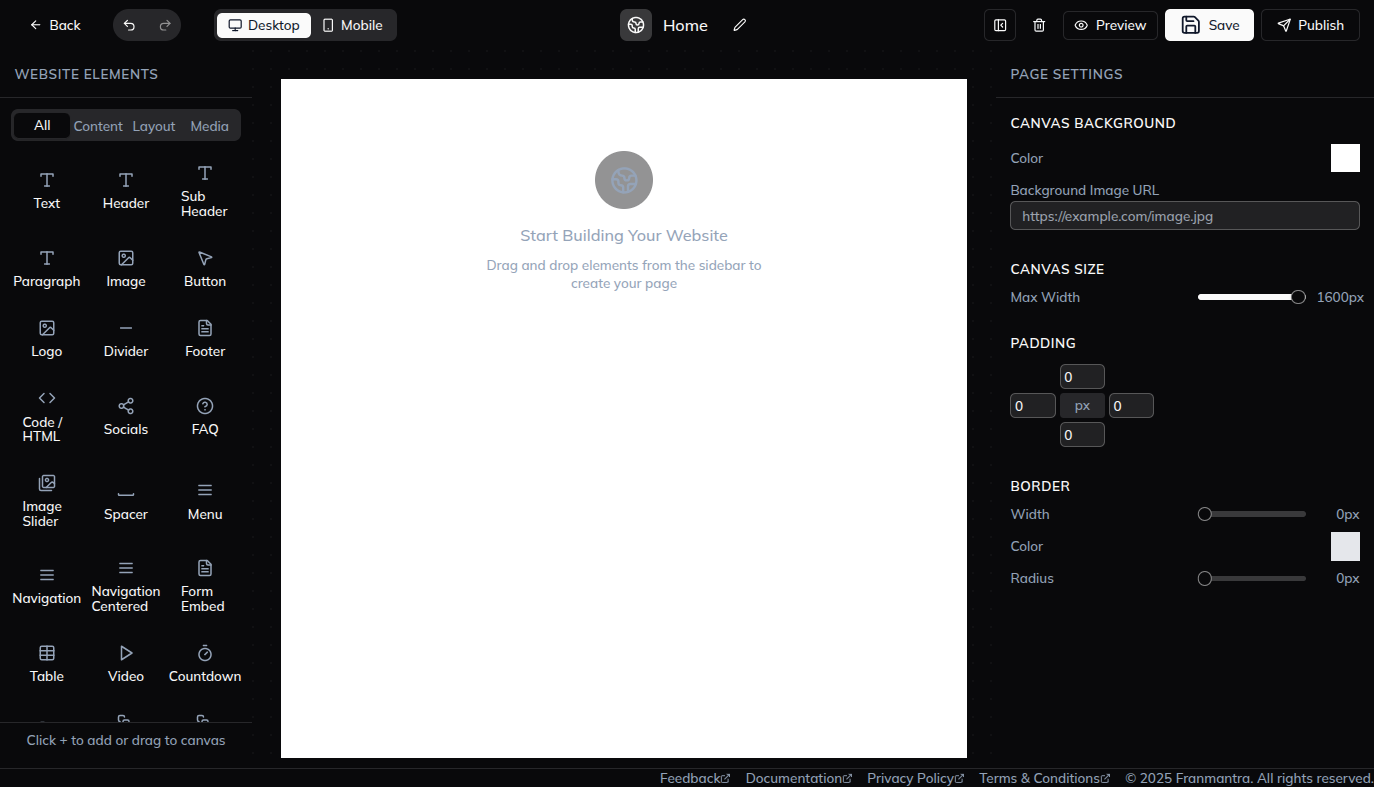
When you open the Landing Page Builder, you can create and organize different pages in one place. Each page can be designed to match your needs, and pages can be linked together to build a complete flow, such as a welcome page that leads to a thank-you page.
Performance Tracking and Insights
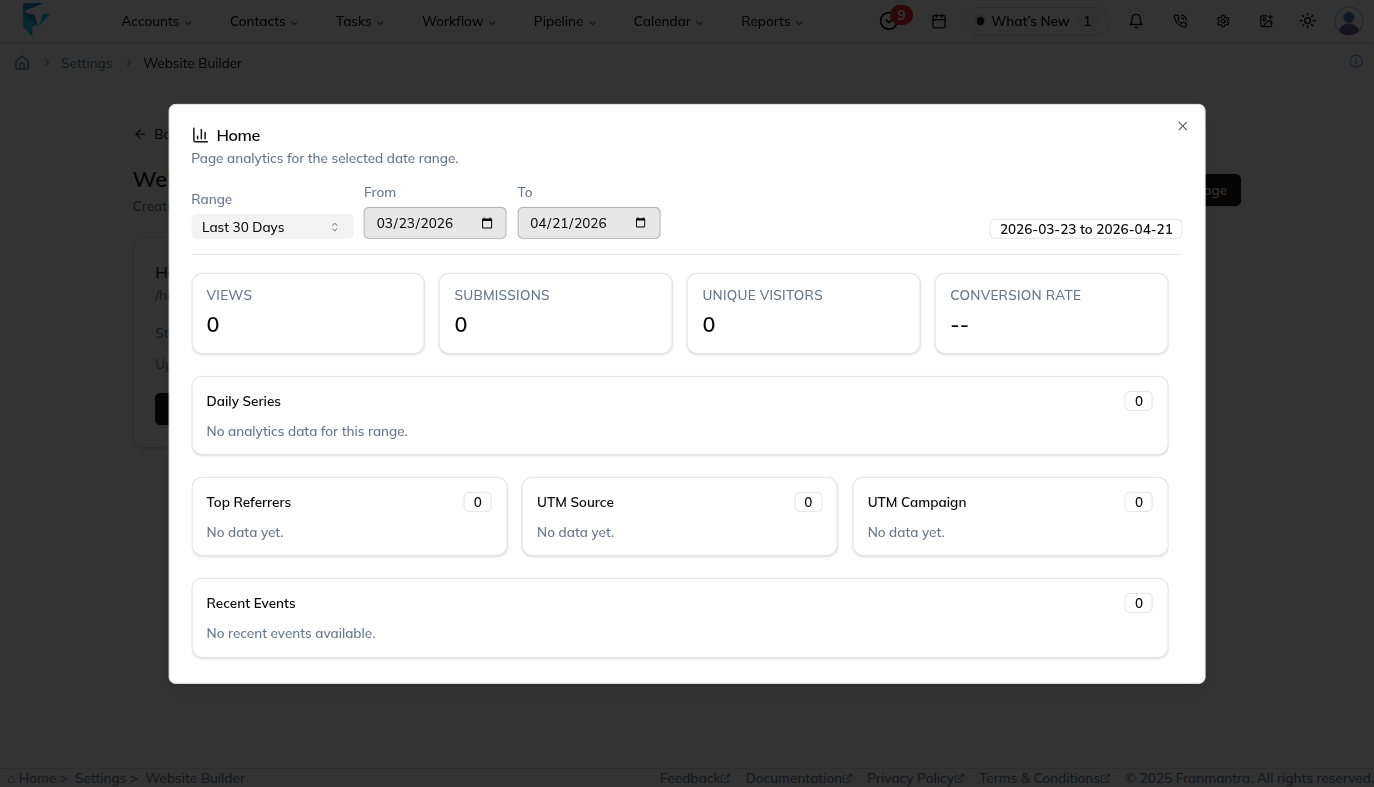
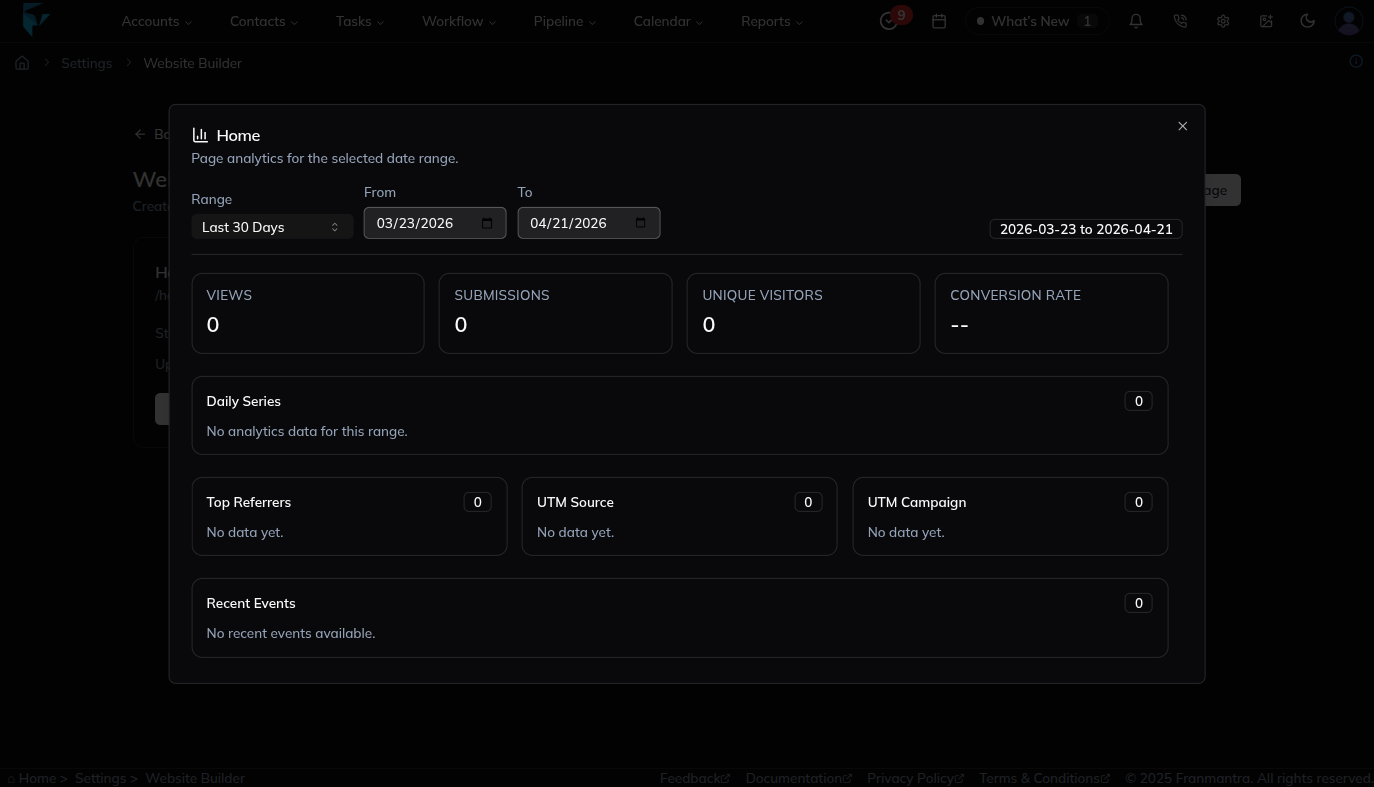
You can also track how well your pages are performing. The system shows useful details like:
- Total Visitors: Number of people who visited your page
- Form Submissions: Number of users who submitted a form
- Unique Visitors: Number of individual visitors
- Conversion Rate: Percentage of visitors who completed a target action
These insights help you understand what is working and where you can improve.
Connecting a Custom Domain
To make your pages live on your own website, you can connect a custom domain. Before doing that, you need to add your domain to the domain management section. Once your domain is added, you can link it to your landing pages and share them with your audience.
Example
If you are running a campaign to collect leads, you can create a landing page with a form, connect it to a thank-you page, and share the link with your customers. As people visit and submit their details, you can track the performance and see how many leads you are getting—without doing anything manually.