Mail Parser
Overview
The Mail Parser helps you extract useful information from incoming emails and organize it automatically. Instead of manually reading every message, you can use parsers to capture details such as names, contact numbers, or order references.
What You See
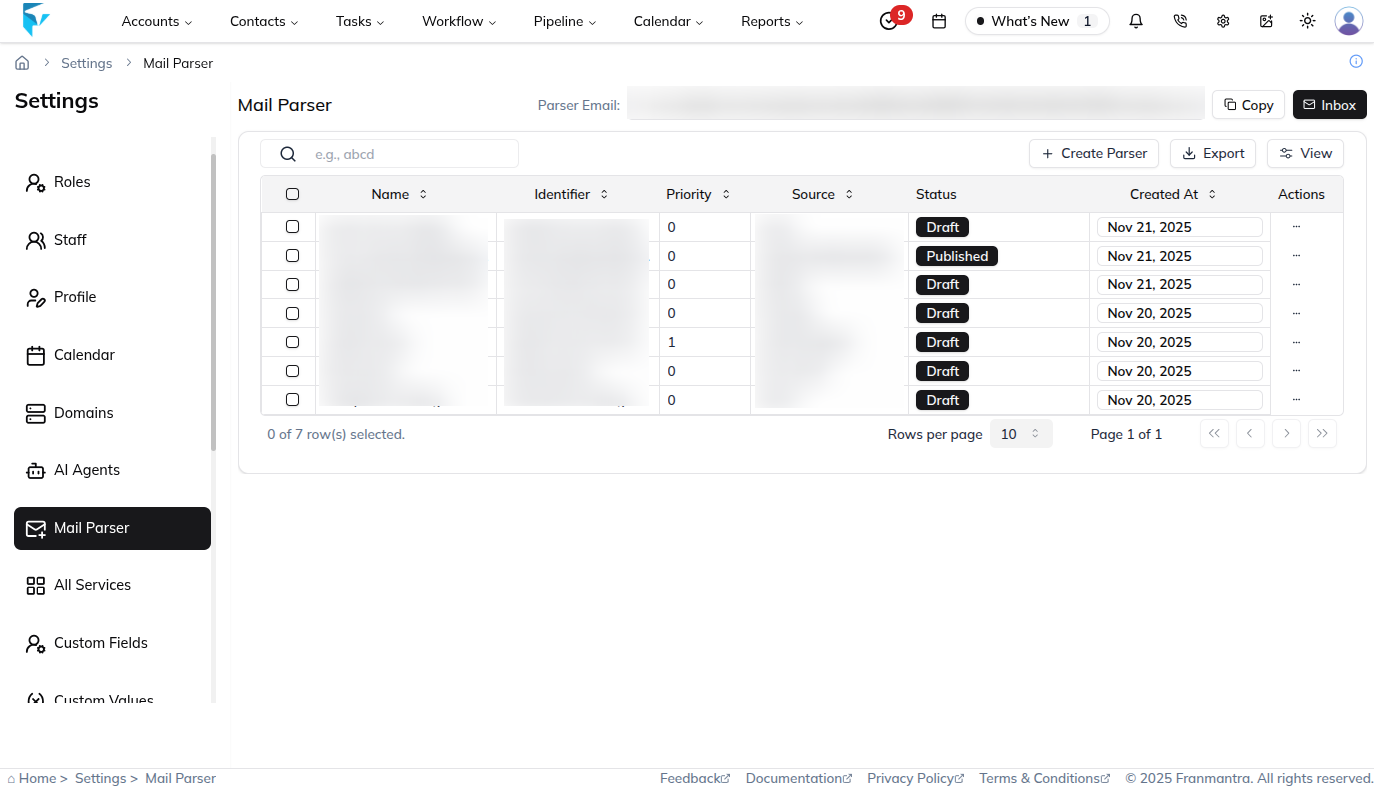
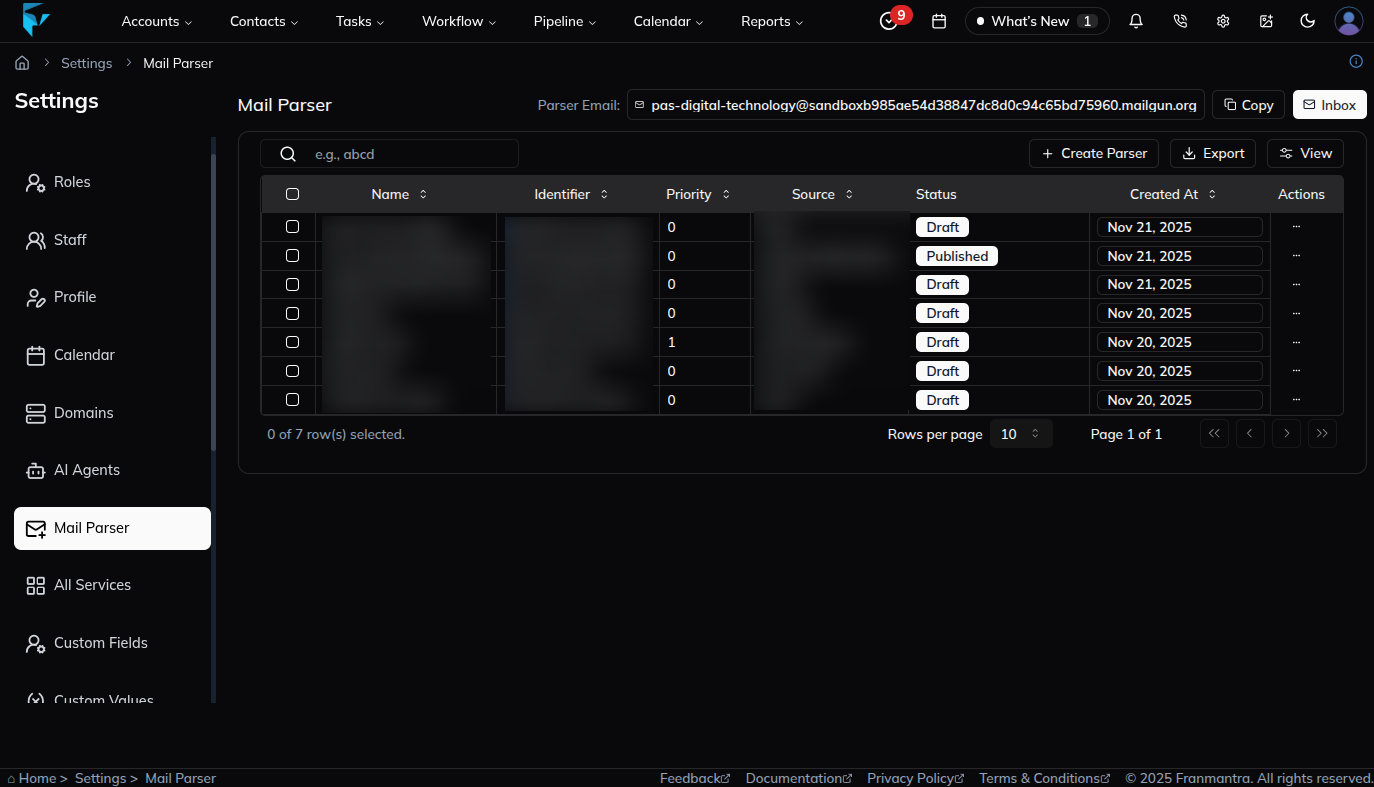
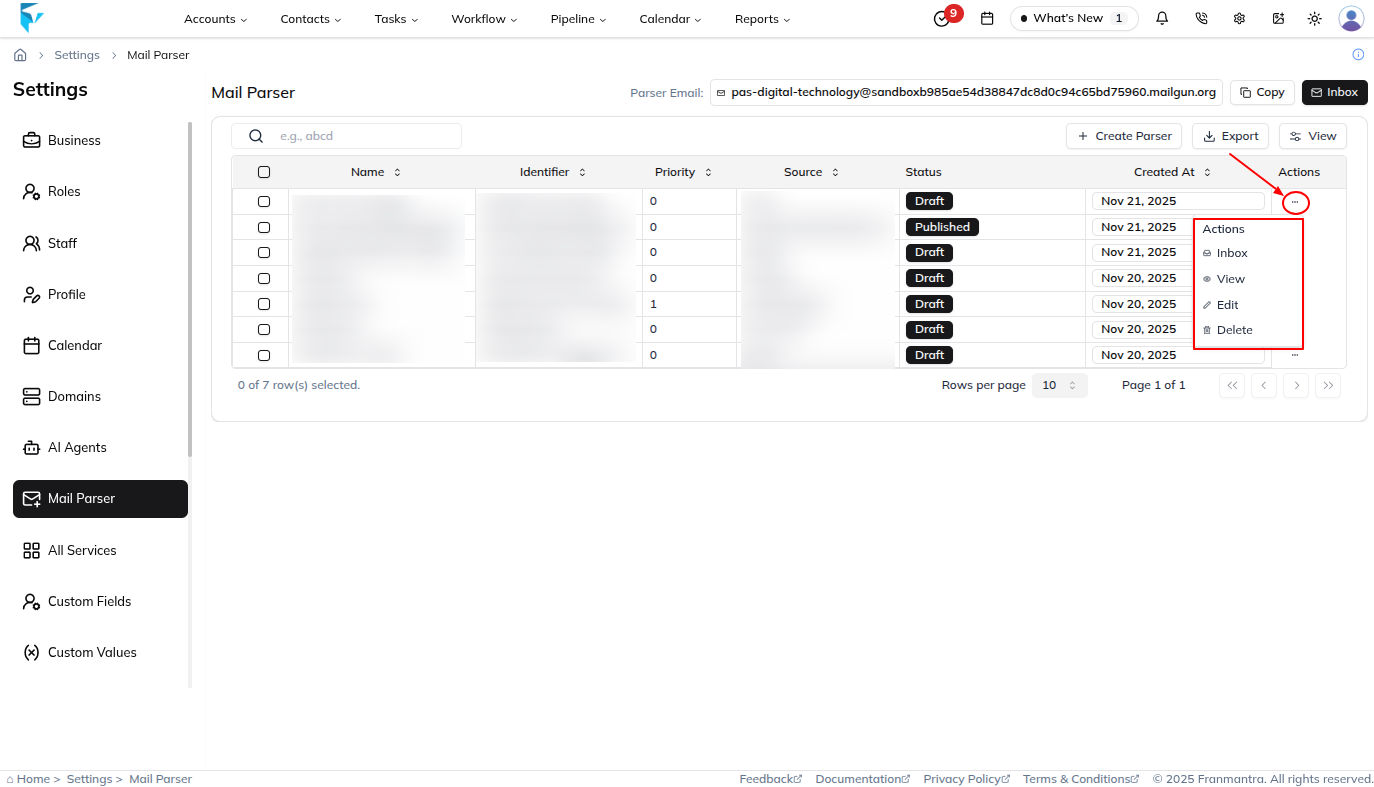
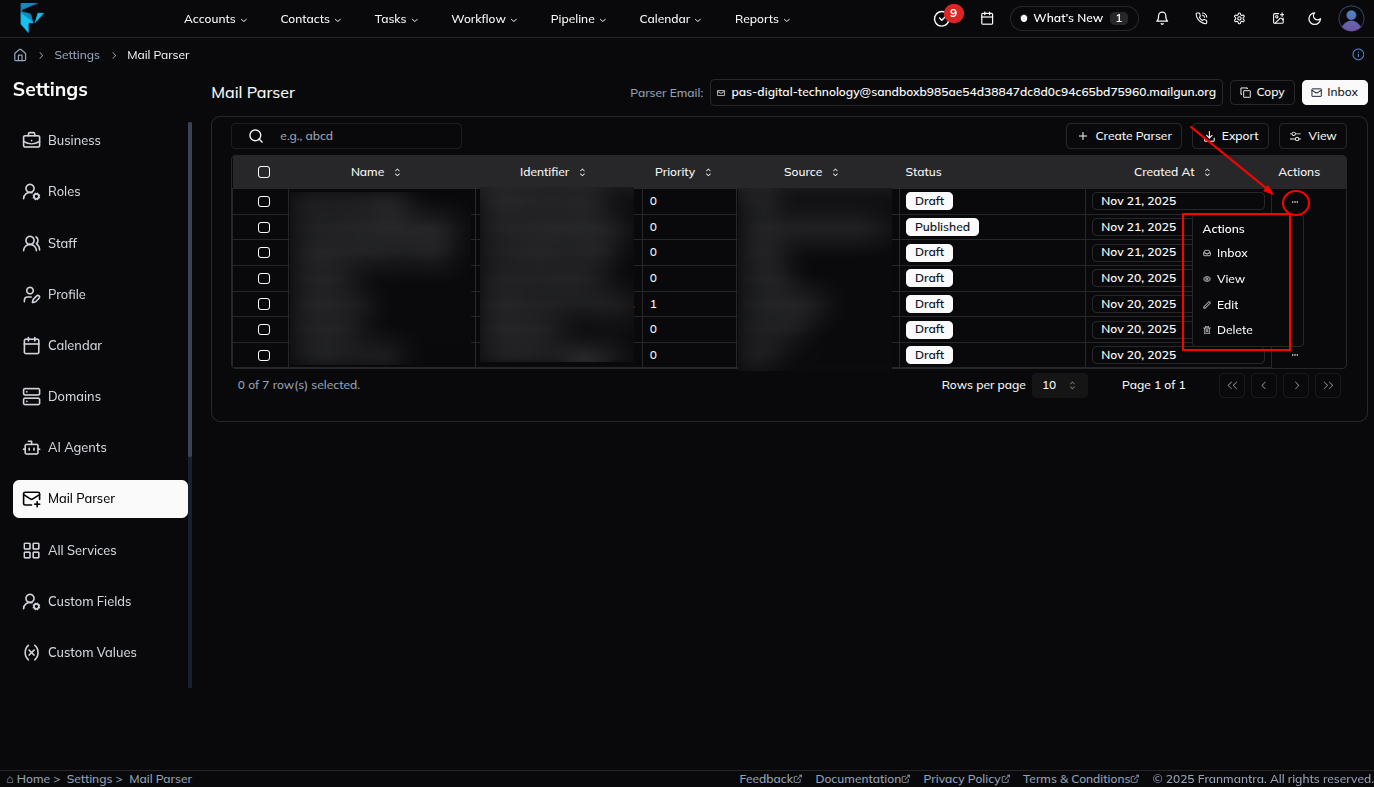
When you open the Mail Parser section, you will see a table listing all existing parsers. The table shows key details such as the parser name, creation date, and available actions.
Key Actions
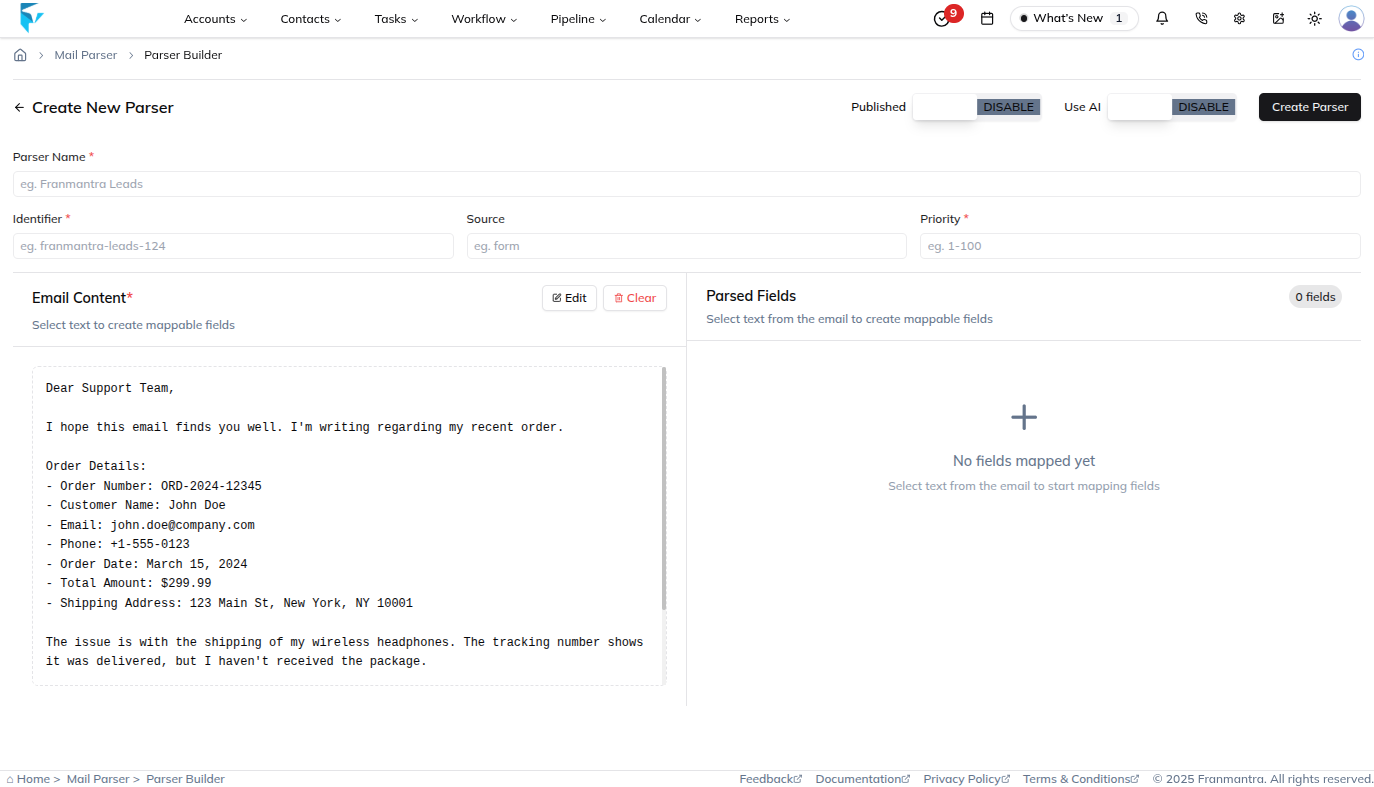
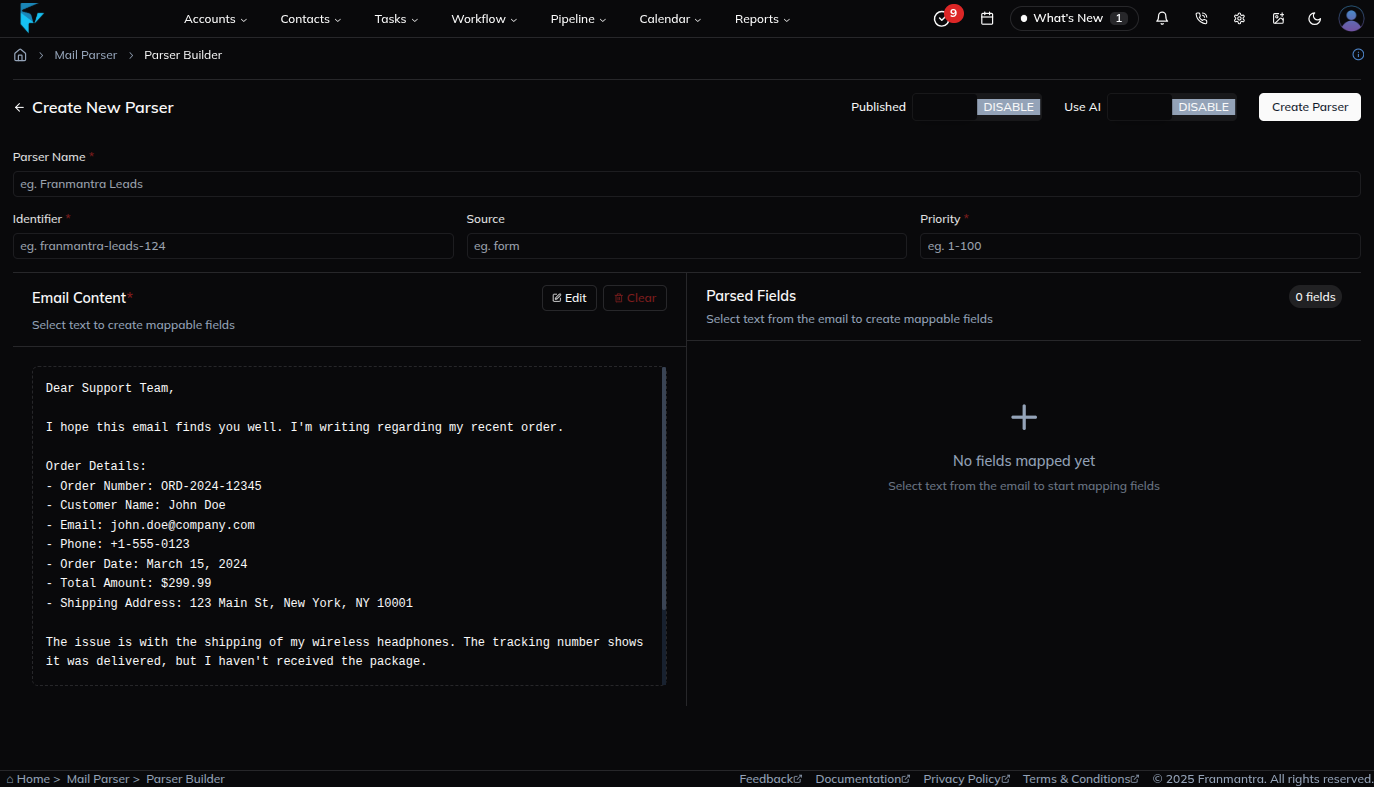
To add a new parser, click Add. A form will open where you can enter the parser details. After saving, the new parser will appear in the table and be ready to use.
Use the Export button to download all parsers or selected parsers as a CSV or Excel file. This is useful for keeping a backup or sharing parser settings with others.
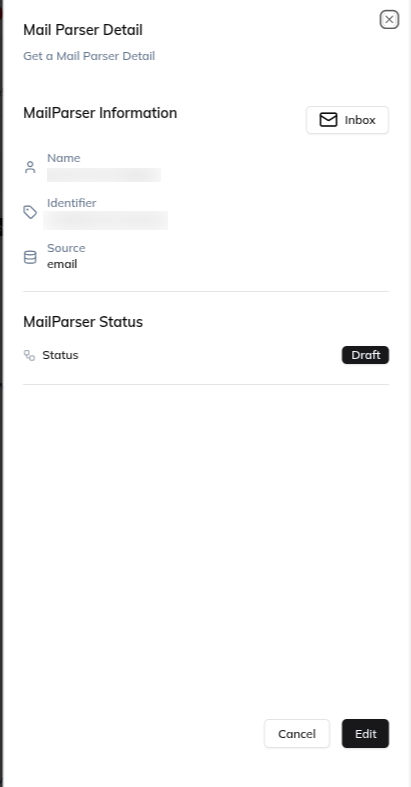
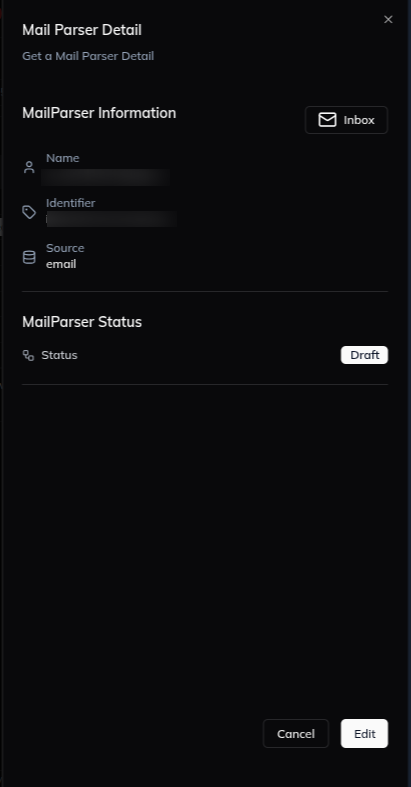
Click a parser name in the table to open its detail page. There, you can review its settings, check what information it captures, and update it if needed.
Each parser also has an actions menu shown as a three-dots icon. From there, you can:
- Edit the parser configuration
- View the parser details
Example
If your business receives a high number of customer emails every day, you can use a mail parser to automatically capture the important details and save them in the system. This reduces manual work and helps avoid data-entry mistakes.