Lead Scoring
Overview
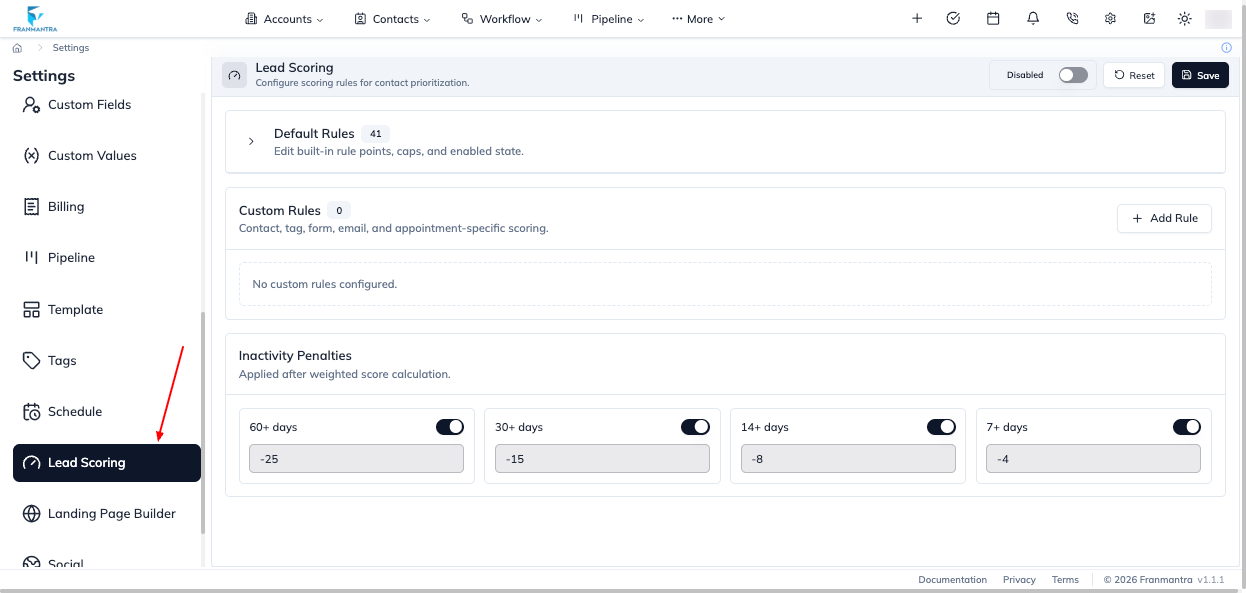
The Lead Scoring setting lets you assign points to contact details and actions. The resulting score helps your team identify and prioritize potential contacts.
Setting Controls
- Use the Enabled switch to turn scoring on or off.
- In Default Rules, edit Points, Cap, and the rule switch for built-in rules.
- In Custom Rules, select Add Rule, then set its Name, Type, Category, Points, and optional Cap.
- Configure criteria for tags, custom fields, form submissions, email events, contact fields, or appointment statuses.
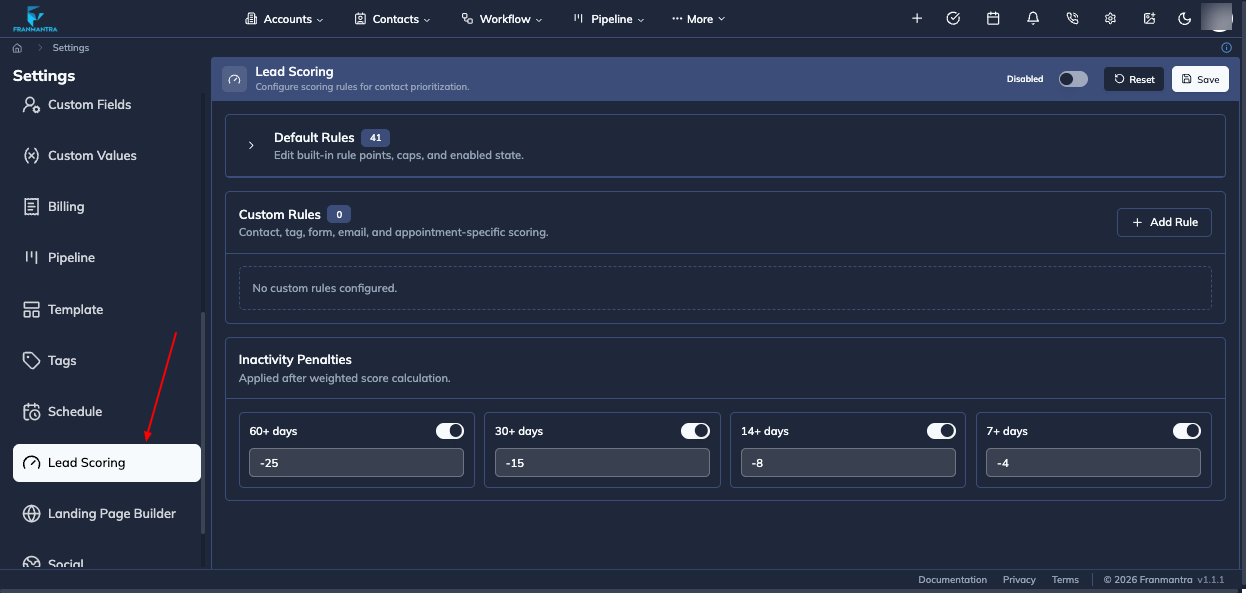
- In Inactivity Penalties, set the point reduction and enable or disable each inactivity threshold.
- Select Save to apply the configuration or Reset to restore the saved default configuration.
Result
After scoring is enabled, contacts can display their lead score. Open a contact to review its score breakdown, or use Recalculate score from the contact actions to calculate it again from the contact's current data.