Use Quick Actions
What this does
The Quick Actions button lets you start common CRM tasks from the header without first opening the related module.
Open Quick Actions
- Sign in to Franmantra CRM.
- In the header, click the + button.
- The Quick Actions menu opens.
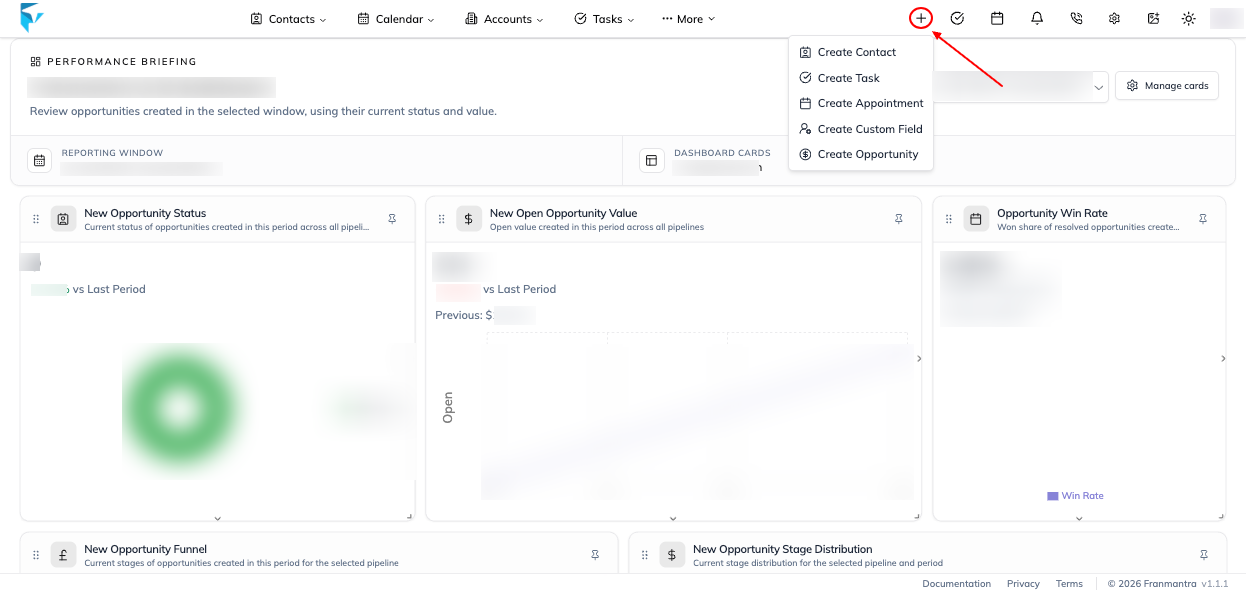
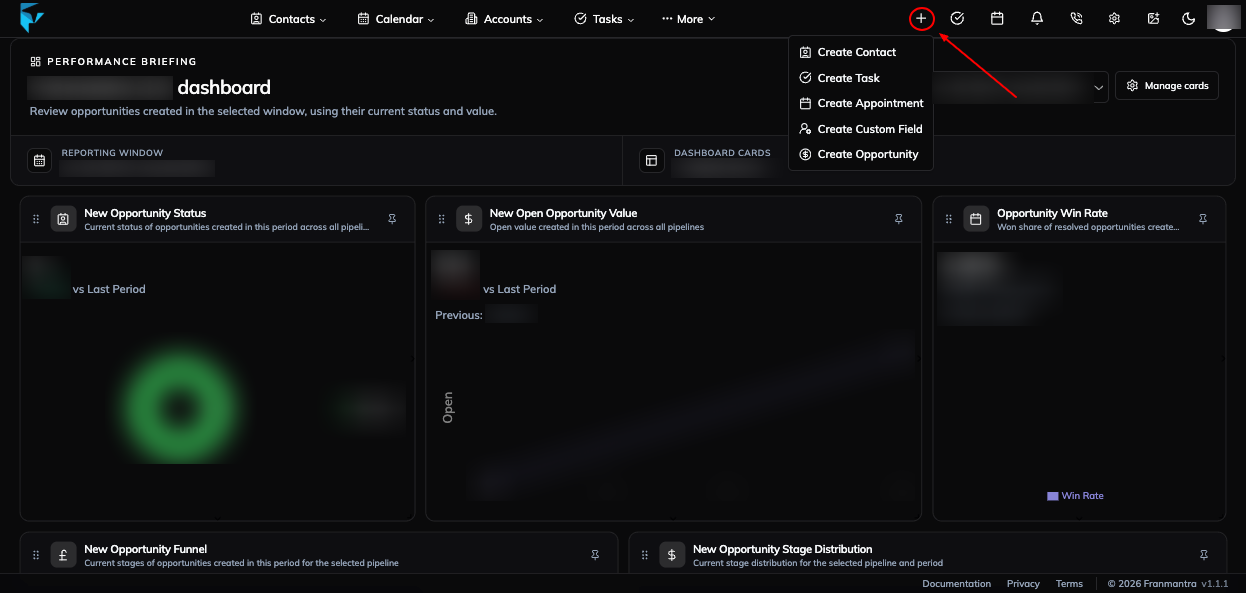
Available actions
| Action | What it opens |
|---|---|
| Create Contact | Opens the form for adding a new contact. |
| Create Task | Opens the task form for adding a task, assignee, due date, priority, and other task details. |
| Create Appointment | Opens the appointment form for scheduling a calendar event. |
| Create Custom Field | Opens the custom-field form for adding a field to a supported CRM record. |
| Create Opportunity | Opens the opportunity form for adding an opportunity to a pipeline. |
Select an action and complete the form that appears. Save or submit the form to create the record.
Related guides
Notes
- The Quick Actions control is available in the desktop header.
- If an action is unavailable or a form does not open, check your role permissions and confirm that the related module is enabled for the current account.