Create an Opportunity
What this does
This guide explains how to create an opportunity in Franmantra CRM.
Before you start
Steps
- Create a contact first if you want to create the opportunity from an existing contact.
- Make sure the pipeline is published.
- Make sure the pipeline has stages, because opportunities are added based on pipeline stages.
1. Create Opportunity via Existing Contact
-
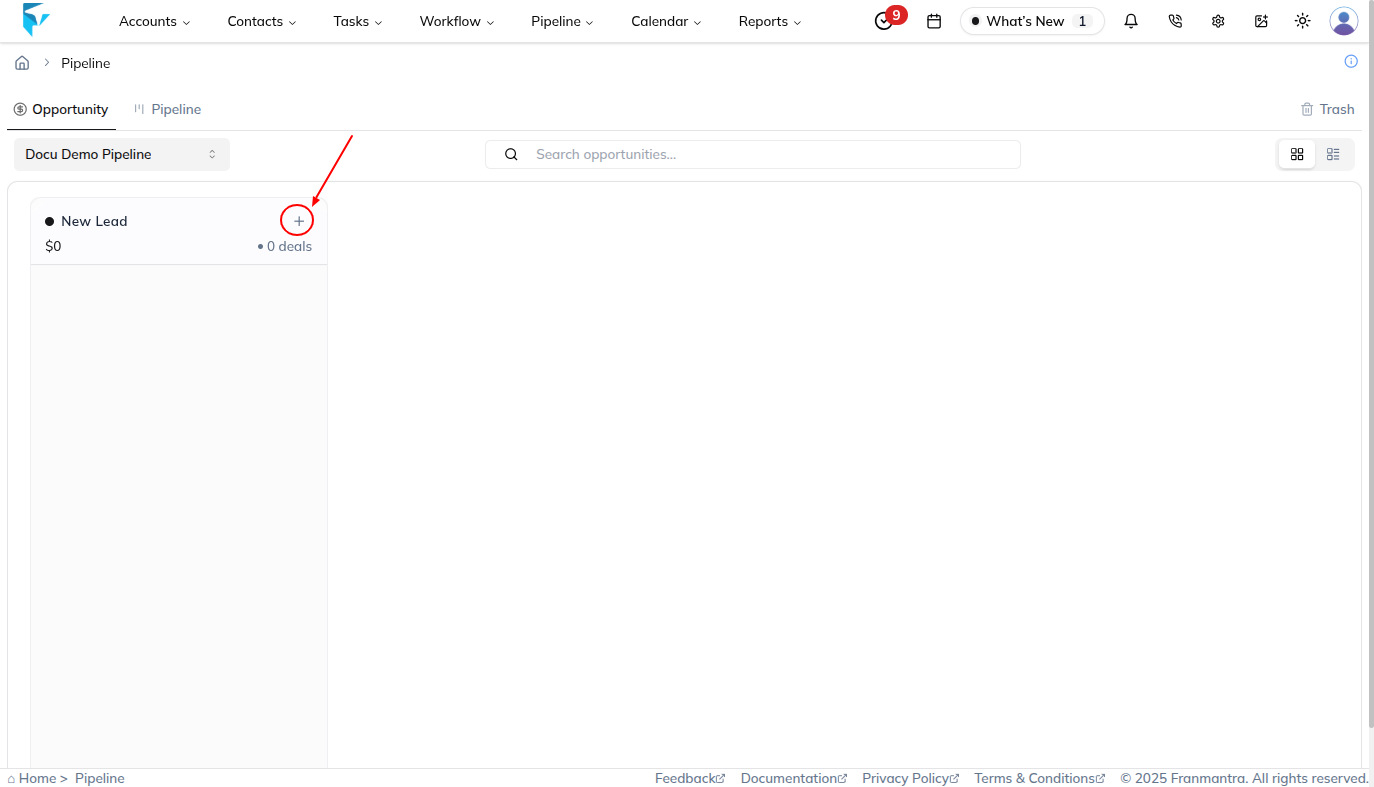
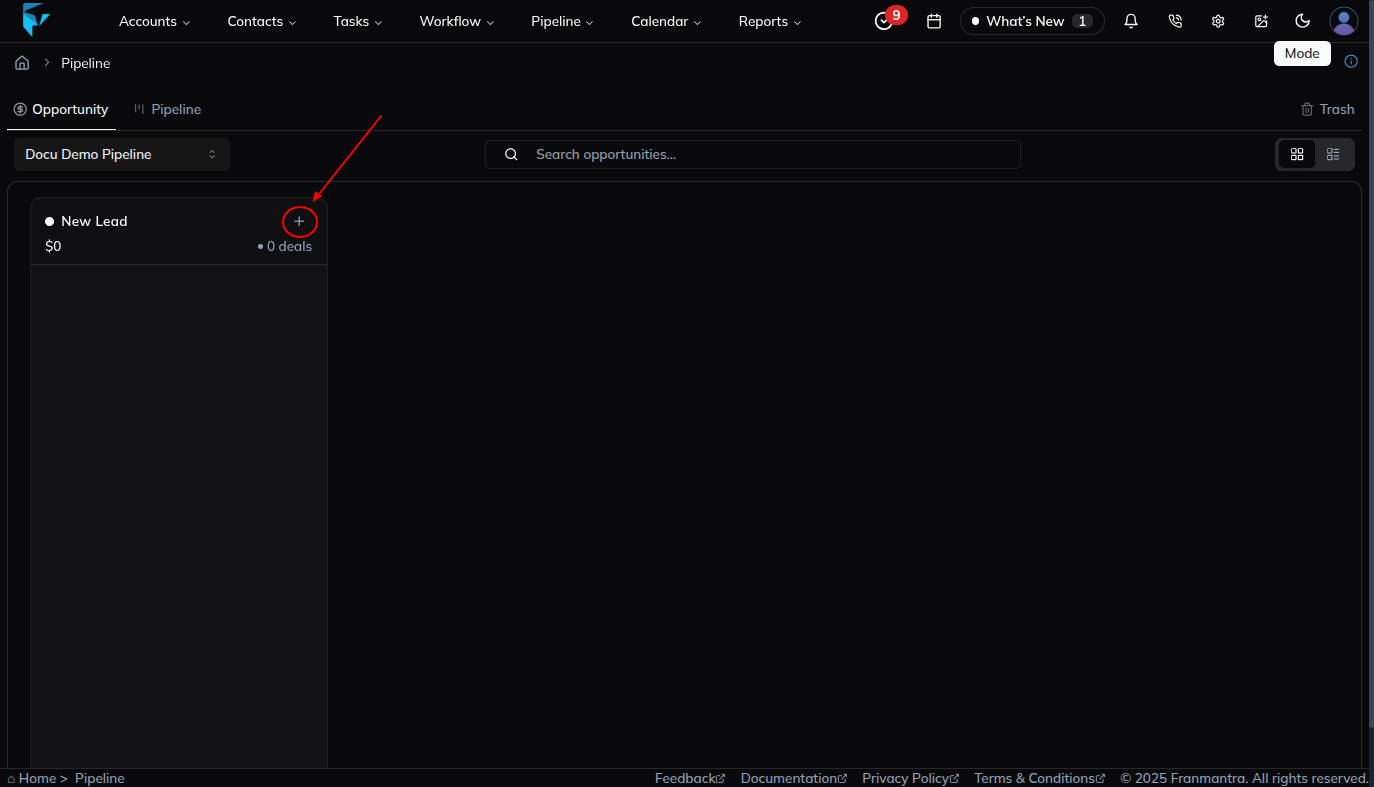
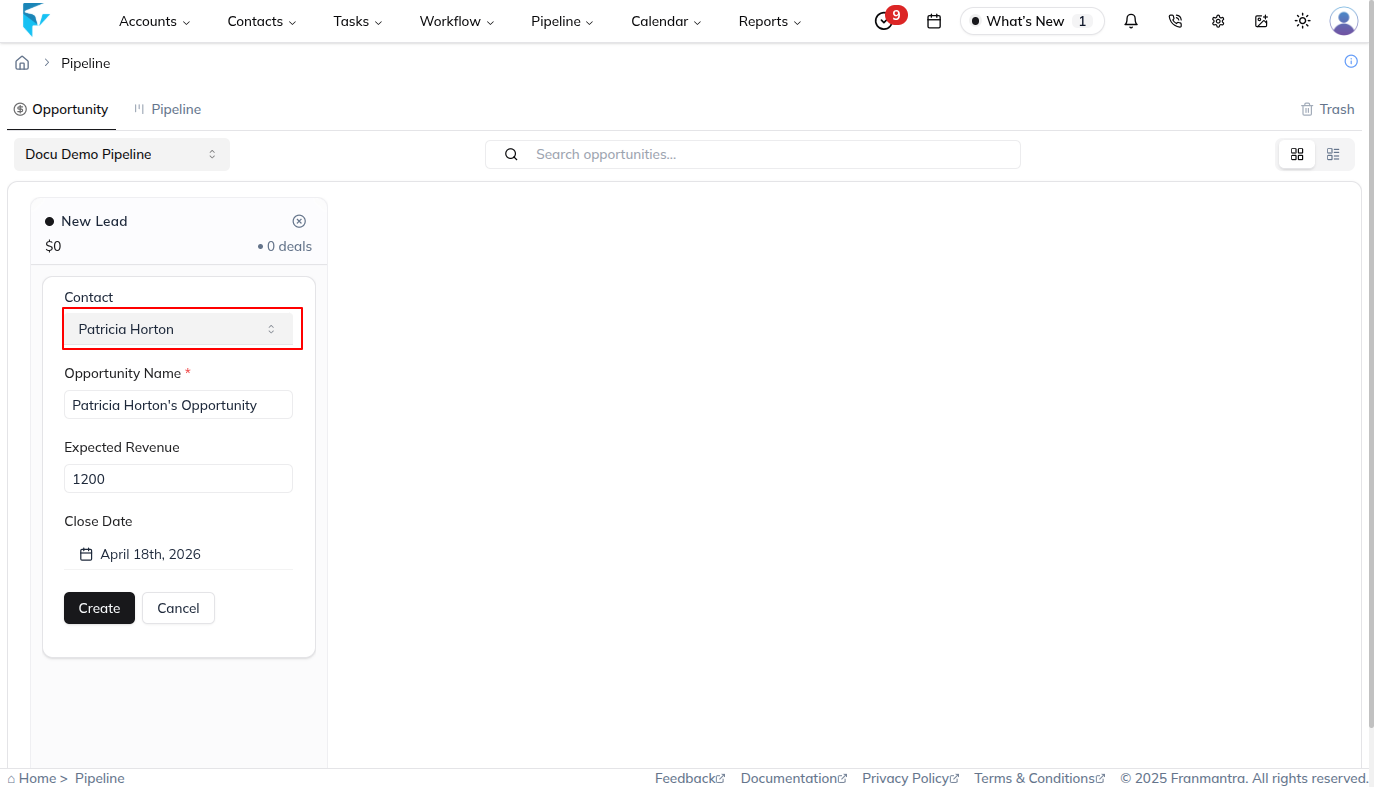
Click the “+ deals” card.
-
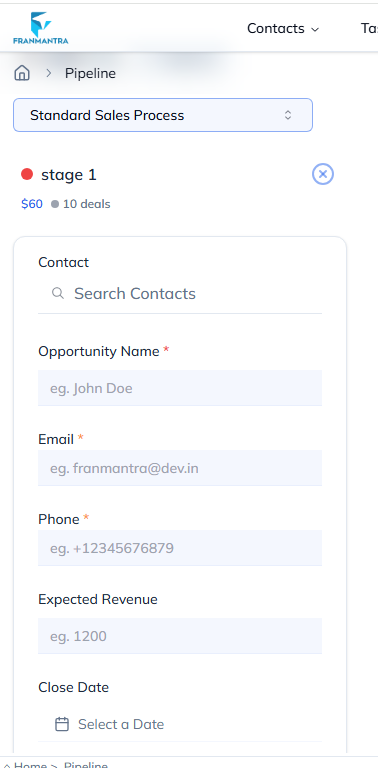
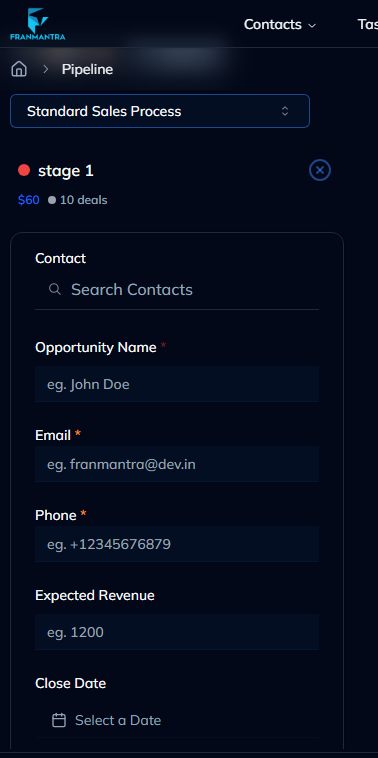
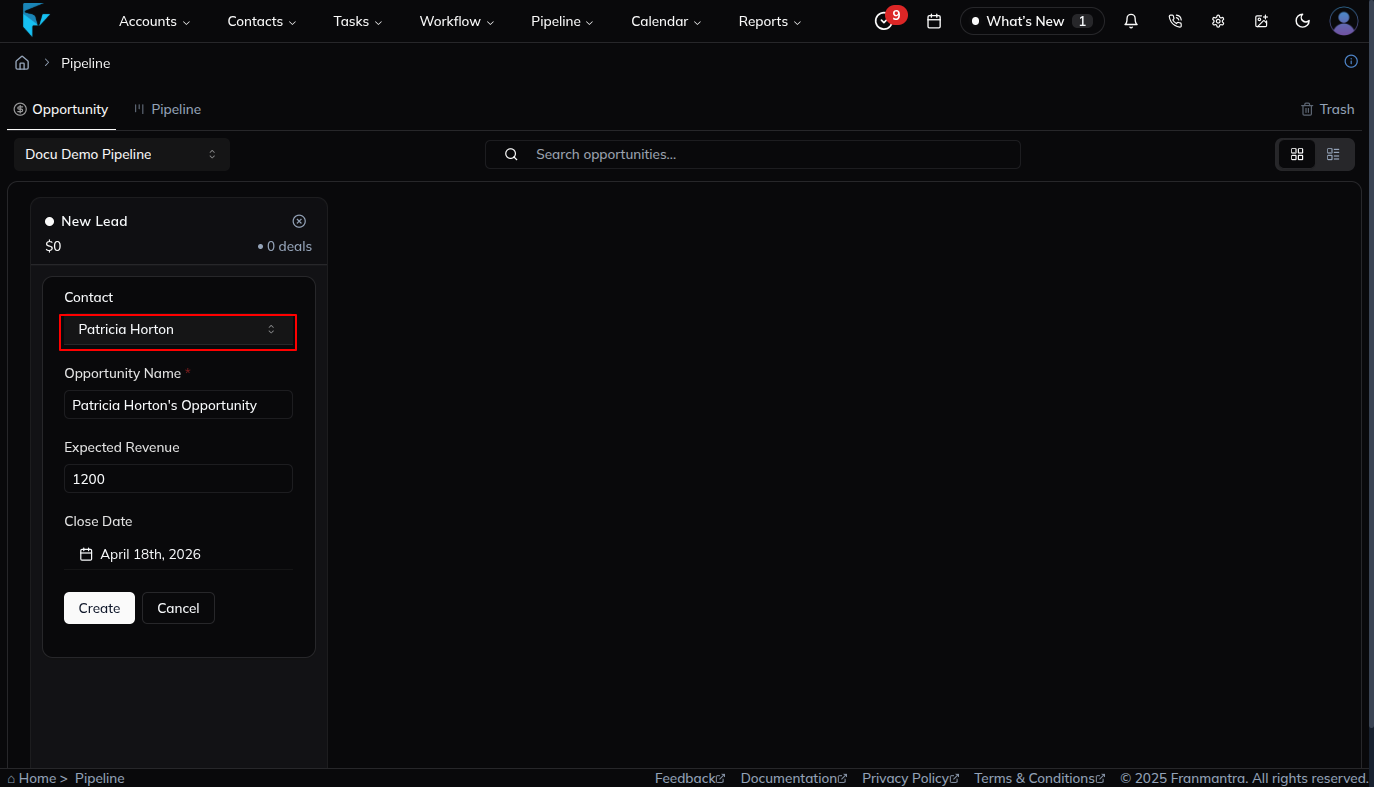
In the Contact field, start typing the contact’s name or email and pick the desired contact from the dropdown.
-
The email and phone fields auto-populate from the selected contact.
-
Fill in or adjust the remaining fields: Opportunity Name, Expected Revenue, and Close Date.
-
Click Create to save the opportunity.
2. Create Opportunity Manually
-
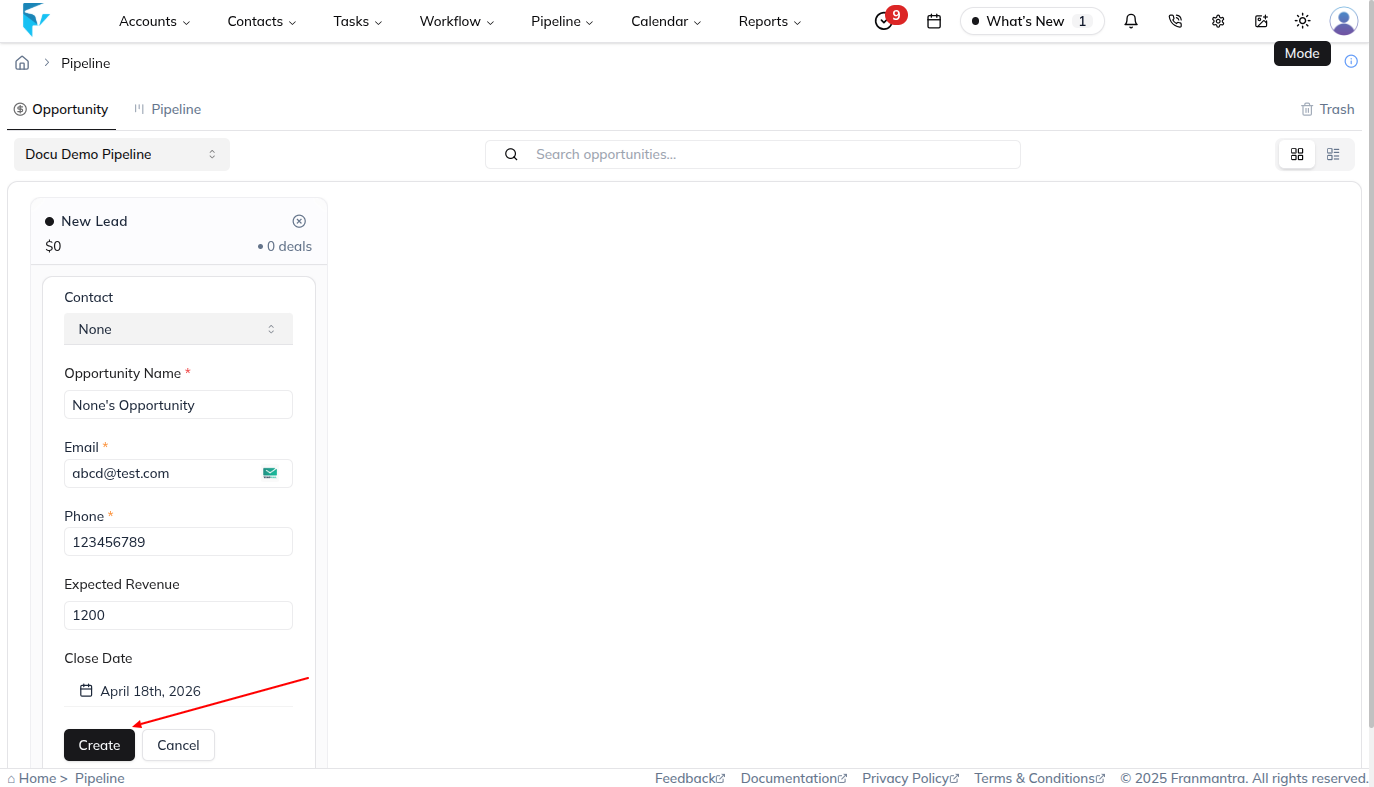
Click the “+ deals” card.
-
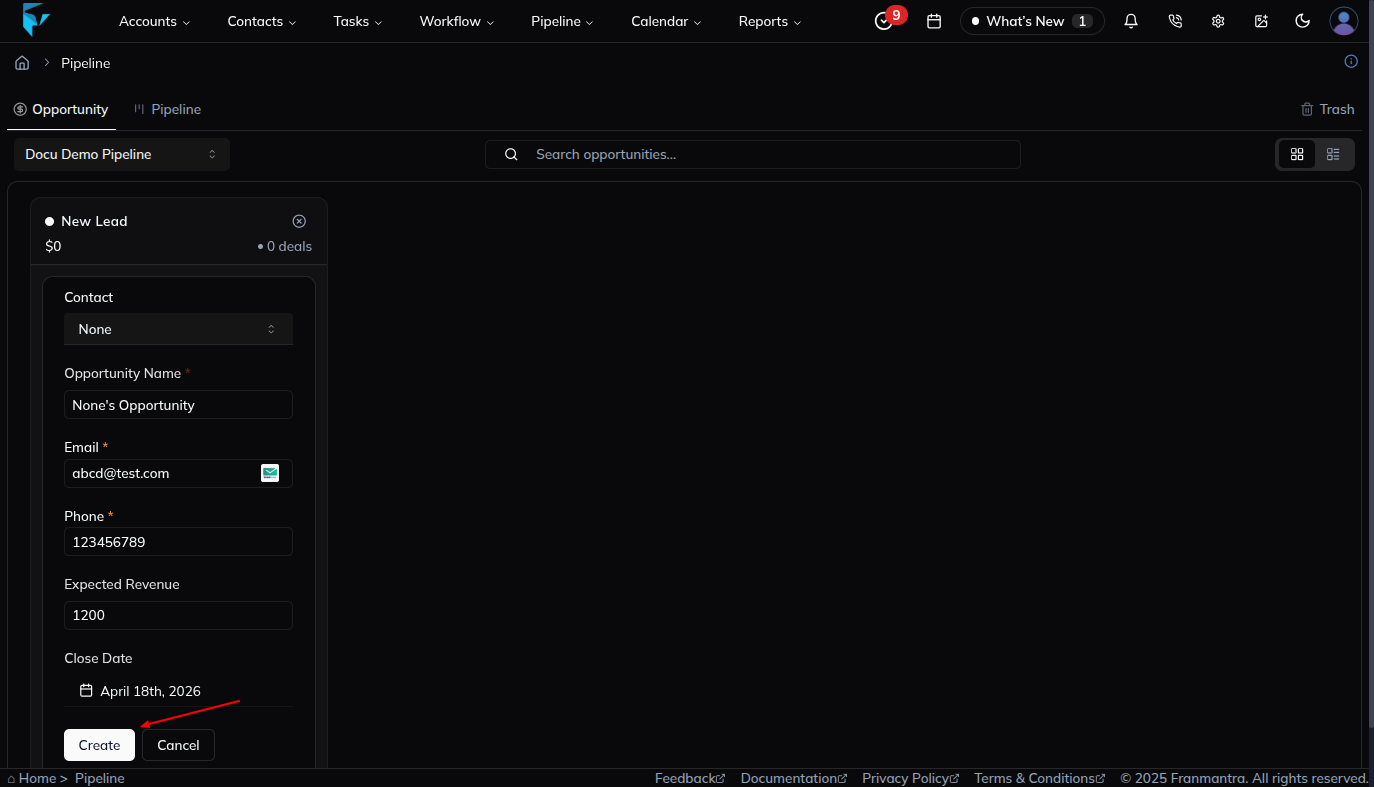
Leave the Contact dropdown empty.
-
Enter details manually:
- Opportunity Name – Descriptive name for the deal.
- Email – Prospect’s email.
- Phone – Prospect’s phone number.
- Expected Revenue – Projected revenue amount.
- Close Date – Expected closing date (pick from date picker).
3. Update Opportunity Stage
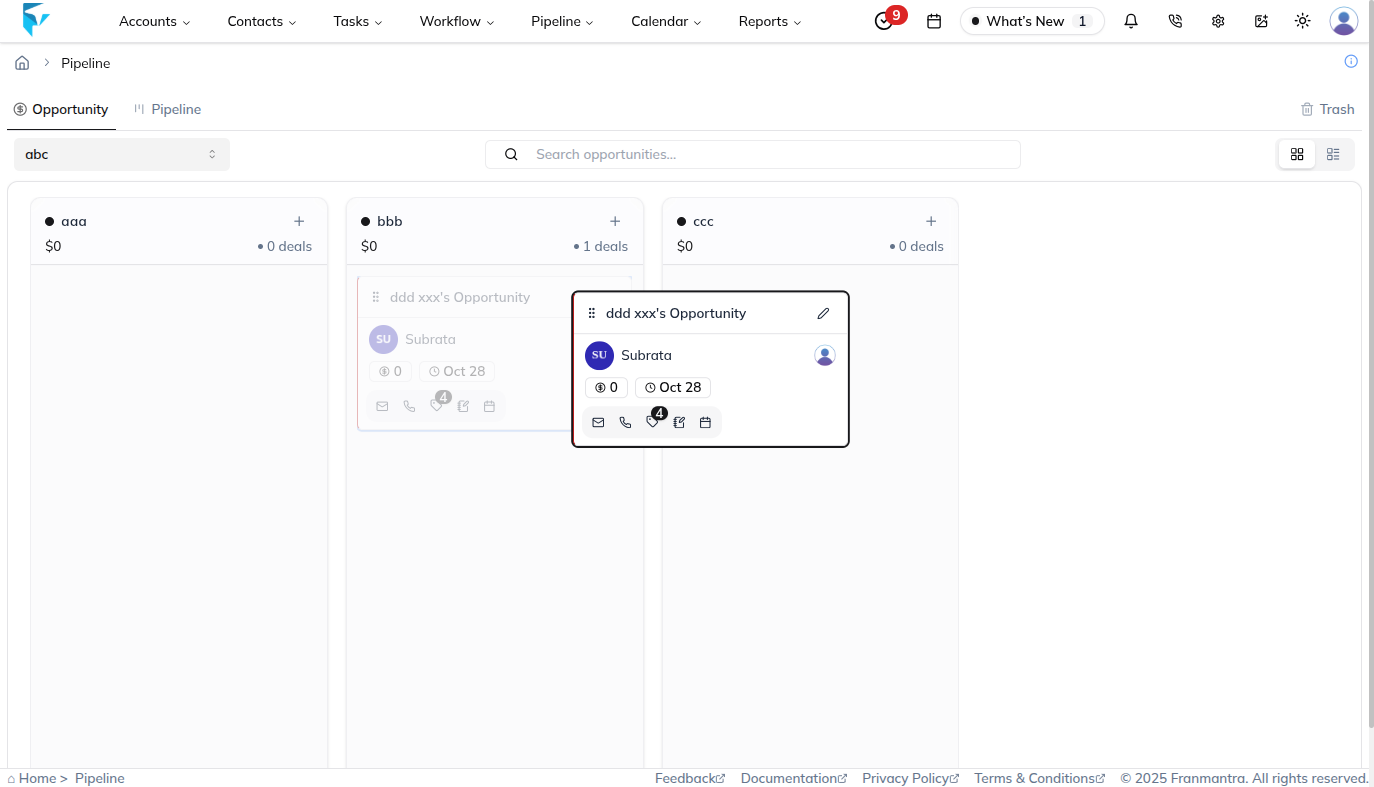
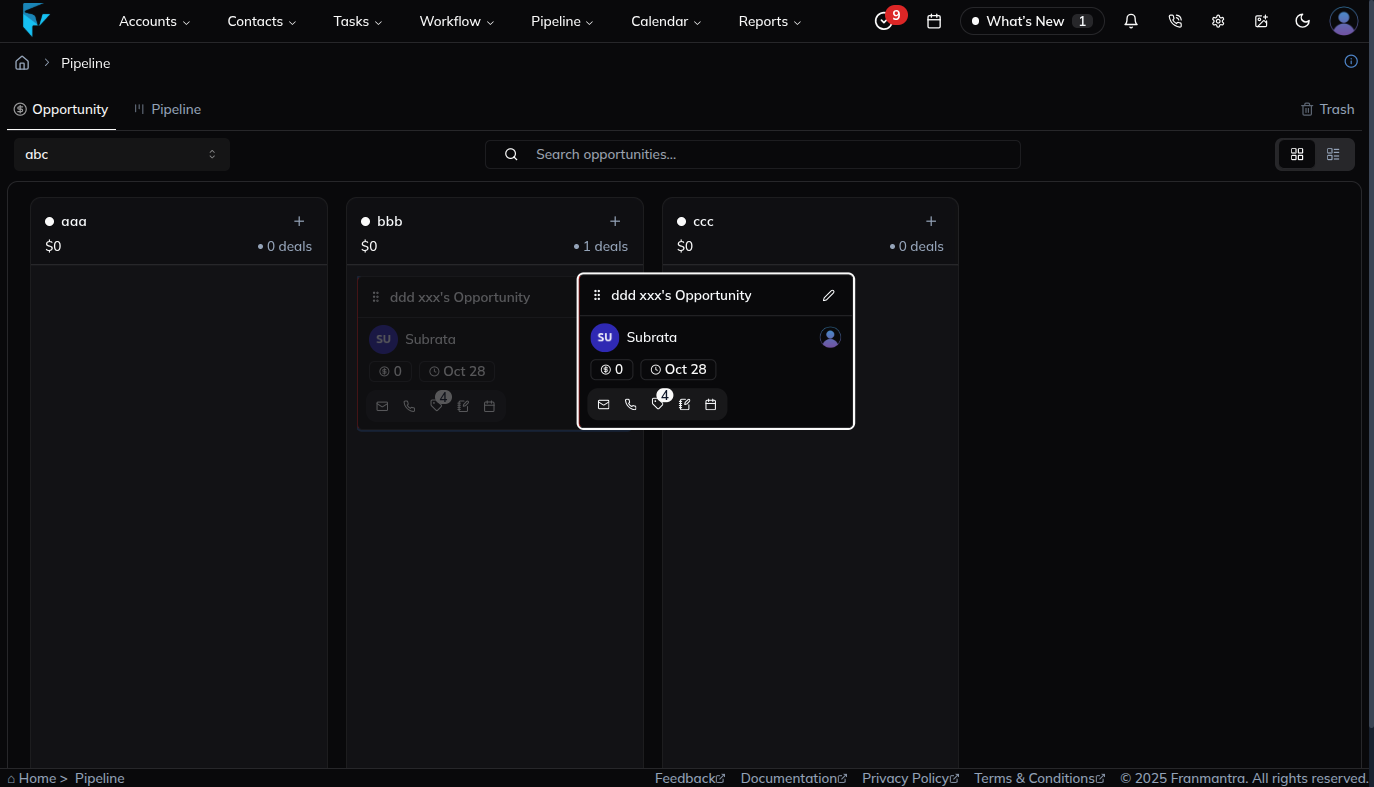
Drag and drop an opportunity card from one status column to another to reflect its current stage.
4. View & Edit Opportunity Details
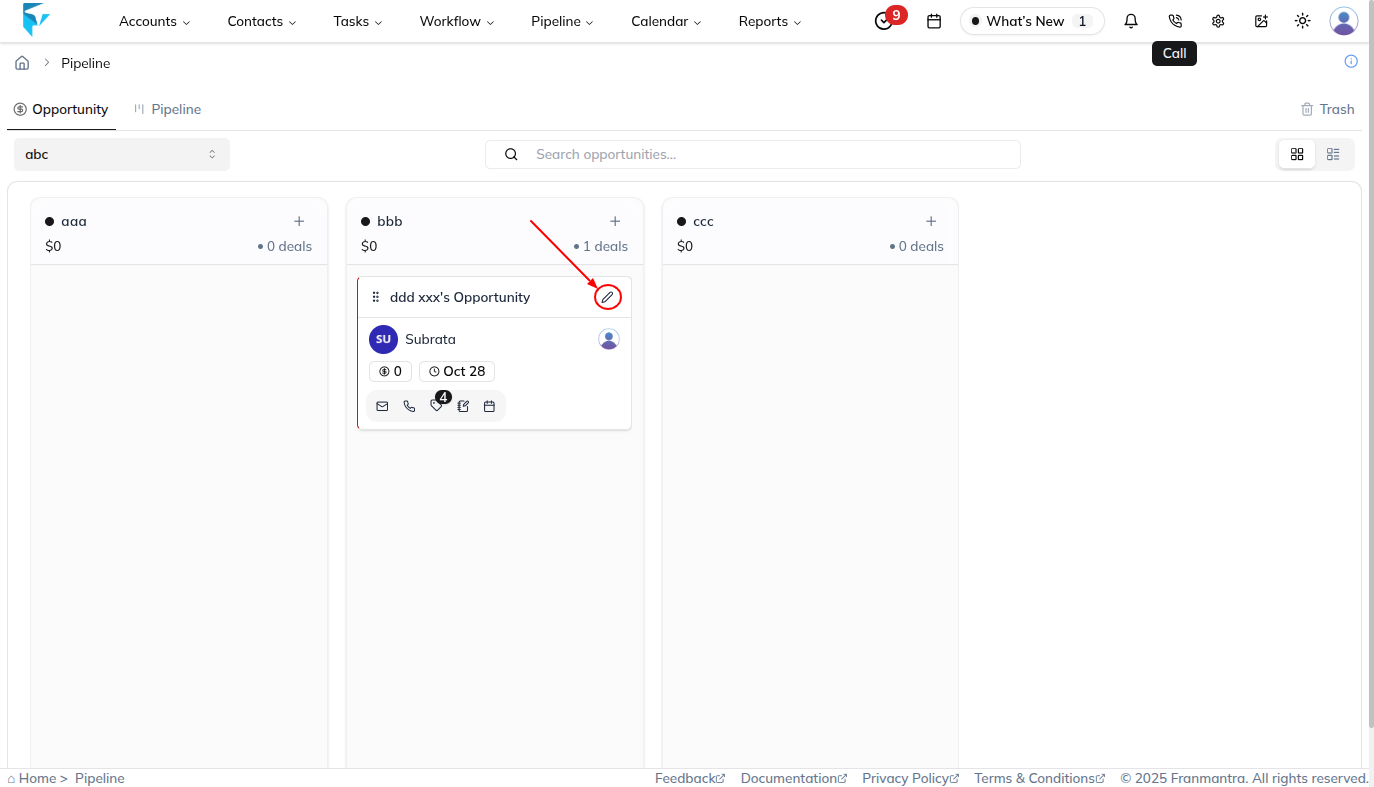
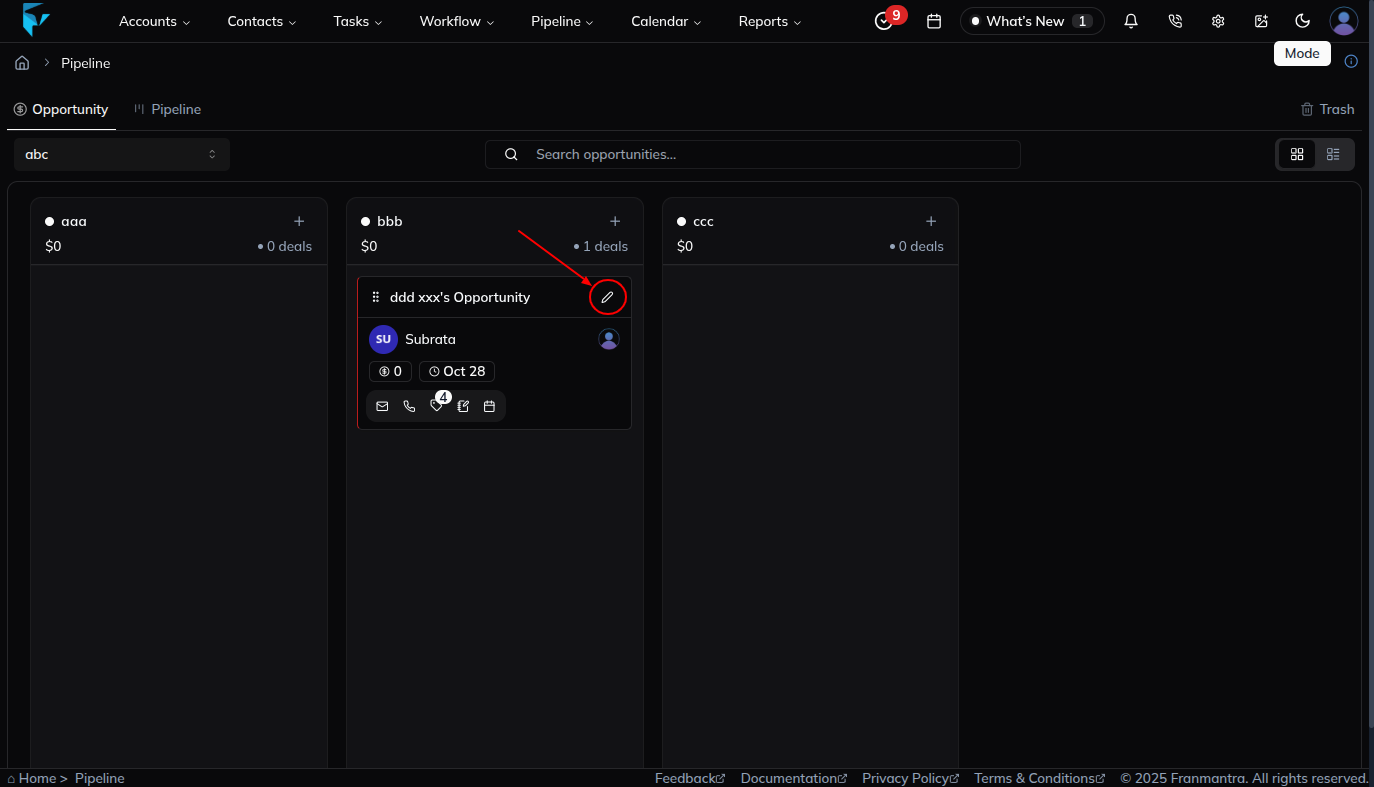
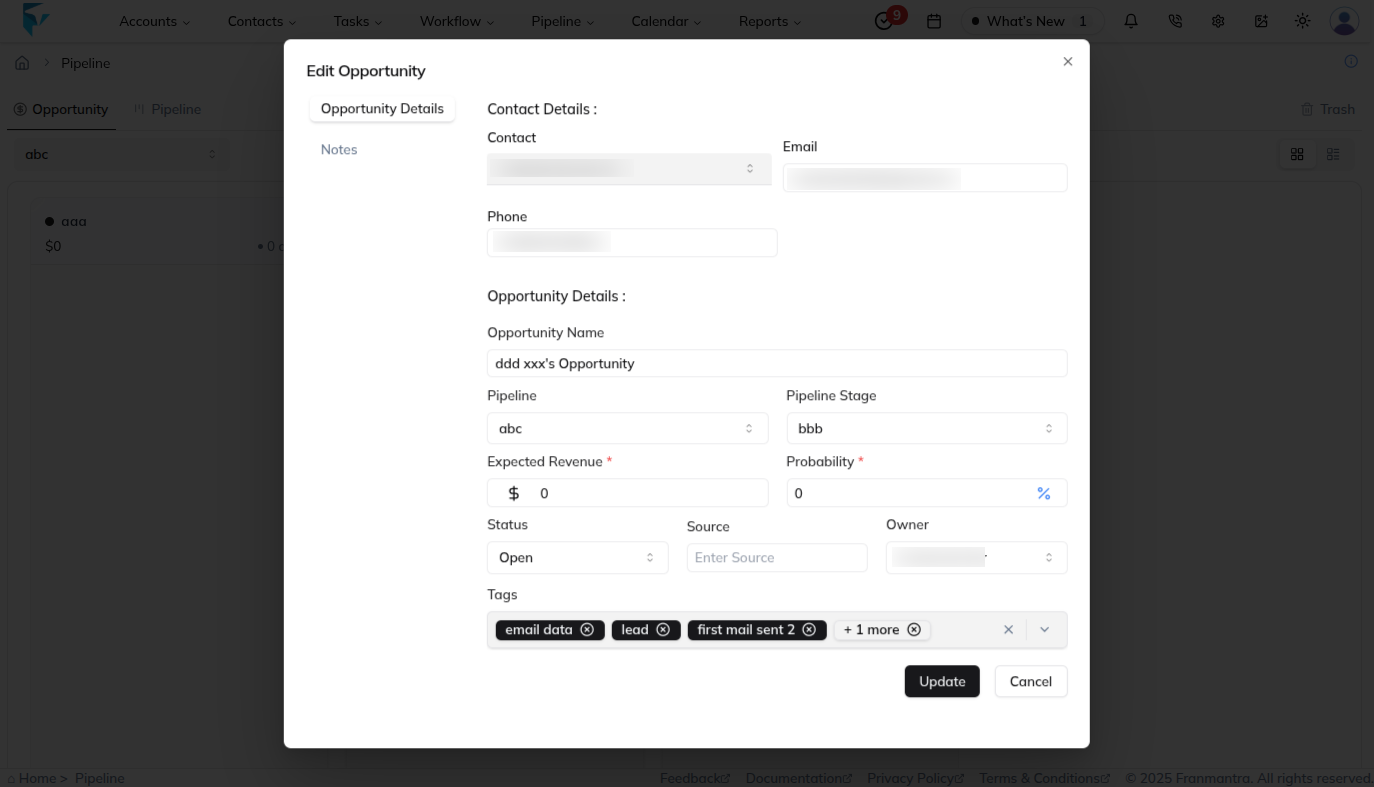
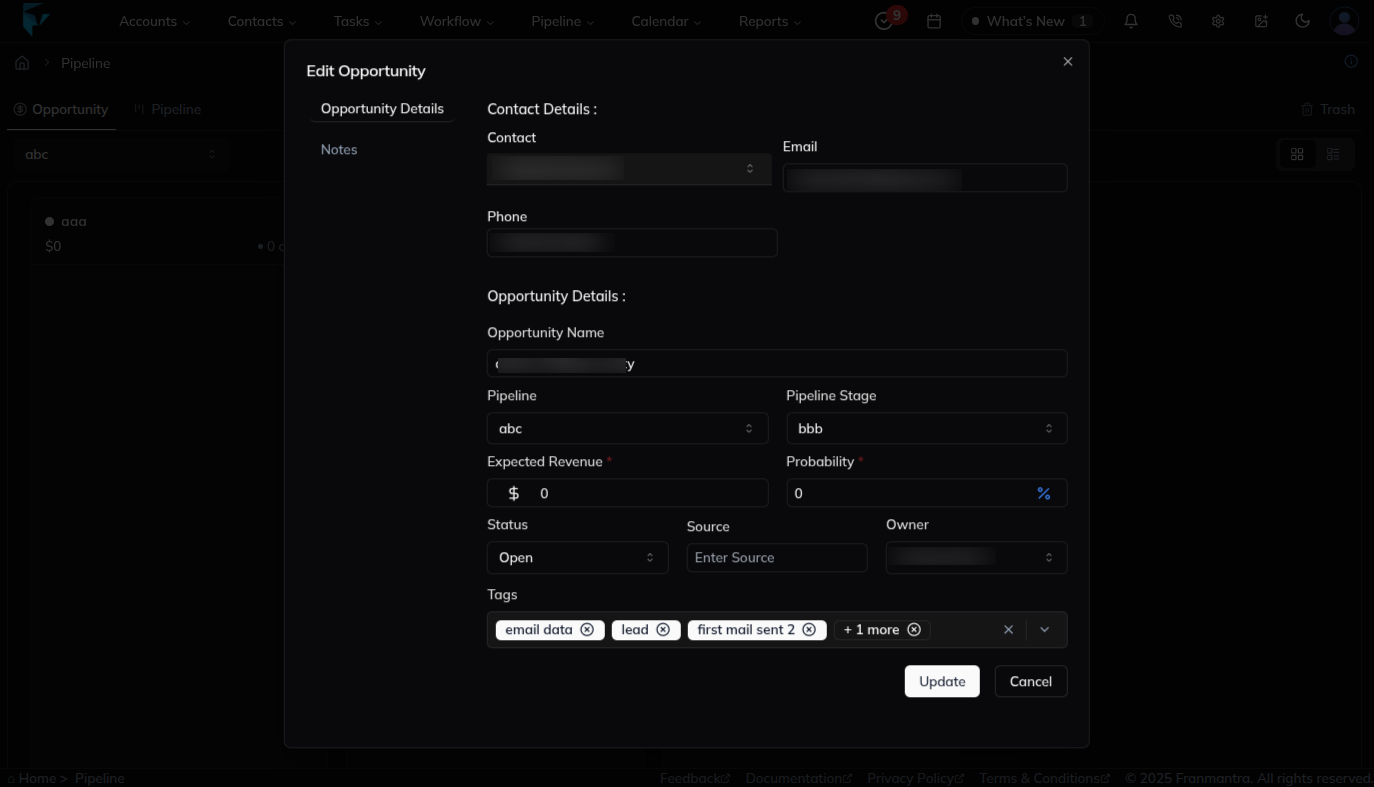
- Click on an opportunity card.
-
A side panel opens where you can review and edit information such as notes, tasks, and attachments.
5. Switch Between Opportunity & Pipeline Views
Use the tabs at the top of the board to toggle between Opportunity (card view) and Pipeline (list/forecast view).
. Tips & Best Practices
- Keep opportunity names concise and descriptive.
- Regularly update stages to keep the pipeline accurate.
- Utilize filters in the search bar to focus on high-priority deals.
Result
The change is saved in Franmantra CRM and is available to users with the right permissions.
Troubleshooting
- If you cannot see the option, check your role permissions or ask an admin to update your access.
- If the update does not appear immediately, refresh the page and confirm you are in the correct Sub-account.