How to Create Opportunities in Bulk
What this does
This guide explains how to create bulk opportunities in Franmantra CRM.
Before you start
- Sign in to Franmantra with a role that has permission to use this area.
- Confirm you are working in the correct Sub-account before making changes.
Steps
Managing opportunities one by one can be time-consuming. To make things faster, you can assign the same opportunity to multiple contacts at once using the Bulk Opportunity feature.
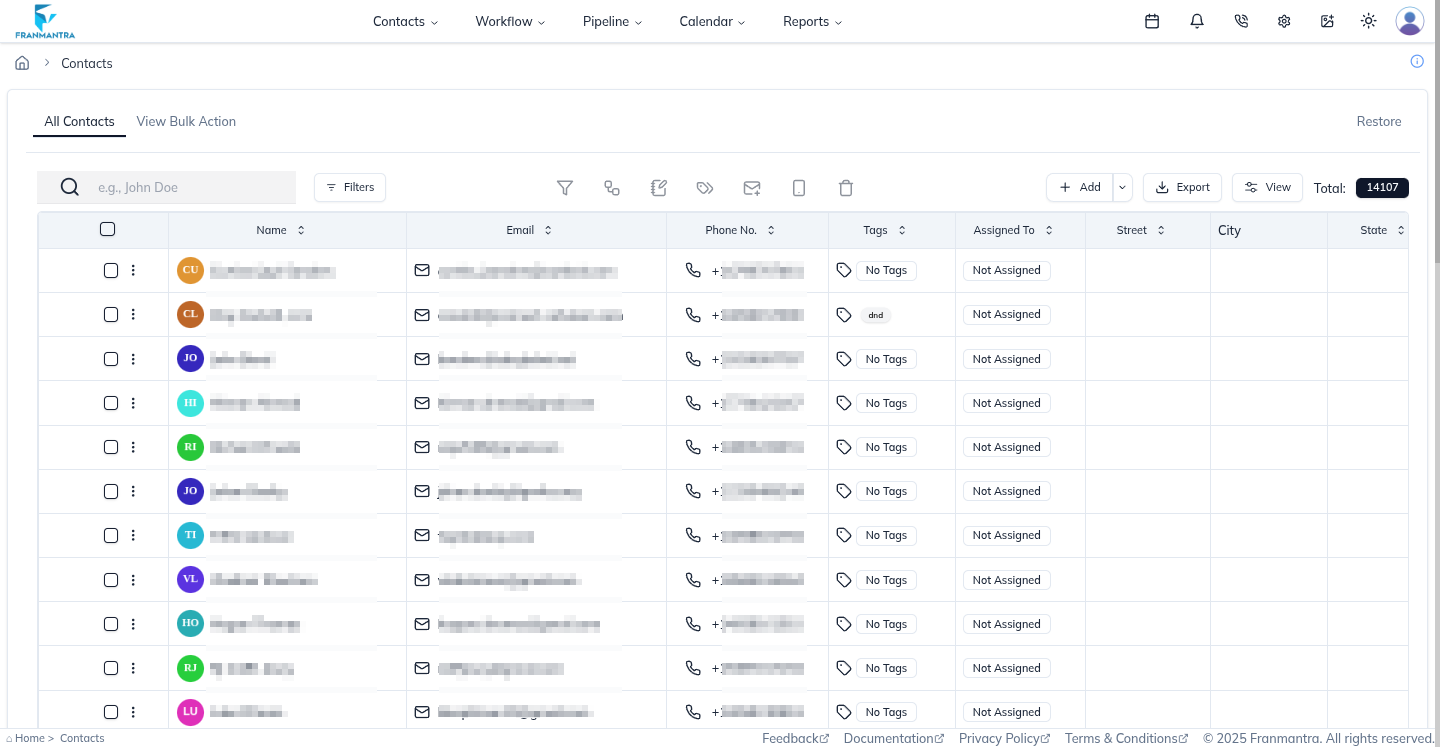
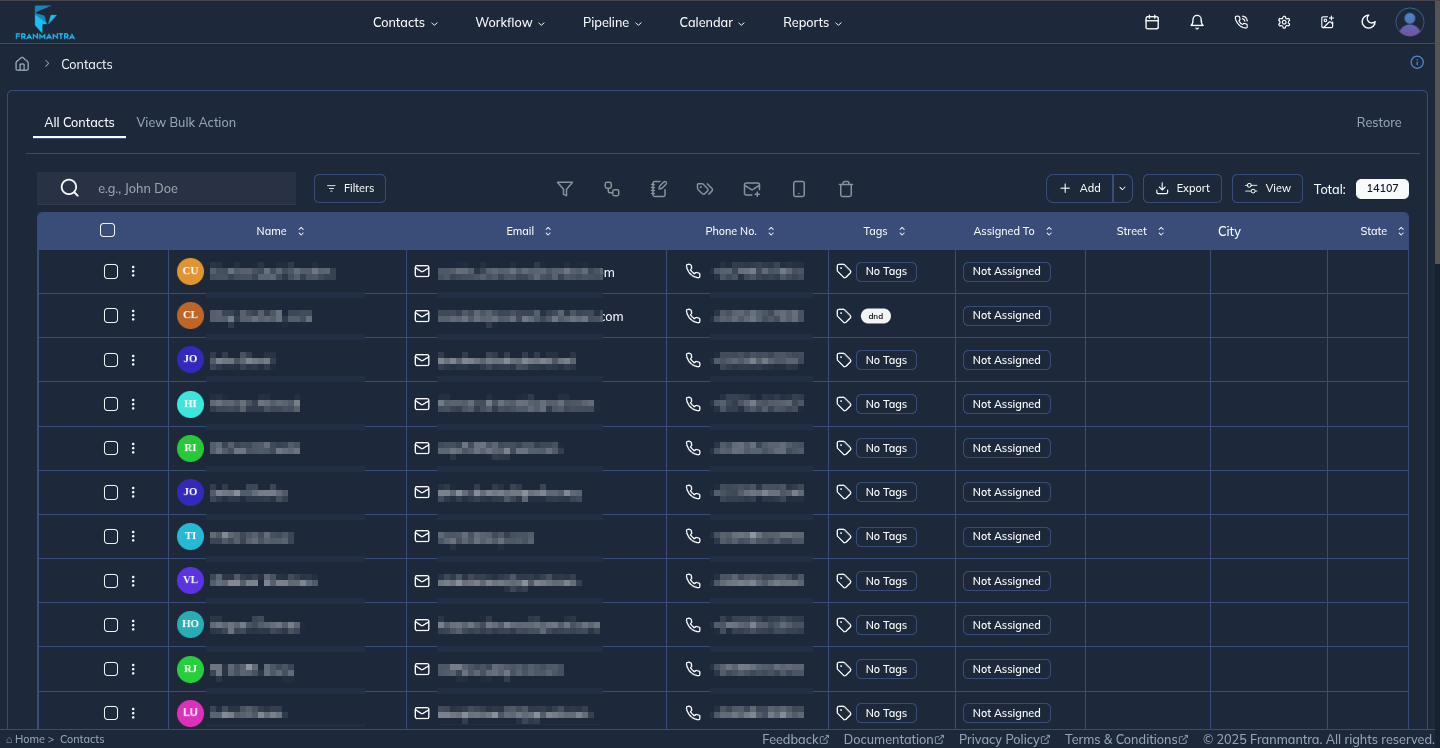
Go to the Contacts Page
- Navigate to the header menu and hover over Contacts.
- From the dropdown, click Contacts.
- You’ll land on the Contacts page, where all your contacts are displayed in a table format.
Select Contacts
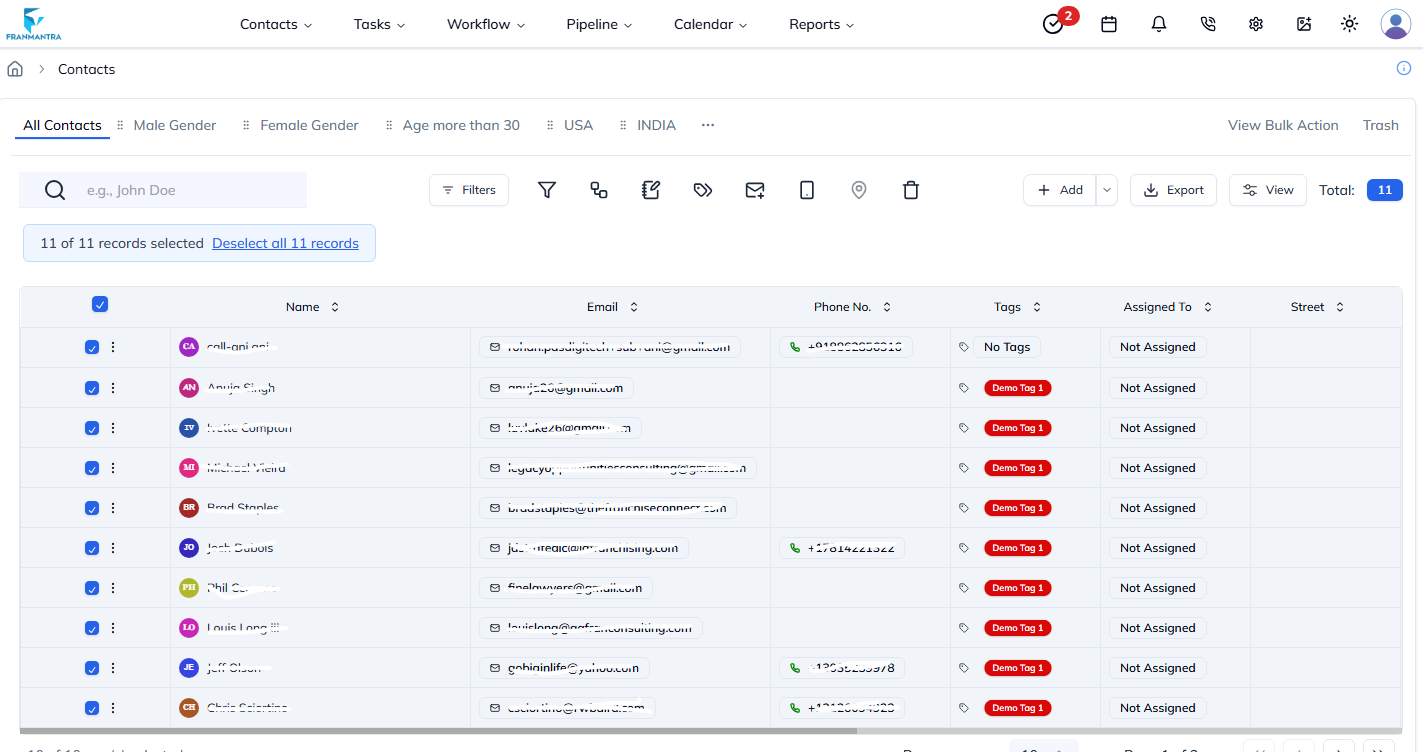
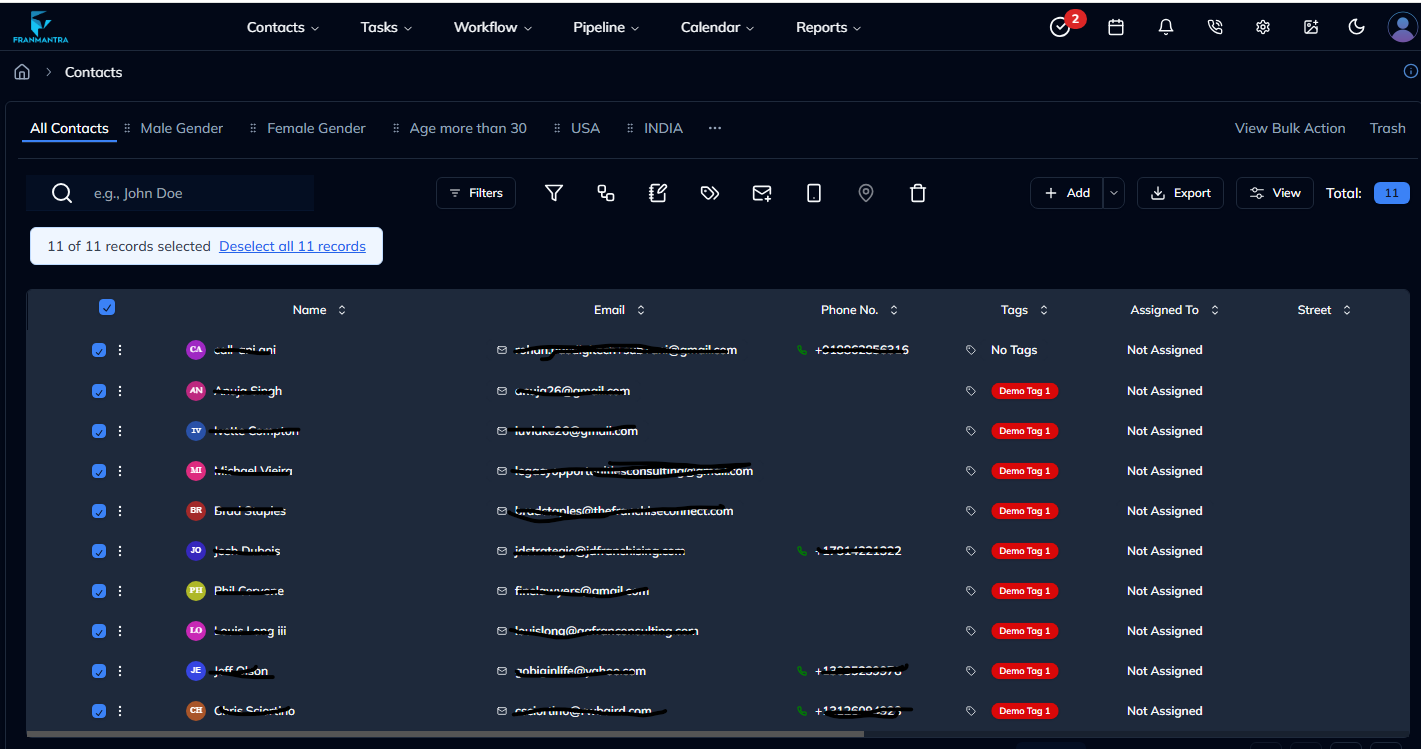
- In the contacts table, select one or more contacts.
- Once you select at least one contact, the Bulk Opportunity button becomes active.
Open the Bulk Opportunity Form
- Click the Opportunity button.
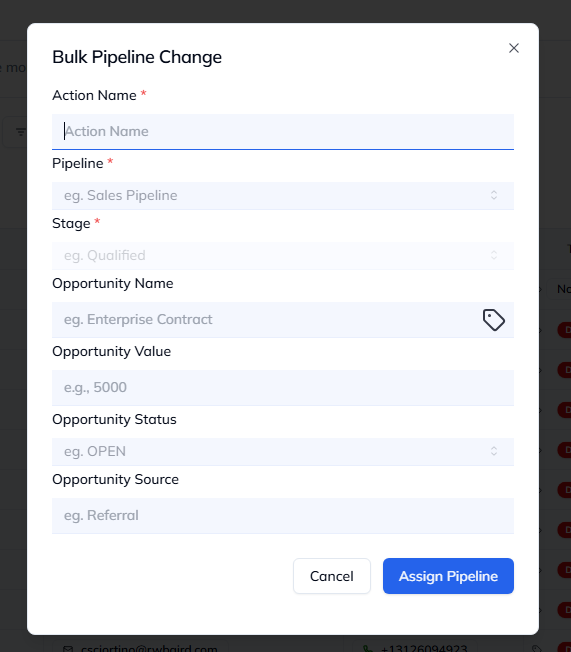
- A Bulk Pipeline Change form will pop up.
Fill in Opportunity Details
In the form, complete the following fields:
- Pipeline Name → Choose from the dropdown list of existing pipelines.
- Stage → Select the appropriate stage for the opportunity.
- Opportunity Name → Give a clear title to the opportunity.
- Value → Enter the value of the opportunity.
- Status → Choose the current status (e.g., open, won, lost).
- Source → Define where the opportunity came from.
Assign the Opportunity
- After filling in all required fields, click Assign Pipeline.
- The opportunity will be assigned to all the selected contacts at once.
Result
The change is saved in Franmantra CRM and is available to users with the right permissions.
Troubleshooting
- If you cannot see the option, check your role permissions or ask an admin to update your access.
- If the update does not appear immediately, refresh the page and confirm you are in the correct Sub-account.