Manage Pipeline Stage Flow
What this does
This guide explains how to manage pipeline stage flow in Franmantra CRM.
Before you start
- Sign in to Franmantra with a role that has permission to use this area.
- Confirm you are working in the correct Sub-account before making changes.
Steps
This guide explains how to manage your pipeline stages, configure specific automations, and rearrange the flow to match your business processes.
1. Open an Existing Pipeline
- Open the Pipeline page in one of these ways:
- In the header, hover over Pipeline, then click Pipeline List to land on the Pipeline page.
- Click the settings icon in the header. The Business Details page opens by default. In the left sidebar, click Pipeline to land on the Pipeline page.
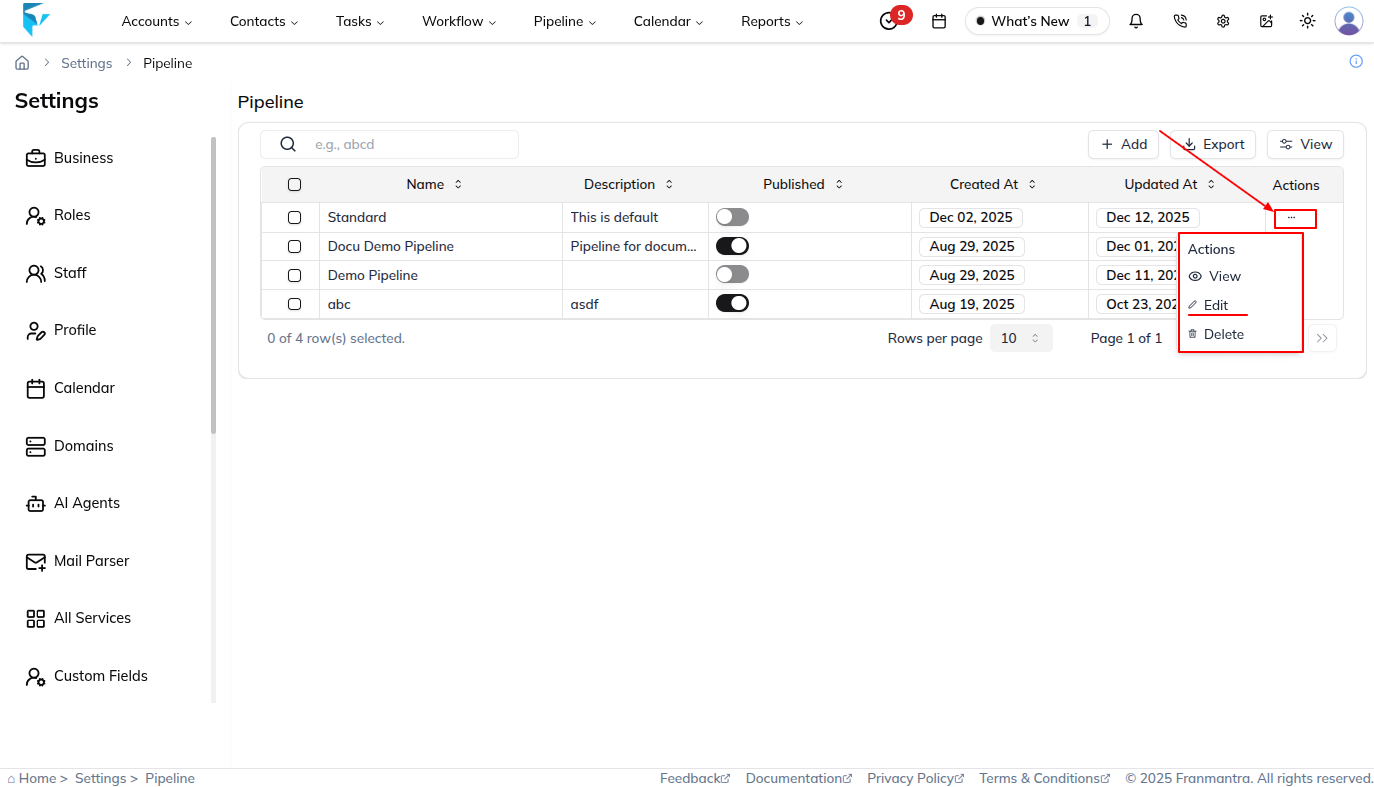
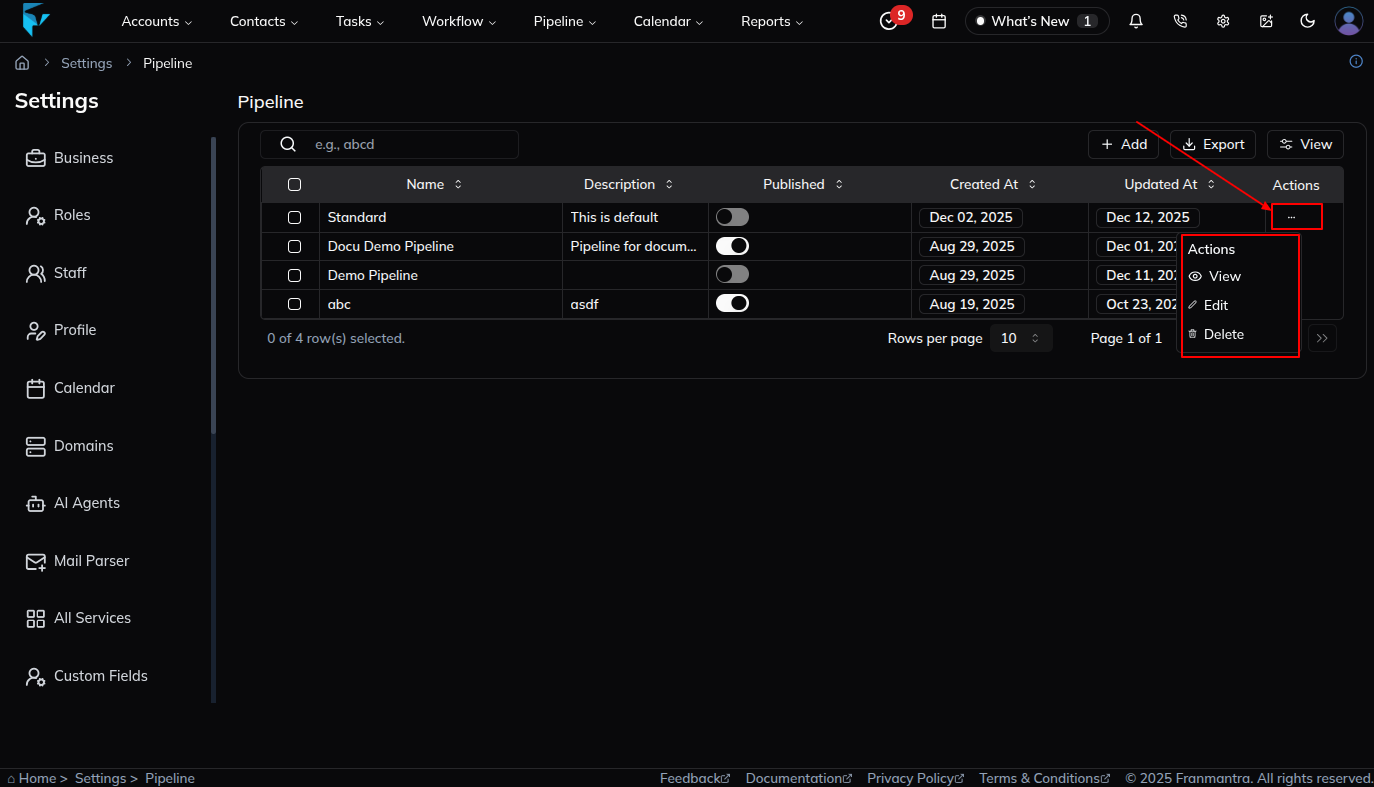
- Locate the specific pipeline you want to modify.
- Click the three-dot (⋮) menu and select Edit.
2. Manage Pipeline Stages
You can manage your pipeline stages with the following actions:
Add a Stage
- Click the Add icon (+) button.
- Enter the Stage Name (e.g., Qualified, Discovery).
- Click the Add icon (+) or press Enter to save.
Delete a Stage
- Hover over the stage you want to remove.
- Click the Trash can icon.
- Confirm the action through Delete button.
⚠️ Warning: Deleting a stage may affect associated deals.
Stop a Stage
- Hover over the stage.
- Click the Pause icon.
- Confirm the action through Stop button.
- The stage will be marked inactive and won't be available in the active pipeline.
💡 Tip: Use this instead of deleting if you want to preserve deals data.
3. Reorder Stages
- Use drag-and-drop to rearrange stages to reflect your actual sales process.
4. Save Changes
- Click Update button to apply your changes to the pipeline.
✅ Your pipeline stage flow and automations are now optimized for your team.
Result
The change is saved in Franmantra CRM and is available to users with the right permissions.
Troubleshooting
- If you cannot see the option, check your role permissions or ask an admin to update your access.
- If the update does not appear immediately, refresh the page and confirm you are in the correct Sub-account.